


In a world where content is king, image perfection matters more than ever. Whether you’re an eCommerce seller, content creator, or social media manager, being able to remove backgrounds cleanly (and fast) can instantly level up your visuals.
The best AI background removers in 2025 can cut out hair, fur, and complex edges in seconds—often with free previews or limited free HD credits. Below are the Top 17 tools (using the exact names you provided), plus a comparison table and full reviews.
What Is an AI Background Remover?
An AI background remover is a tool powered by machine learning that automatically detects the main subject (person/object) and separates it from the background—so you don’t have to manually erase or mask anything.
Benefits of Using AI to Remove Backgrounds
-
Speed: Most tools process images in seconds.
-
Clean Edges: Better results on hair, fur, and detailed product outlines.
-
No Design Skills Needed: Upload → remove background → download.
-
Batch Options: Many tools support bulk processing for product catalogs.
-
Flexible Output: Transparent PNG, white background, solid colors, or custom backgrounds.
17 Best Free AI Background Removers (Updated Names)
-
Slazzer
-
Cutout Pro
-
Removery AI
-
PhotoScissors
-
Clipping Magic
-
removal
-
iLoveIMG
-
Erase.bg
-
Autoclipping
-
BGone AI
-
Clipdrop
-
bgeraser
-
Pixelcut
-
PicWish
-
imageupscaling
-
AI Background Remover
-
Kenshi
AI Background Remover Comparison Table (2026)
| Tool | Best For | Free Plan | Batch Processing | Full HD Output | Browser/Software |
|---|---|---|---|---|---|
| Slazzer | eCommerce + API workflows | Free previews; HD via credits | Yes | Yes (credits) | Browser + Plugins + API |
| Cutout Pro | Bulk removals + edge detail | Free previews + free credits | Yes (“bulk online”) | Yes (credits) | Browser + API |
| Removery AI | Simple cutouts + replace bg | Not clearly stated | Not stated | Not stated | Browser |
| PhotoScissors | Desktop batch + offline work | Free online tool (limits) | Yes (desktop) | Yes (credits/desktop) | Browser + Desktop |
| Clipping Magic | Manual refinement + edge control | Preview/edit free; download paid | Limited/plan-based | Yes (paid) | Browser |
| removal | High-volume removals | Free low-res (0.25MP) | Yes (1,000+ upload) | Yes (HD option) | Browser + API |
| iLoveIMG | Quick web workflow | Limited free removals | Yes (platform supports batch) | Limited/plan-based | Browser |
| Erase.bg | Fast cutouts + API | Free credits (API: 3/day) | “Bulk AI design tools” | Plan/credit-based | Browser + API |
| Autoclipping | Simple removals + bulk credits | 5 free downloads (email verify) | Yes (bulk credits) | Yes (paid) | Browser |
| BGone AI | No-fuss browser cutouts | Free | Not stated | Not stated | Browser |
| Clipdrop | High-quality edges + small batch | Free to try | Yes (up to 10 files) | HD download claimed | Browser + API |
| bgeraser | Small batch removals | Free | Yes (up to 5/session) | Not stated | Browser |
| Pixelcut | Free HD/no watermark | Free, no signup; HD | Not stated | Yes (free HD) | Browser + Mobile apps |
| PicWish | Serious batch + API | Free to try | 30 online / 10,000 desktop | Plan-based | Browser + Desktop + API |
| imageupscaling | Remove bg + enhance | Free to try | Not stated | Not stated | Browser |
| AI Background Remover | Truly free/no signup | 100% free, unlimited | Not stated | Not stated | Browser |
| Kenshi | Not a BG remover tool | N/A | N/A | N/A | Web platform |
Best AI Background Remover Reviews
1. Slazzer
Review
Slazzer is built for fast, professional background removal with strong integration options (plugins + API). It’s a strong pick for sellers and teams that want repeatable, scalable cutout workflows.
Best For
-
eCommerce product photos at scale
-
Teams needing plugins or API workflows
-
Users who want bulk-friendly processing
Key Features
-
AI cutouts in seconds
-
API for automated background removal
-
Plugin ecosystem (e.g., Photoshop)
Pros
-
Great for volume workflows
-
Multiple integration options
-
Clean edges on complex subjects
Cons
-
Full HD downloads require credits
-
Free use is mainly for preview/limited HD credits
Pricing
-
Free: preview images on the website
-
Paid: credits used for full-HD downloads (1 image = 1 credit)
-
Bonus: signup/free credit messaging appears on Slazzer pages
2. Cutout Pro
Review
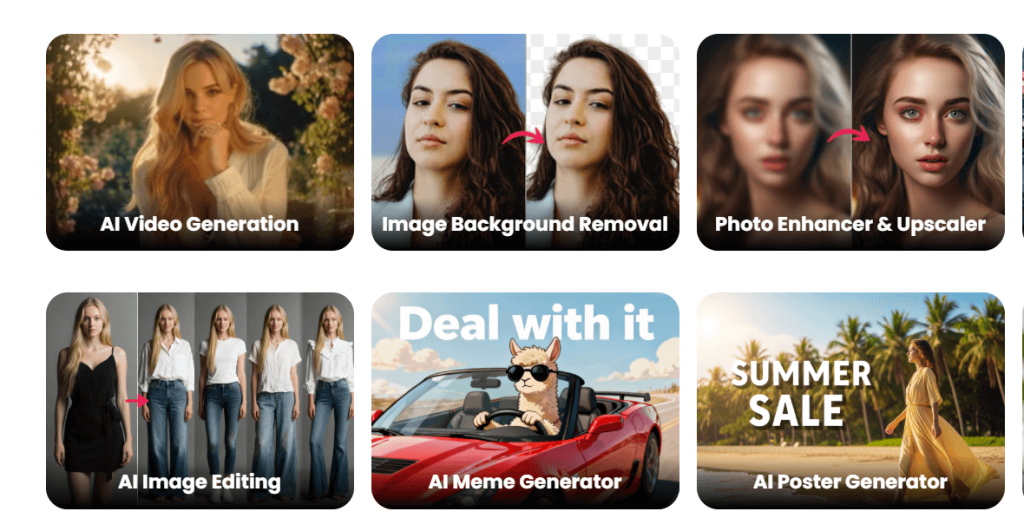
Cutout Pro (Cutout.Pro) is a powerful all-in-one AI visual toolkit with a background remover that supports bulk workflows and credit-based HD outputs—great for product-heavy jobs.
Best For
-
Bulk background removal online
-
Product catalogs (people, objects, vehicles, etc.)
-
Teams that prefer credit-based pricing
Key Features
-
“Remove background in bulk” workflow
-
PNG transparent downloads
-
Credit pricing model + free credits
Pros
-
Strong “bulk-first” design
-
Good edge detail on tricky categories
-
Clear credit system for scaling
Cons
-
HD exports are credit-based
-
Tool suite can feel “busy” if you only need one feature
Pricing
-
Free: free previews + free credits listed for accounts
-
Paid: 1 image = 1 credit for background removal
3. Removery AI
Review
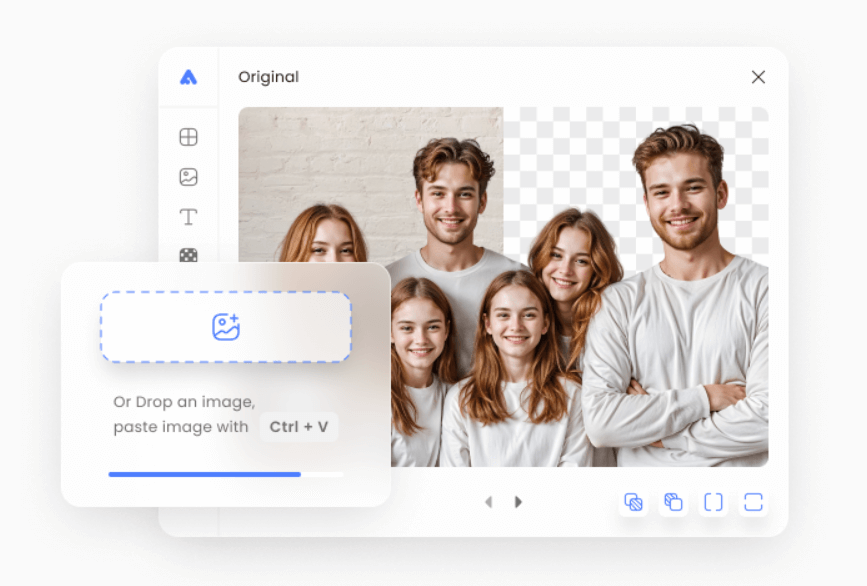
Removery AI (as a background removal tool) refers to Removery.io, which presents itself as a fast background removal site with optional background replacement.
Important: This is different from Removery.com, which is a tattoo removal company.
Best For
-
Quick, simple background removal in-browser
-
Users who want optional background replace
Key Features
-
Upload → remove background → download workflow
-
Supports common formats (PNG/JPG/WebP mentioned)
Pros
-
Simple positioning and easy to understand
-
Includes optional background replace
Cons
-
Pricing/free limits aren’t clearly stated on the landing description
-
Less documentation than bigger platforms
Pricing
-
Not clearly stated on the main site description
4. PhotoScissors

Review
PhotoScissors is great if you want both an online tool and a serious desktop option. The desktop version highlights batch background removal and removes size limits compared to the web tool.
Best For
-
Desktop users who want batch processing
-
Users who prefer offline editing
-
People who need fewer web limits
Key Features
-
Free online remover (with upload/resolution limits)
-
Desktop version: batch background removal + no file size limits
-
Credit-based online downloads
Pros
-
Strong desktop workflow
-
Good for bulk jobs (desktop)
-
Flexible (web + desktop)
Cons
-
Web tool has limits (e.g., resolution/size)
-
Online usage uses credits at download time
Pricing
-
Free: online tool is available (limits apply)
-
Paid: credit-based usage and desktop purchase options
5. Clipping Magic

Review
Clipping Magic is ideal when you want AI help plus manual control. It’s well-known for its “mark foreground/background” workflow and refinement tools (like hair and scalpel).
Best For
-
Detailed manual refinement after AI cutout
-
Hair/fur and tricky edges
-
Users who need a pro editor in-browser
Key Features
-
Smart Clip Editor workflow (foreground/background marking)
-
Refinement tools: hair, scalpel, shadows, color tweaks
-
Subscription credit model for downloads
Pros
-
Excellent control for tough cutouts
-
Built-in editing extras
-
Great for “precision people”
Cons
-
A subscription is required to remove watermark and download
-
Not the fastest option for bulk jobs
Pricing
-
Free: upload/edit with live preview
-
Paid: subscription required for watermark-free downloads
6. removal (Removal.ai)
Review
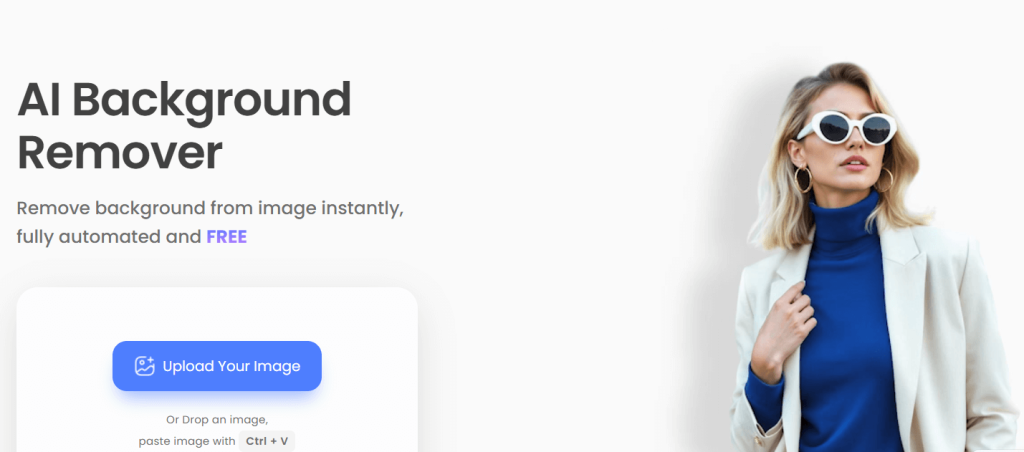
“removal” (Removal.ai) is a strong all-around tool for fast background removal with scaling options. It emphasizes free low-resolution personal use and supports large uploads for high-volume workflows.
Best For
-
High-volume background removal
-
Users who want free low-res downloads
-
Teams that want API-like scale
Key Features
-
One-click background removal
-
Large upload/batch claims (1,000+ images)
-
Preview vs Full HD download options
Pros
-
Built for scale
-
Smooth, clean edges (tool positioning)
-
Has an editor flow (erase/restore style)
Cons
-
Free tier is low-resolution (0.25MP)
-
HD requires a paid plan/credits
Pricing
-
Free: low-resolution images (0.25MP) for personal use
-
Paid: higher resolution/commercial plans
7. iLoveIMG
Review
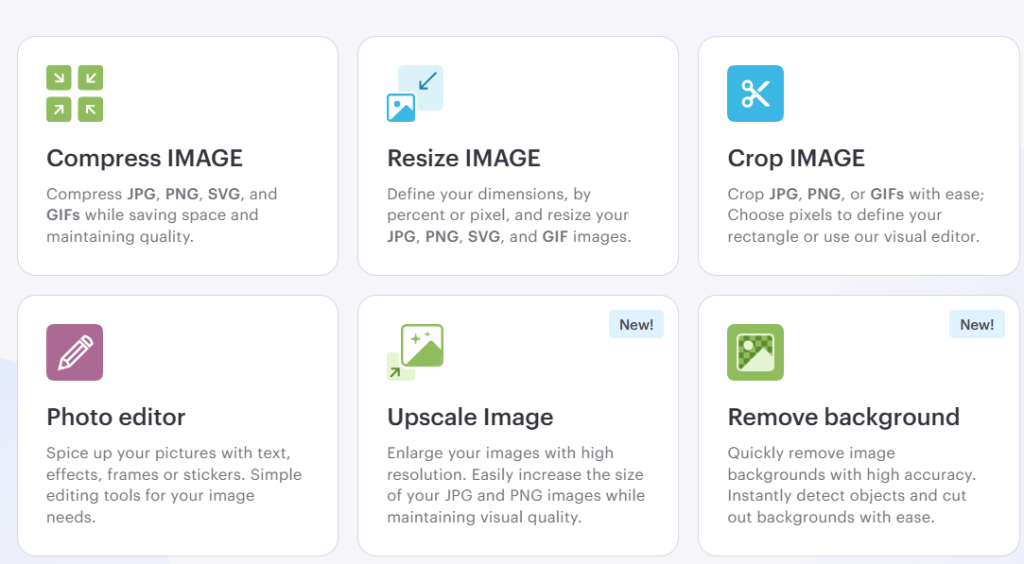
iLoveIMG is a fast “do-it-online” suite, and its background remover is best for casual cutouts—especially if you already use iLoveIMG for compress/resize/convert tasks.
Best For
-
Quick background removal without a complex editor
-
Users who already use iLoveIMG tools
-
Simple, browser-based tasks
Key Features
-
Background remover tool in the suite
-
Subscription tiers show removal limits (example shows “Remove background: 3”)
-
Platform includes batch processing features across tools
Pros
-
Easy to use
-
Great “all-in-one” site for basic image jobs
-
Smooth workflow for non-designers
Cons
-
Free tier limits are relatively tight for background removal
-
Less advanced refinement than pro editors
Pricing
-
Free: limited background removals/usage depending on plan
-
Paid: higher limits available via subscriptions
8. Erase.bg

Review
Erase.bg focuses on quick AI cutouts and promotes “bulk AI design tools” for agencies and eCommerce users. It also offers an API with a small number of free daily credits.
Best For
-
Fast cutouts for teams and sellers
-
People who want an API option
-
Users who want a bulk-focused platform
Key Features
-
AI background removal in seconds
-
API access with daily free credits
-
Bulk tooling positioning
Pros
-
Convenient for repeated use
-
API option is practical for developers
-
Designed with eCommerce workflows in mind
Cons
-
Free usage is credit/limit-based (especially for HD/API)
-
Refinement tools may be lighter than “editor-style” tools
Pricing
-
Free: API offers 3 free credits daily (1 credit = 1 image)
-
Paid: plans/credits for more processing
9. Autoclipping
Review
Autoclipping keeps things simple: upload an image, remove the background, and download. It also shows “bulk image processing credits” and gives new users 5 free downloads after email verification.
Best For
-
Beginners who want a straightforward tool
-
Small business marketing assets
-
Users who need occasional bulk runs
Key Features
-
Quick background remover workflow
-
Bulk processing credits system
-
5 free downloads after verification
Pros
-
Very easy to start
-
Good for quick deliverables
-
Has a bulk pathway
Cons
-
HD/high volume requires payment/credits
-
Less “creative suite” functionality compared to all-in-one editors
Pricing
-
Free: 5 free downloads via verification flow
-
Paid: subscription/credits model for more downloads
10. BGone AI
Review
BGone AI is a lightweight online background remover designed for quick cutouts, with extras like background swapping and cropping—without leaving your browser.
Best For
-
Fast browser-only background removal
-
Quick content cutouts for social and thumbnails
-
Users who want basic edits (crop/background swap)
Key Features
-
AI background removal
-
Custom backgrounds (colors/gradients/images)
-
Crop-to-size workflow
Pros
-
Simple UI
-
Useful quick-edit features
-
No heavy learning curve
Cons
-
Batch/HD rules aren’t clearly documented
-
Advanced refinement may be limited
Pricing
-
Free: positioned as “free online AI background remover”
11. Clipdrop
Review
Clipdrop is a top pick for clean, modern cutouts—especially when you care about edge quality. It supports dropping up to 10 files at once and claims HD downloads are available for free.
Best For
-
High-quality edges (portraits/products)
-
Small batch workflows (up to 10 files)
-
Creators who want speed + polish
Key Features
-
One-click background removal
-
Upload up to 10 files at once
-
HD download claim in FAQ/branding
Pros
-
Excellent results on many images
-
Fast + clean interface
-
Batch-lite support without complexity
Cons
-
Some advanced platform features may be paid
-
Heavy use may require plan/API
Pricing
-
Free: tool is available online; HD download is claimed
-
Paid: additional features via platform/API (varies)
12. bgeraser
Review
bgeraser is a straightforward bulk-friendly remover for small batches. It explicitly states you can upload up to five images per session, which is perfect for quick product sets.
Best For
-
Small batch background removal (up to 5 at a time)
-
Simple product photos
-
Quick “clean PNG” creation
Key Features
-
Bulk removal support (5 images/session)
-
Start/Start All workflow for batches
Pros
-
Easy batching for small sets
-
Minimal learning curve
-
Practical for casual eCommerce tasks
Cons
-
Not ideal for massive catalogs
-
Advanced editing features are limited
Pricing
-
Free: free online use is implied; batch limit is stated
13. Pixelcut
Review
Pixelcut is one of the clearest “free creator-friendly” picks: it states free HD download, no watermark, and no signup required for background removal.
Best For
-
Creators who want clean PNGs quickly
-
No-signup background removal
-
HD exports without watermarks
Key Features
-
AI background remover
-
Free HD download + no watermark
-
Also available as mobile apps
Pros
-
Very beginner-friendly
-
Strong “free” value positioning
-
Great for thumbnails, product shots, social posts
Cons
-
Batch features aren’t emphasized on the remover page
-
Advanced controls usually live in paid tiers/apps
Pricing
-
Free: no signup required; free HD downloads; no watermark
14. PicWish
Review
PicWish is a strong batch-first option: it states 30 images at once online and up to 10,000 images on desktop, plus offers an API with free credits—great for serious workflows.
Best For
-
Bulk background removal at scale
-
eCommerce teams and agencies
-
Developers needing an API
Key Features
-
Batch processing: 30 online / 10,000 desktop
-
Background changing + resizing options for batch workflows
-
API for background removal (with free credits)
Pros
-
Excellent batch capacity
-
Multiple workflow modes (web + desktop + API)
-
Great for catalog consistency
Cons
-
HD/export limits depend on plan
-
Desktop workflow is best for very large sets
Pricing
-
Free: tool is free to try (site positioning)
-
API: sign up for an API key and get 50 free credits
15. imageupscaling
Review
imageupscaling is primarily known for enhancement/upscaling, but it also provides a background remover page that positions fast AI background removal (under a few seconds).
Best For
-
Users who want background removal + enhancement in one place
-
Quick web-based edits
-
Simple creator workflows
Key Features
-
AI background remover page/tool
-
Platform focus on AI image enhancement (site positioning)
Pros
-
Convenient “remove + enhance” workflow
-
Simple browser tool
-
Good for quick improvements
Cons
-
Batch/HD limits aren’t clearly stated on the remover snippet
-
Less documented than dedicated “bg-only” platforms
Pricing
-
Free: presented as a web tool (limits not clearly stated)
16. AI Background Remover
Review
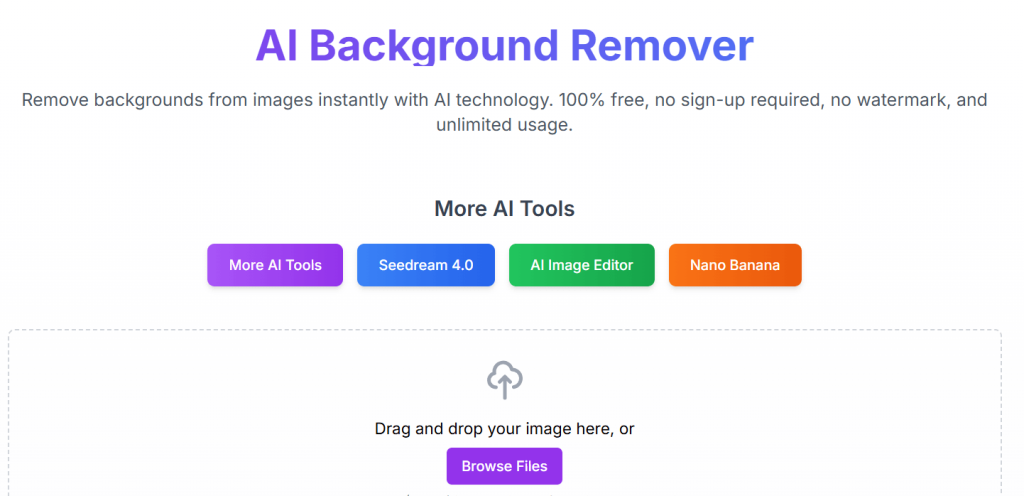
AI Background Remover is one of the strongest “truly free” options: it explicitly claims 100% free, no signup, no watermark, and unlimited usage.
Best For
-
Anyone who wants truly free background removal
-
Students and casual creators
-
Quick transparent PNG downloads
Key Features
-
No signup required
-
No watermark + unlimited usage claim
-
Paste images from clipboard/Figma workflow
Pros
-
Zero friction (no account)
-
Strong free positioning
-
Great for quick cutouts
Cons
-
Batch features aren’t clearly emphasized
-
Advanced refinement tools may be limited
Pricing
-
Free: 100% free, no signup, no watermark, unlimited usage
17. Kenshi
Review
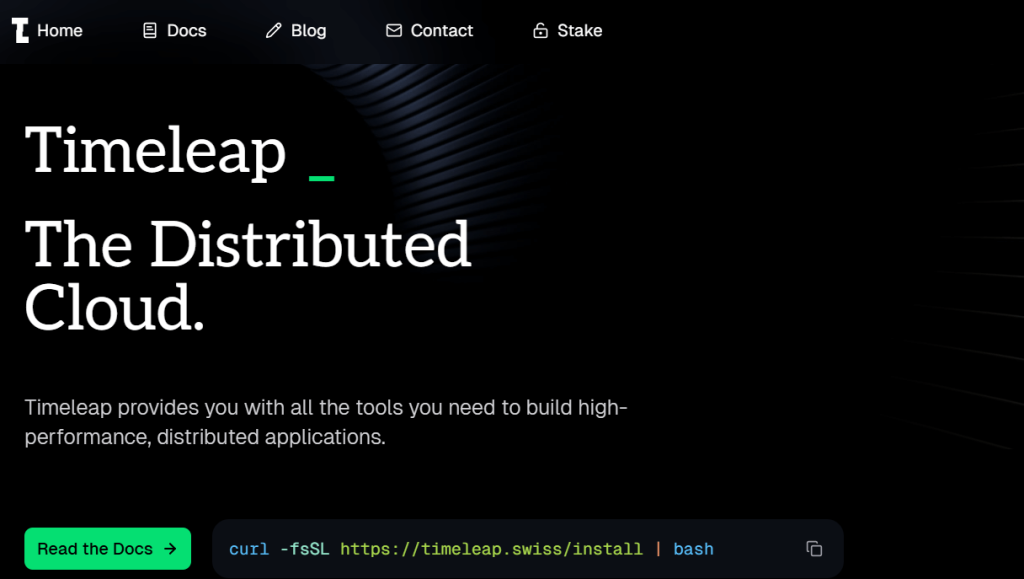
Kenshi (kenshi.io) is not an AI background remover. It presents itself as a distributed app engine/platform (“Timeleap”) and mentions image processing as “coming soon,” rather than offering a background removal tool today.
Best For
-
Not recommended for background removal
-
People tracking emerging platforms with future image tools
Key Features
-
Platform for building distributed applications
-
Mentions image processing as “coming soon”
Pros
-
Could become relevant later if image tools launch
-
Platform approach for developers
Cons
-
Not a usable background remover right now
-
No remove-background workflow available
Pricing
-
Not listed as a background removal tool/pricing model
How to Choose the Best AI Background Remover
-
Need bulk processing? Choose PicWish (30 online / 10,000 desktop), Cutout Pro, or removal (large upload claims).
-
Want truly free/no signup? AI Background Remover and Pixelcut emphasize no-signup workflows (Pixelcut also claims free HD + no watermark).
-
Care most about edge quality? Clipdrop is a strong choice and supports up to 10 files at once.
-
Want more control/refinement? Clipping Magic gives you stronger manual tools (but downloads are paid).
Conclusion
AI background removers make pro-level cutouts accessible to everyone. Whether you need a quick transparent PNG for social media, a full product catalog cleanup, or a tool that can handle hair and fur edges, the options above cover every workflow—many with free tiers, previews, or limited free credits.
FAQ
What is the best free AI background remover?
AI Background Remover is one of the clearest “100% free, unlimited” options.
Can AI remove backgrounds automatically?
Yes—most tools here remove backgrounds automatically with one upload.
Which tools support batch background removal?
PicWish, Cutout Pro, bgeraser (small batch), Clipdrop (up to 10 files), and PhotoScissors (desktop batch).
Which tool offers free HD downloads?
Pixelcut explicitly claims free HD downloads and no watermark.

