

In today’s data-driven world, businesses and organizations rely heavily on data analysis tools to make informed decisions. Data analysis tools help companies gather, process, and interpret vast amounts of data, which can significantly impact strategic direction and performance. Artificial intelligence (AI) has further enhanced the capabilities of these tools, enabling automation, predictive insights, and advanced analytics. AI data analysis tools utilize machine learning and deep learning to quickly analyze large datasets and offer actionable insights, eliminating the need for manual processes. These tools empower businesses to generate more accurate predictions, identify patterns, and optimize decision-making processes. In this article, we’ll explore the top 13 best AI data analysis tools of 2025 that help users make data-driven decisions efficiently, faster, and more accurately.
What is a Data Analysis Tool?
A data analysis tool is software or platform used to collect, process, and analyze data. These tools often help in visualizing trends, identifying patterns, and making predictions based on data. They come with features like automated data extraction, reporting, and predictive analytics. When combined with AI data analytics, these tools can significantly reduce the time spent on manual analysis, and their AI-driven features can suggest insights, optimize models, and enhance forecasting accuracy.
Benefits of AI Data Analysis Tools
- Faster Decision-Making: AI tools analyze data much faster than traditional methods, which accelerates the decision-making process.
- Predictive Insights: AI algorithms can predict future trends based on historical data, helping businesses prepare for upcoming changes.
- Increased Efficiency: Automating data analysis tasks allows companies to focus on higher-level strategies, enhancing productivity.
- Data-Driven Decisions: AI data analysis tools help businesses make more informed, data-backed decisions.
- Pattern Recognition: AI tools can detect patterns and correlations in data that may be too complex or subtle for human analysts to identify.
Top 10 AI Data Analysis Tools
-
Tableau Software
-
Alteryx
-
DataRobot
-
H2O.ai
-
Qlik
-
BigML
-
Heka
-
PapersOwl.co
-
Databricks
-
Paperspace
Comparison Table: AI Data Analysis Tools
| Tool | Best For | Key AI Strength | Free Plan/Trial | Pricing |
|---|---|---|---|---|
| Tableau Software | BI dashboards & visualization | AI-assisted insights + storytelling dashboards | ✅ Trial / limited | Paid plans vary |
| Alteryx | Data prep + automation | Automated workflows for cleaning + analytics pipelines | ✅ Trial | Paid plans vary |
| DataRobot | Enterprise AutoML | End-to-end AutoML + deployment + monitoring | ✅ Trial | Custom/enterprise |
| H2O.ai | AutoML + model acceleration | Automated modeling & feature engineering workflows | ✅ Trial | Paid/enterprise |
| Qlik | Self-serve analytics | AI-guided exploration + associative analytics | ✅ Limited/trial | Paid plans vary |
| BigML | ML for analysts/devs | API-first ML modeling & predictions | ✅ Limited | Paid tiers |
| Heka | Event/log data pipelines | Stream processing and routing for data pipelines | ✅ (self-hosted) | Free (open-source) |
| PapersOwl.co | Writing/insights reporting | Helps convert analysis into readable reports | ✅ Limited | Paid plans vary |
| Databricks | Big data + ML platform | Lakehouse analytics + scalable ML workflows | ✅ Trial | Usage-based/custom |
| Paperspace | Compute for ML/analysis | GPU notebooks + ML experimentation environments | ✅ Trial/limited | Usage-based |
13 AI Data Analysis Tools Reviews
1. Tableau
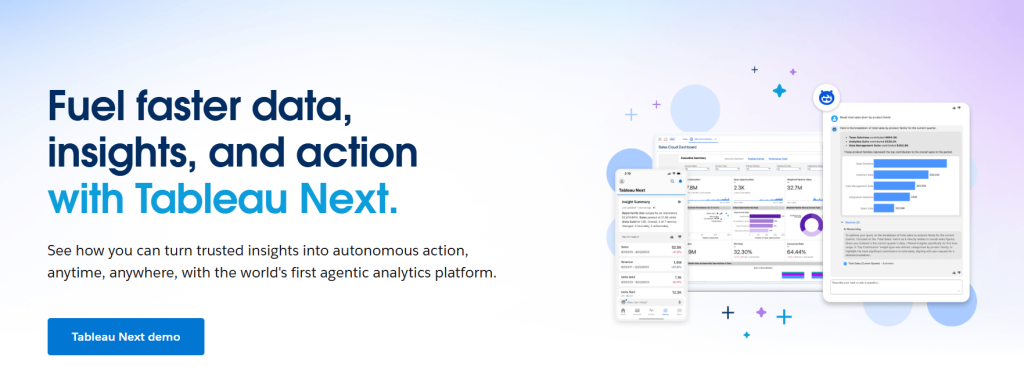
Review: Tableau is a leading data visualization tool that integrates Einstein AI to automatically generate insights, visualizations, and predictive analytics. It helps users convert raw data into easily interpretable visual formats, making it a popular choice for businesses looking to uncover trends and make data-driven decisions.
Best For: Data visualization and predictive analytics
Features:
- AI-driven insights and suggestions
- Customizable visualizations and dashboards
- Integration with various data sources and platforms
Pros:
- Powerful AI and data visualization tools
- Highly customizable dashboards
- Excellent for businesses that require detailed visual reports
Cons:
- Expensive for small businesses
- Steep learning curve for beginners
Pricing: From $70/month
2. Alteryx
Best For: Data preparation, workflow automation, and repeatable reporting
Review:
Alteryx is a go-to platform for analysts who want to automate data preparation, blending, and repeatable workflows. It’s especially valuable when your biggest bottleneck is cleaning and transforming messy data before you run analysis or build reports.
Features:
-
Drag-and-drop data prep workflows
-
Automation for transformation pipelines
-
Connectors for common business data sources
Pros:
-
Huge time saver for data cleaning
-
Great for reusable workflows
-
Strong for analyst-led automation
Cons:
-
Not cheap for small teams
-
Some workflows still require analytics knowledge
Pricing:
Trial available; paid plans vary
3. DataRobot
4. H2O.ai

5. Qlik
Best For: Self-serve BI, business exploration, and guided analytics
Review:
Qlik is a self-service analytics platform known for associative analytics—helping users explore relationships in data without being locked into rigid query paths. It’s a strong fit for business teams that want guided exploration, interactive dashboards, and fast cross-filtering to uncover insights.
Features:
-
Dashboards and interactive exploration
-
AI-driven insight suggestions (tier dependent)
-
Data integration options
Pros:
-
Great for business users
-
Fast exploration experience
-
Strong cross-filtering and discovery workflows
Cons:
-
Needs clean, structured data for best results
-
Some features are locked behind higher-tier plans
Pricing:
Trial/limited options available; paid plans vary
6. BigML
Best For: API-first ML predictions and analyst-friendly modeling
Review:
BigML is a practical option for teams that want machine learning through a clean interface and developer-friendly APIs. It’s especially useful when you need to embed predictions into apps or operational workflows, combining UI-based modeling with API-first deployment.
Features:
-
Build and run ML models via UI or API
-
Prediction endpoints for applications
-
Tools for supervised ML workflows
Pros:
-
Developer-friendly APIs
-
Great for prototypes and embedded ML use cases
-
Clear, guided workflow approach
Cons:
-
Not a BI dashboard tool
-
Still requires basic ML knowledge to get strong results
Pricing:
Limited free tier available; paid tiers vary
7. Heka

8. PapersOwl.co
9. Databricks
Best For: Big data analytics, ML pipelines, and scalable data engineering
Review:
Databricks is a leading platform for organizations working with large-scale analytics and machine learning. It’s a strong choice when you need a unified environment for data engineering, analytics, and model training—especially for high-volume workloads where scalability and collaboration matter.
Features:
-
Lakehouse architecture for unified data and ML
-
Notebooks, pipelines, and scalable compute
-
Designed for high-volume data workloads
Pros:
-
Excellent scalability
-
Strong for ML and analytics in one platform
-
Great for enterprise-grade pipelines
Cons:
-
Requires technical skills to use effectively
-
Costs depend on usage and scale
Pricing:
Usage-based / custom pricing
10. Paperspace
Best For: GPU compute, ML experimentation, and notebook workflows
Review:
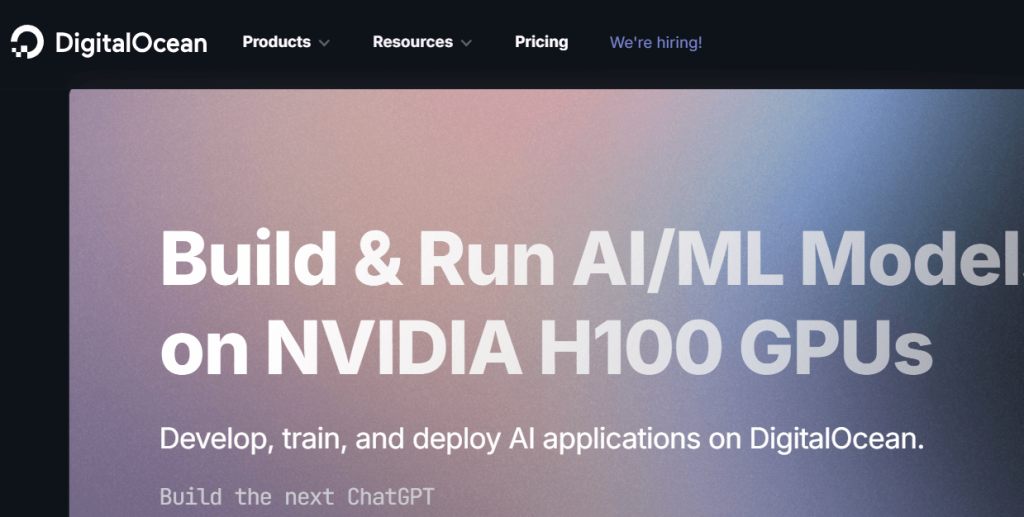
Paperspace is a compute-first platform designed for running data science and machine learning workloads. It’s commonly used for GPU-powered experimentation, notebooks, and model training, making it a solid choice when you need scalable compute for deep learning and other heavy workloads.
Features:
-
Managed compute for notebooks and model training
-
Supports deep learning and compute-intensive workloads
-
Flexible scaling for experiments
Pros:
-
Great for compute-heavy tasks
-
Strong environment for model training
-
Scales quickly when needed
Cons:
-
Not a BI dashboard platform
-
Costs vary based on compute usage
Pricing:
Usage-based; trial/limited options may exist
How to Choose the Best Data Analysis Tool
When selecting the best AI data analysis tool, consider these factors:
- Use Case: Determine the specific data analysis needs for your business. Do you need a tool for predictive analytics, sentiment analysis, or visualization?
- AI Features: Look for tools that offer AI-driven insights, machine learning capabilities, and automated reporting to maximize efficiency.
- Ease of Use: Consider the tool’s ease of use, especially if you don’t have a dedicated data science team.
- Integration: Ensure the tool can easily integrate with your existing data sources and software.
- Pricing: Consider the pricing structure, especially if you’re a small business or startup.
Conclusion
AI data analysis tools are essential for businesses that want to make data-driven decisions. These tools can automate complex analysis, provide predictive insights, and enhance decision-making across industries. Whether you’re looking for a simple tool for data visualization like Tableau or a comprehensive AI-powered platform like RapidMiner, the tools listed above will help you unlock the power of your data and improve your business outcomes.
FAQs
What is the best AI tool for data analysis?
Some of the best AI tools for data analysis include Tableau, Power BI, and RapidMiner, depending on your needs.
Are there free AI data analysis tools?
Yes, Power BI and MonkeyLearn offer free plans with essential features for data analysis.
How do AI data analysis tools improve business decisions?
AI data analysis tools provide predictive insights and automated reporting, enabling faster, data-driven decision-making.
Can AI tools help with predictive analytics?
Yes, tools like RapidMiner AI Hub and IBM Cognos Analytics specialize in predictive analytics and model building.
How do I choose the right AI data analysis tool for my business?
Consider factors like your specific use case, required AI features, ease of use, integration capabilities, and pricing when choosing an AI data analysis tool.

