

Encouraging kids to write creatively is one of the best ways to develop their communication skills, enhance their vocabulary, and improve their imagination. Creative writing tools for kids help foster a love for storytelling while teaching essential writing skills. These tools not only assist children in structuring their ideas but also inspire them to explore their creative potential.
In this article, we’ll explore the top 10 best tools for kids’ creative writing, analyzing their features, benefits, and pricing. Whether you’re a parent, teacher, or tutor, this guide will help you choose the best creative tools to support your child’s creative writing journey.
What Are Creative Writing Tools for Kids?
Creative writing tools for kids are digital and physical resources designed to help children improve their writing skills while encouraging their creativity. These tools can include writing prompts, story builders, interactive apps, digital storytelling platforms, and activity books. They help children develop skills in organizing thoughts, building plots, enhancing vocabulary, and refining their grammar. The goal is to make writing an enjoyable and engaging experience for children.
For those interested in the best AI creative tools, some writing tools use AI to generate story ideas and automate feedback, helping kids move past writer’s block and into creative writing effortlessly. Similarly, best project management tools for creatives might also apply to managing larger storytelling projects or collaborative writing tasks.
Benefits of Creative Writing Tools
- Improved Writing Skills: Creative writing tools help kids build a strong foundation in writing, including grammar, vocabulary, and sentence structure.
- Enhanced Creativity: These tools inspire imagination and help children create compelling stories, encouraging them to think outside the box.
- Increased Confidence: By providing prompts and structure, creative writing tools help children overcome writer’s block and gain confidence in their writing abilities.
- Interactive Learning: Many creative writing tools offer interactive elements, making learning fun and engaging for kids.
- Personalized Support: Some tools offer customized writing exercises based on a child’s skill level, providing a more tailored learning experience.
Top 10 Creative Writing Tools for Kids
-
Storybird
-
Penzu
-
Squibler
-
NovelAI
-
WriteReader
-
Character
-
Piktochart
-
KidzType
-
Writers’ Cafe
-
Book Creator
Comparison Table: Best Tools for Kids’ Creative Writing
| Tool | Best For | Key Features | Pricing |
|---|---|---|---|
| Storybird | Illustrated storytelling | Art-based story creation, classroom-friendly publishing | Free/Paid plans |
| Penzu | Journaling habit building | Private journal, entries, organization | Free/Paid plans |
| Squibler | Structured story writing | Templates, chapters, story planning tools | Free trial / Paid plans |
| NovelAI | Idea generation & storytelling | AI-assisted story prompts and continuation | Paid (may vary) |
| WriteReader | Early learners | Simple writing + read-aloud + teacher/parent feedback | Free/Paid plans |
| Character | Character development | Character profiles, traits, backstory builder | Free/Paid varies |
| Piktochart | Visual storytelling | Turn stories into posters/slides/infographics | Free/Paid plans |
| KidzType | Typing + writing fluency | Typing games, practice drills | Free |
| Writers’ Cafe | Plot + structure | Prompts, outlining, brainstorming | Paid (varies) |
| Book Creator | Publishing books | E-books with text, images, audio, drawings | Free/Paid plans |
1. Storybird
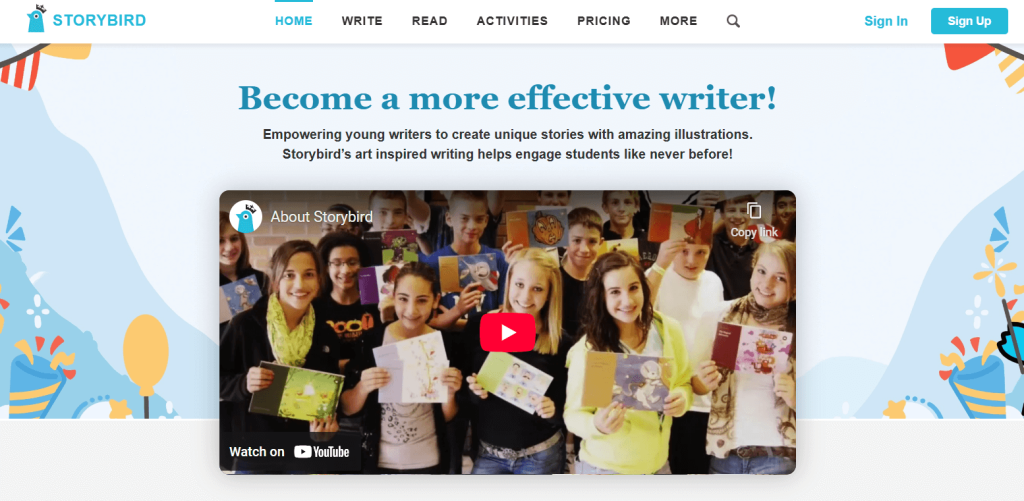
Review: Storybird is an incredible tool for kids to create their own illustrated stories. It offers a range of templates and artwork that kids can use to craft their tales, adding an artistic dimension to their writing. Once completed, kids can also turn their creations into printed books, making it an excellent option for young writers.
Best For: Story creation and publishing.
Features: Visual storytelling, Collaboration, Printable books.
Pros:
- Offers a variety of beautiful artwork.
- Kids can publish their stories in book form.
- Encourages creativity and imagination.
Cons:
- Limited free version.
- Printing books can incur additional costs.
Pricing: Free, with paid options for premium artwork and printing.
2. Penzu

Review:
Penzu is a private online journal that’s perfect for kids who enjoy writing daily thoughts, short stories, poems, or “story diaries.” It builds writing habit and confidence—especially for kids who feel shy sharing their work.
Best For: Journaling, daily writing practice, personal stories
Features:
-
private journal entries
-
organization by date and tags
-
clean, distraction-free writing space
-
optional security features
Pros:
-
encourages consistent writing
-
simple and beginner-friendly
-
great for emotional expression and creativity
Cons:
-
not designed specifically for storytelling structure
-
limited creative writing tools (like prompts) without add-ons
Pricing: Free/Paid plans
3. Squibler
Review:
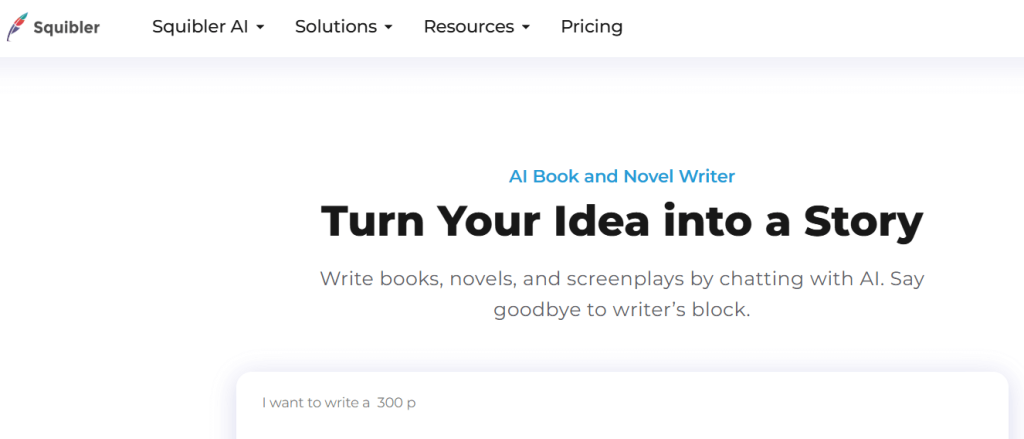
Squibler is a structured writing platform that helps kids (especially older kids/teens) organize stories into chapters and scenes. If a child wants to write a longer story—like a short novel—Squibler’s templates and structure are extremely helpful.
Best For: Chapter-based stories and longer writing projects
Features:
-
story templates (plot, chapters, scenes)
-
writing organization tools
-
goal tracking (word counts, progress)
-
planning tools for story structure
Pros:
-
keeps kids organized and motivated
-
ideal for longer projects
-
supports writing consistency
Cons:
-
may feel “too advanced” for very young kids
-
best features often in paid plan
Pricing: Free trial / Paid plans vary
4. NovelAI
Review:
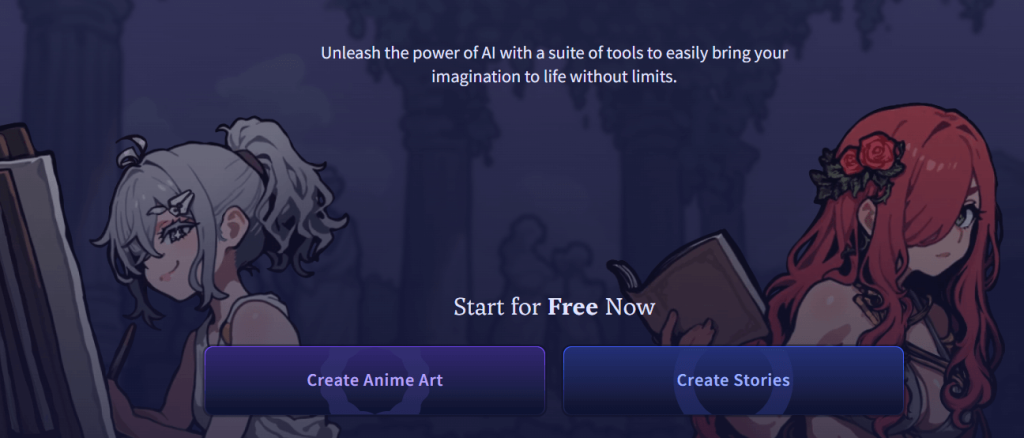
NovelAI can help generate story ideas, continue a story, or offer creative prompts when a kid gets stuck. It’s best used as an “idea helper,” not a replacement for the child’s writing—parents/teachers should guide kids to use it responsibly (write the story themselves, use AI only for inspiration).
Best For: Creative inspiration and overcoming writer’s block
Features:
-
AI story continuation
-
idea prompts and plot direction support
-
customizable writing tone and style
Pros:
-
great for kids who get stuck easily
-
sparks imagination quickly
-
supports creative experimentation
Cons:
-
requires supervision for younger kids
-
can encourage over-reliance if not guided well
Pricing: Paid plans (varies)
5. WriteReader
Review:
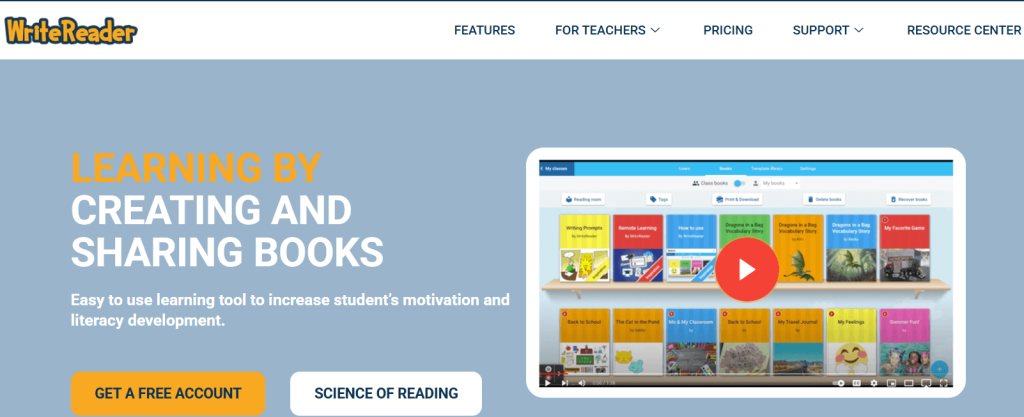
WriteReader is excellent for early writers. Kids write short stories, and the platform supports learning through reading aloud and feedback (often teacher/parent guided). It’s perfect for children learning to write sentences and small paragraphs confidently.
Best For: Early learners building basic writing confidence
Features:
-
simple story writing interface
-
read-aloud support
-
teacher/parent feedback tools
-
child-friendly publishing/sharing options
Pros:
-
extremely beginner-friendly
-
encourages kids to keep writing
-
great for classrooms
Cons:
-
limited for advanced writers
-
focuses more on early literacy than complex storytelling
Pricing: Free/Paid plans
6. Character (Character-building tool)

Review:
A character-building tool (like “Character” platforms) helps kids design heroes, villains, and story worlds. Kids can fill in traits, goals, fears, backstories, and relationships—which makes their stories stronger and more consistent.
Best For: Character development and story planning
Features:
-
character profile templates
-
traits, motivation, conflict prompts
-
backstory and relationship building
Pros:
-
helps kids create deeper stories
-
improves story consistency
-
great for kids who love role-play or comics
Cons:
-
not a full writing platform on its own
-
best used alongside a writing tool (Docs, Squibler, Book Creator)
Pricing: Free/Paid varies by platform
7. Piktochart

Review:
Piktochart is a visual creation tool that can turn stories into posters, storyboards, infographics, and presentation-style storytelling. Great for kids who think visually or enjoy making “comic-style” story summaries.
Best For: Visual storytelling, story posters, storyboards
Features:
-
drag-and-drop design editor
-
templates for posters/slides/storyboards
-
add images, icons, and text
Pros:
-
fun for creative kids who dislike plain writing
-
great for school projects
-
helps structure plot visually
Cons:
-
not a traditional writing tool
-
can distract kids who avoid actual writing
Pricing: Free/Paid plans
8. KidzType
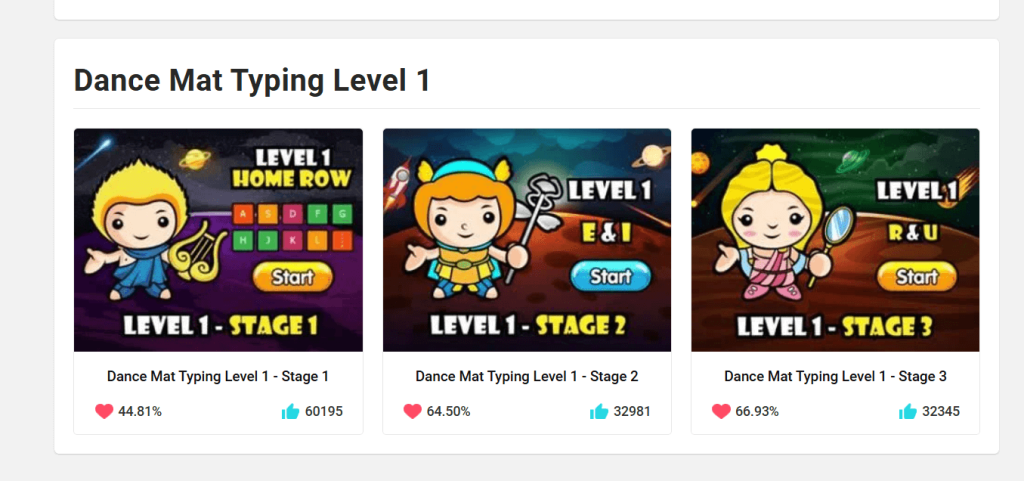
Review: KidzType is an online tool that helps kids improve both their typing and writing skills. Through interactive typing games and writing exercises, children can develop their ability to write quickly and accurately while improving their creativity in the process.
Best For: Typing practice and writing exercises.
Features: Typing games, Writing prompts, Interactive lessons.
Pros:
- Engages kids in both typing and writing.
- Fun, game-like interface.
- Free to use.
Cons:
- Focuses more on typing than on writing.
- Limited advanced features.
Pricing: Free.
9. Writers’ Cafe
Review: Writers’ Cafe is an app designed for budding writers who want to develop their plot-building and storytelling skills. It offers writing prompts, brainstorming tools, and a structure for organizing ideas, which helps kids stay organized and inspired.
Best For: Plot building and writing structure.
Features: Writing prompts, Plot structure, Brainstorming tools.
Pros:
- Helps kids structure their stories.
- Provides creative prompts to spark ideas.
- Excellent for organizing larger writing projects.
Cons:
- May be too complex for very young children.
- Some features require a paid version.
Pricing: Starts at $9.99.
10. Book Creator
Review: Book Creator allows kids to create their own e-books with text, pictures, and audio. It’s a fun and interactive way for children to develop their storytelling skills while learning about digital publishing.
Best For: E-book creation and self-publishing.
Features: Book creation, Audio integration, Drawing tools.
Pros:
- Great for teaching kids about digital publishing.
- Customizable to fit any story.
- Integrates drawing and audio for multimedia storytelling.
Cons:
- Limited features in the free version.
- Requires a device with sufficient storage.
Pricing: Free, with paid plans for additional features.
How to Choose the Best Creative Writing Tools for Kids
When choosing creative writing tools for kids, consider the following:
- Age and Skill Level: Select tools that match your child’s writing level, whether they’re just starting or already developing their skills.
- Interactivity: Choose tools that engage kids and encourage them to think creatively.
- Type of Writing: Consider whether the tool is more focused on handwriting, storytelling, or typing, depending on your child’s needs.
- Cost: Many tools offer free versions with optional paid upgrades, so evaluate your budget and the features you need.
Conclusion
Creative writing is a fantastic way to help kids express themselves and build essential skills. The 10 tools we’ve reviewed here provide various ways for children to explore their imagination, whether through storytelling, handwriting practice, or digital publishing. With the right creative writing tools, you can inspire your child to develop their writing skills in a fun and engaging way.
FAQ
What are the best tools to encourage creative writing in kids?
Tools like Storybird, Toontastic 3D, and Google Docs are excellent for encouraging kids to write creatively, whether through structured writing or interactive storytelling.
At what age can kids start using creative writing tools?
Kids as young as 4-5 years old can start using basic tools for handwriting and simple writing exercises.
Can creative writing tools help improve my child’s writing skills?
Yes, they provide structure, feedback, and inspiration, which can significantly improve writing skills.
Are these writing tools free?
Many tools offer free versions, but some advanced features may require a paid plan.
How can creative writing tools help kids improve their storytelling?
These tools provide prompts, structure, and interactive features that make storytelling fun and engaging, helping kids develop their imagination and writing skills.

