

Creating engaging and effective lesson plans is a cornerstone of quality teaching. However, lesson planning can be time-consuming and challenging for educators juggling multiple responsibilities. Luckily, free AI tools for teachers lesson plans have emerged as game-changers. These innovative platforms serve as lesson plan generators, online lesson planners, and lesson plan maker apps that help teachers create customized, interactive, and well-organized lessons quickly and efficiently.
Whether you’re searching for lesson planning websites to simplify your workflow or exploring AI for lesson plans to add creativity and engagement, this article presents the top 10 free and affordable AI-powered tools tailored for educators. Discover how AI can transform your lesson planning process, save time, and improve student learning experiences.
What is Lesson Planning?
Lesson planning is the process where teachers design detailed roadmaps for their classroom instruction. It includes setting learning objectives, selecting materials and activities, choosing teaching methods, and preparing assessments. Effective lesson planning ensures structured and goal-oriented lessons, enhancing both teaching quality and student outcomes.
Benefits of Using Lesson Planning Tools for Teachers
- Saves Time: Automates routine tasks and offers ready-to-use templates.
- Customizable: Adapts lessons to different learning styles and student needs.
- Interactive: Incorporates multimedia and quizzes to boost engagement.
- Organized: Centralizes lesson materials and schedules digitally.
- Collaborative: Facilitates sharing and team feedback in real time.
- Insightful: Provides data-driven feedback to improve instruction.
Top 10 Free AI Tools for Teachers Lesson Plans
-
Canva
-
Edpuzzle
-
LessonUp
-
Curipod
-
MagicSchool.ai
-
QuestionWell
-
LessonPlans.ai
-
TeachFX
-
Diffit
-
Khanmigo
Comparison Table
| Tool | Best For | Pricing | Key Features |
|---|---|---|---|
| Canva | Visual lesson plan creation | Free + Paid plans | Drag-and-drop templates, multimedia content |
| Edpuzzle | Interactive video lessons | Free + Paid plans | Video editing, quizzes, analytics |
| LessonUp | Interactive lessons & quizzes | Free + Paid plans | Drag-and-drop, real-time feedback |
| Curipod | AI-generated interactive lessons | Free + Paid plans | AI lesson creation, student interaction |
| MagicSchool.ai | AI lesson plan generator | Free | AI-generated lesson ideas, customizable |
| QuestionWell | Question & quiz generation from texts | Free + Paid plans | AI-generated question sets, export to LMS/forms |
| LessonPlans.ai | Full AI lesson plan generator | Paid (with free trial/deals) | Complete AI lesson plans, standards-aligned outputs |
| TeachFX | Teacher talk & engagement analysis | Free trial + Paid | AI-powered classroom audio feedback |
| Diffit | Differentiation & lesson adaptation | Free + Paid plans | AI lesson adaptation, leveled texts, resource integration |
| Khanmigo | AI tutor & lesson assistant | Free trial + Paid | Interactive tutoring, lesson help, Khan Academy integration |
1. Canva
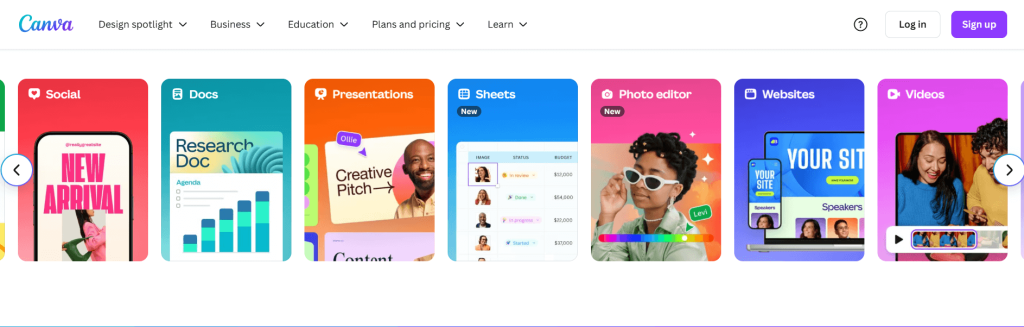
Canva is a versatile design tool widely used by teachers to create visually appealing lesson plans and educational resources. Its intuitive drag-and-drop interface offers thousands of templates, graphics, and multimedia options to craft engaging lessons that capture students’ attention. While not exclusively built for education, Canva’s collaborative features make it ideal for teachers working together or sharing materials. The free plan is robust, but some premium templates and features require a paid subscription.
Best For
Teachers looking to create beautiful, customized lesson visuals.
Features
- Drag-and-drop lesson plan templates
- Multimedia content embedding (images, videos)
- Collaboration and sharing tools
- Print and digital formats
Pros
- User-friendly design platform
- Extensive free templates and graphics
- Supports teamwork and sharing
Cons
- Not education-specific; some templates are generic
- Premium features behind paywall
Pricing
Free basic plan; Pro version starts at $12.99/month.
2. Edpuzzle
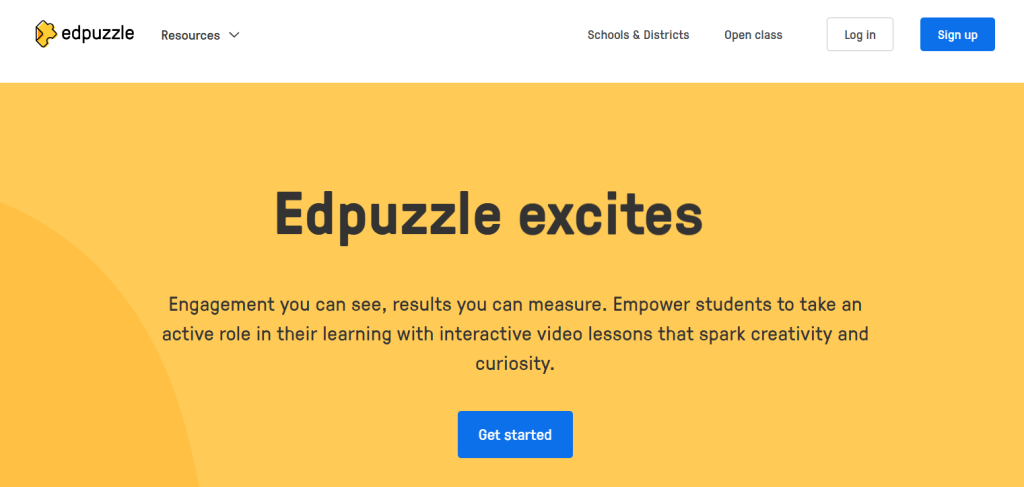
Edpuzzle transforms videos into interactive lessons by allowing teachers to embed questions, quizzes, and audio notes. This tool is excellent for flipped classrooms and remote learning, enabling real-time student engagement and progress tracking. The free version offers core features sufficient for many educators, but advanced analytics and larger video storage require a paid plan.
Best For
Teachers using video to enhance lessons and assess understanding.
Features
- Video editing and quiz embedding
- Student progress analytics
- Integration with learning management systems
- Mobile-friendly platform
Pros
- Engaging and interactive video lessons
- Tracks student responses and progress
- Easy to use interface
Cons
- Some important features locked behind subscription
- Limited offline functionality
Pricing
Free basic plan; Paid plans from $11.50/month.
3. LessonUp

LessonUp is a platform designed for creating interactive lessons that blend presentations, videos, and quizzes. Its drag-and-drop editor and real-time student feedback help teachers adapt lessons on the fly. The free tier provides enough tools to get started, but more advanced options require a premium subscription.
Best For
Teachers wanting to engage students with interactive content and instant feedback.
Features
- Drag-and-drop lesson builder
- Quizzes and polls
- Live reporting and analytics
- Integration with video content
Pros
- Easy to create interactive lessons
- Real-time student engagement data
- Supports various multimedia types
Cons
- Free version has usage limits
- Premium subscription needed for full features
Pricing
Free plan available; paid plans start at $10/month.
4. Curipod
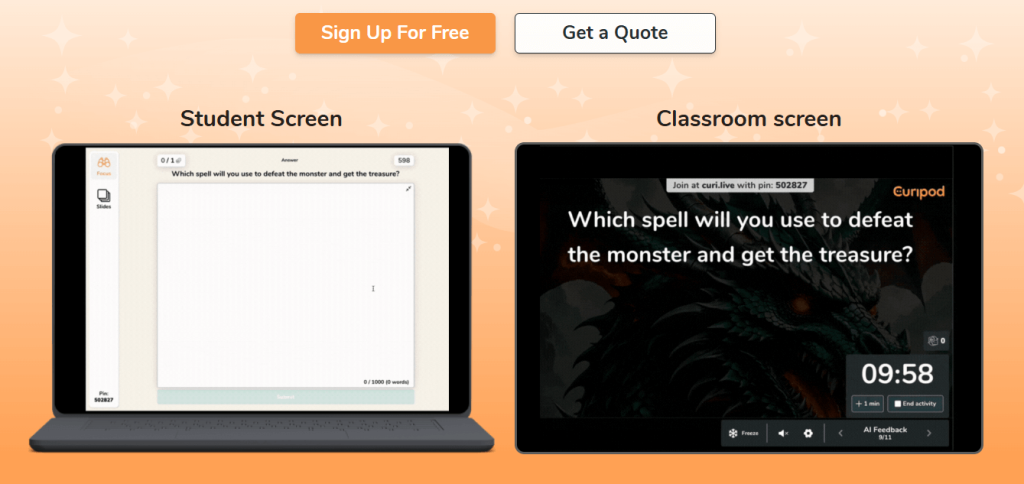
Curipod uses AI to help teachers generate interactive lessons based on curriculum needs. It allows users to create quizzes, polls, and multimedia lessons quickly. The platform is intuitive and especially helpful for educators looking for AI-assisted lesson generation. While still growing, Curipod offers a promising AI-driven experience for lesson planning.
Best For
Teachers seeking AI-generated interactive lessons.
Features
- AI-powered lesson creation
- Interactive quizzes and polls
- Multimedia integration
- Student response tracking
Pros
- Innovative AI tools for lesson generation
- Simple and engaging interface
- Free basic plan
Cons
- Platform is relatively new
- Some advanced features still in development
Pricing
Free plan available; premium features require subscription.
5. MagicSchool.ai
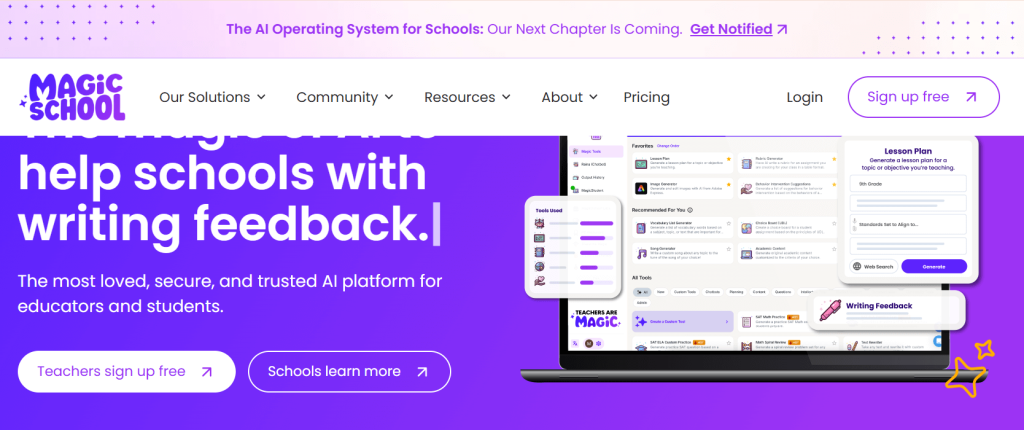
MagicSchool.ai is a fully free AI lesson plan generator that creates tailored lesson ideas and activities based on input topics or standards. It supports customization and offers suggestions that save teachers significant planning time. Though it focuses more on text and idea generation, it’s a valuable assistant for quick lesson brainstorming.
Best For
Teachers needing quick AI-generated lesson plan ideas.
Features
- AI-driven lesson idea generator
- Customizable lesson outlines
- Free to use with no hidden costs
Pros
- Completely free AI tool
- Simple and effective
- Saves time on lesson ideation
Cons
- Limited multimedia or interactive options
- Focused mainly on text-based planning
Pricing
Free.
6. QuestionWell
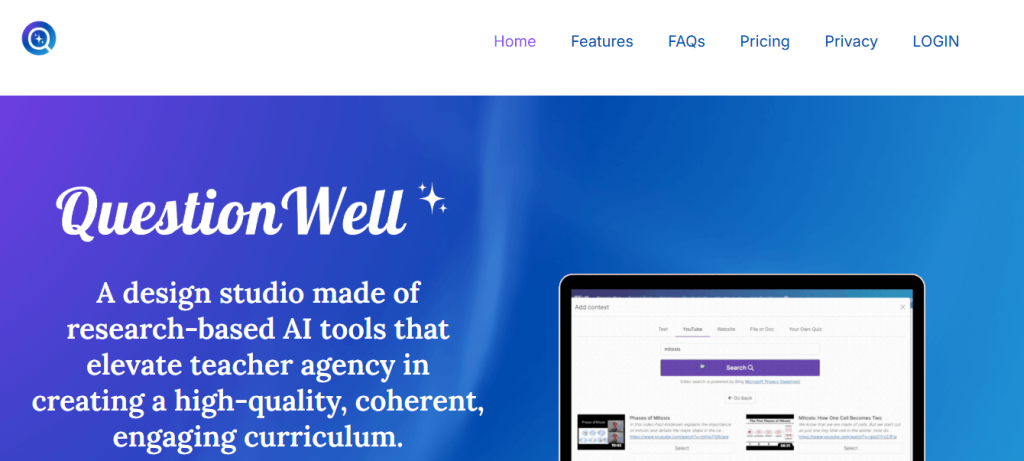
QuestionWell is an AI-powered tool that generates high-quality questions and quizzes from any text, article, or video transcript. It’s ideal for quickly building formative assessments, exit tickets, or comprehension checks that tie directly to your lesson content. You can export questions directly into platforms like Google Forms, Kahoot, Canvas, and more.
Best For
Teachers who want AI-generated questions and quizzes aligned to their materials.
Features
-
AI-generated question sets (multiple choice, short answer, etc.)
-
Standards alignment options (e.g., Common Core-style objectives)
-
Export to popular quiz and LMS tools
-
Editing tools to tweak or filter questions
Pros
-
Huge time-saver for assessment creation
-
Integrates with many existing classroom platforms
-
Good for differentiation (easier/harder questions)
Cons
-
Works best when you provide high-quality source text
-
Some export formats and advanced features require a paid plan
Pricing
Generous free tier for individual teachers; paid plans unlock higher question limits and extra integrations (pricing varies but is generally in the affordable classroom range).
7. LessonPlans.ai
LessonPlans.ai is a dedicated AI lesson plan generator that produces full, standards-aligned plans—objectives, activities, assessments, and timing—from a short prompt. It is designed specifically for teachers and focuses on creating detailed, ready-to-use lesson documents that can be edited and reused.
Best For
Teachers who want complete AI-generated lesson plans in seconds.
Features
-
Full lesson plan generation (objectives, materials, steps, assessment)
-
Customization by grade, subject, and duration
-
Step-by-step implementation guidance
-
Cloud workspace for saving and reusing plans
Pros
-
Produces complete, detailed lesson plans very quickly
-
Designed by and for teachers
-
Great for overcoming “blank page” planning fatigue
Cons
-
Primarily a paid product (not a permanently free tool)
-
Focused on text-based plans; you still add your own media/resources
Pricing
Paid subscription with free trial and frequent promotions; for example, public offers in 2025 mention first-year discounts like $29.40 with a coupon, indicating an affordable annual plan for individual teachers.
8. TeachFX
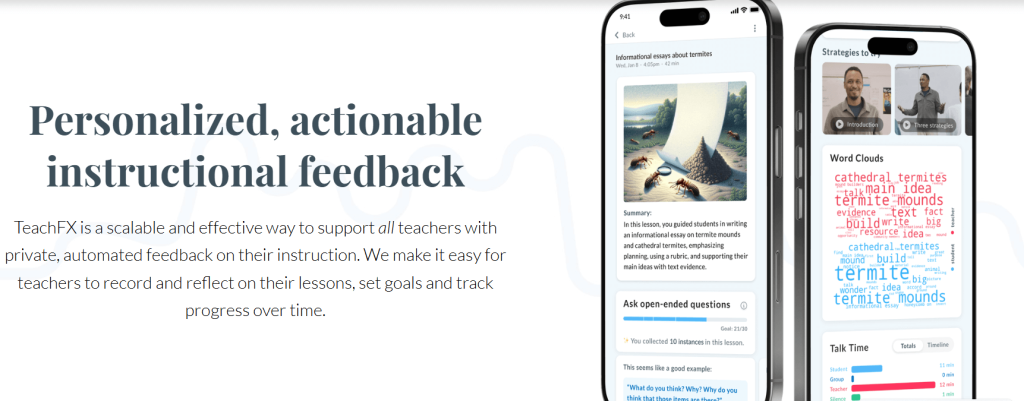
TeachFX focuses on improving classroom engagement by analyzing teacher talk time using AI. While it does not generate lesson plans directly, its insights help educators reflect and improve their instructional delivery, complementing lesson planning efforts. It’s particularly useful for interactive, student-centered classrooms.
Best For
Teachers aiming to improve classroom talk and engagement.
Features
- AI-powered audio analysis
- Reports on teacher and student talk time
- Feedback on classroom engagement
Pros
- Improves instructional quality
- Provides actionable insights
- User-friendly dashboard
Cons
- Not a lesson planner
- Paid plans for full features
Pricing
Free trial available; paid plans start at $15/month.
9. Diffit
Diffit is an AI lesson customization platform allowing teachers to adapt lessons quickly based on student needs and available resources. It integrates various educational materials and provides flexible lesson editing tools. The free version offers basic functionality, with more features unlocked through subscription.
Best For
Teachers needing adaptable and resource-integrated lesson planning.
Features
- AI lesson adaptation
- Resource library integration
- Customizable lesson templates
Pros
- Flexible lesson customization
- Supports diverse subjects
- User-friendly
Cons
- Free version limited
- Paid plans needed for advanced features
Pricing
Free basic plan; paid plans start at $9/month.
10. Khanmigo
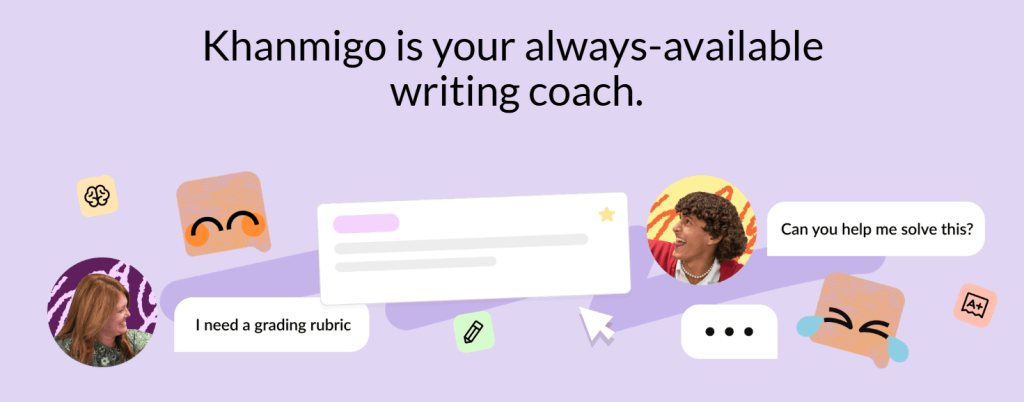
Khanmigo is Khan Academy’s AI tutoring and lesson assistant tool, designed to help teachers and students interact with lesson content dynamically. It supports personalized learning paths and real-time tutoring assistance, blending AI with trusted educational resources. While free trials exist, ongoing access may require subscription.
Best For
Teachers and students wanting AI-enhanced tutoring and lesson support.
Features
- Interactive AI tutor
- Personalized lesson help
- Integration with Khan Academy resources
Pros
- Trusted brand and resources
- Enhances learning engagement
- Personalized support
Cons
- Paid after trial period
- Limited to Khan Academy curriculum
Pricing
Free trial; paid plans after trial.
How to Choose the Best Lesson Planning Tools for Teachers
When selecting a lesson planning tool, consider:
- Ease of use: Intuitive interfaces save time and reduce learning curves.
- Features: Look for interactive elements, multimedia support, and analytics.
- Customization: Ability to tailor lessons to your curriculum and students.
- Integration: Compatibility with other tools like LMS or video platforms.
- Pricing: Free options or affordable plans that fit your budget.
- Support: Availability of tutorials, community, and customer service.
Conclusion
Free AI tools for teachers’ lesson plans have revolutionized the way educators design, organize, and deliver content. From visual creators like Canva to AI-driven lesson generators like MagicSchool.ai and ChatGPT, these platforms reduce planning time and increase student engagement. The best lesson planning tool depends on your specific needs — whether you prioritize interactivity, customization, or ease of use. Experiment with these top 10 tools to find your perfect digital assistant for lesson planning.
FAQs
What are free AI tools for teachers lesson plans?
They are software platforms that use artificial intelligence to help teachers create, customize, and organize lesson plans at no cost.
How do AI lesson planners benefit teachers?
They save time, offer personalized content, improve student engagement, and provide organizational support.
Can AI tools generate lesson plans for any subject?
Most tools support a wide range of subjects but some may specialize or perform better in certain areas.
Are these lesson planning tools easy to use?
Yes, many offer user-friendly interfaces with templates designed for educators.
Do AI lesson planners replace teachers?
No, they assist teachers by automating routine tasks, allowing teachers to focus on instruction and student interaction.

