

Managing payroll isn’t just about paying employees on time—it’s about staying compliant with tax laws, handling benefits, tracking hours, and keeping accurate records. Doing all of this manually can quickly turn into a nightmare, especially as your team grows. That’s where modern payroll management tools step in.
In 2025, payroll software has become smarter, more automated, and easier to integrate with HR and accounting systems. Whether you’re a small business owner running your first payroll or an HR manager at a growing company, the right payroll platform can save time, reduce errors, and help you stay compliant.
This guide covers the 10 best payroll management tools you should consider in 2025, including both small-business favorites and robust, enterprise-ready platforms.
What Is Payroll Management Software?
Payroll management software is a digital tool that automates and streamlines the process of paying employees. A good payroll system can:
-
Calculate gross and net pay
-
Withhold and file payroll taxes
-
Handle benefits, deductions, and garnishments
-
Generate payslips and reports
-
Support direct deposits and multiple pay schedules
Many modern solutions also include time tracking, HR tools, onboarding, and benefits administration, turning them into all-in-one people platforms.
Benefits of Using Payroll Software
Using a dedicated payroll tool offers several advantages:
-
Time Savings: Automates calculations and tax filing, freeing you from spreadsheets.
-
Accuracy: Reduces costly payroll errors and miscalculations.
-
Compliance: Keeps up with payroll tax rules and filing deadlines.
-
Scalability: Handles growing teams, multiple locations, and different pay types.
-
Integration: Connects with accounting, HR, and time-tracking tools.
-
Employee Self-Service: Lets employees view pay stubs, tax forms, and update info online.
Payroll Software Site List (Top 10)
Here are the official sites for the payroll tools covered in this article, so you can explore pricing and features directly:
-
Gusto
-
ADP
-
Paychex
-
Intuit QuickBooks Payroll
-
Paycor
-
Square Payroll
-
Rippling
-
Patriot Software
-
SurePayroll
-
Paylocity
1. Gusto

Review:
Gusto is one of the most popular small-business payroll platforms in the U.S. It combines full-service payroll (taxes, filings, direct deposit) with benefits, onboarding, and time tracking in a very clean, beginner-friendly interface. Unlimited payroll runs and automatic tax filing make it a strong “set-it-and-forget-it” option for busy owners.
Best for:
Startups and small businesses that want modern payroll + lightweight HR in one tool.
Key Features
-
Full-service payroll with automatic tax filing
-
Direct deposit, W-2s, 1099s
-
Benefits administration (health, 401(k), workers comp)
-
Time tracking and PTO
-
New-hire onboarding and self-service portal
Pros
-
Very intuitive, attractive UI
-
Strong all-in-one payroll + HR for SMBs
-
Unlimited payroll runs at no extra cost
Cons
-
Larger or highly complex orgs may outgrow it
-
Pricing has risen in recent years
Pricing
- $49/mo + $6 per employee
2. ADP
Review:
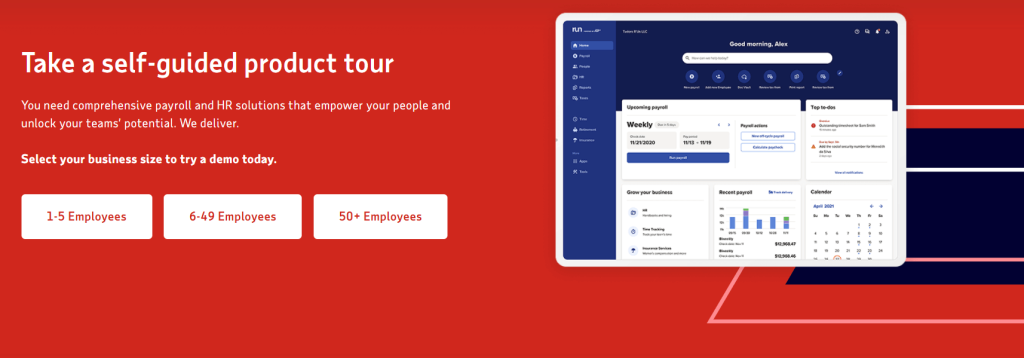
ADP is a legacy giant in the payroll world, used by everyone from small companies to global enterprises. Its RUN Powered by ADP product targets small businesses, while Workforce Now serves mid-market and larger organizations. ADP handles complex multi-state payroll, garnishments, benefits, and compliance extremely well.
Best for:
Businesses that expect to scale or already have complex, multi-state needs.
Key Features
-
Full-service payroll & tax compliance
-
HR, benefits, and time & attendance
-
Advanced reporting and analytics
-
Integrations with accounting and ERP systems
Pros
-
Extremely robust, proven platform
-
Deep compliance and HR capabilities
Cons
-
Interface feels more “enterprise” than some SMB-first tools
-
Pricing is quote-based and often higher for very small teams
Pricing
- $79/mo + ~$4/employee
3. Paychex
Review:
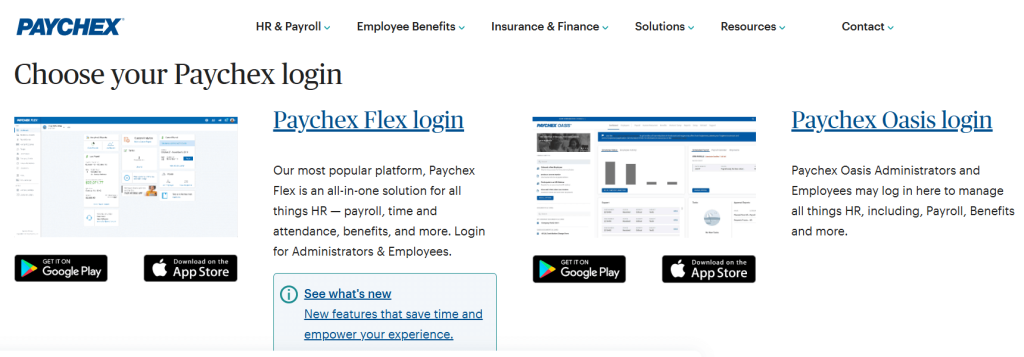
Paychex combines payroll, HR, benefits, and dedicated support. Its Paychex Flex platform scales well from micro-businesses to larger firms, and you can add services like 401(k), health insurance, and PEO/HR outsourcing as you grow. It’s especially attractive if you want a “high-touch” payroll partner rather than just software.
Best for:
Growing businesses needing payroll plus hands-on HR guidance.
Key Features
-
Online payroll with tax filing
-
HR library, onboarding, and compliance support
-
Optional benefits & retirement services
-
24/7 support + HR consultants (on some tiers)
Pros
-
Scales with you, from small to mid-large
-
Strong support and HR add-ons
Cons
-
Pricing isn’t transparent (must request quote)
-
Smaller teams may pay for features they don’t fully use
Pricing
- $39/mo + ~$5/employee
4. Intuit QuickBooks Payroll

Review:
If you already use QuickBooks Online for accounting, QuickBooks Payroll is the most seamless way to add payroll. It lives inside the same ecosystem, so journal entries, taxes, and reporting all sync automatically. Plans range from basic payroll to full-service with tax filing and HR support.
Best for:
Businesses already running QuickBooks that want painless payroll integration.
Key Features
-
Automatic payroll runs and tax filing (on higher tiers)
-
Same-day or next-day direct deposit (plan-dependent)
-
Built-in sync with QuickBooks accounting
-
Mobile payroll app
Pros
-
Best-in-class for QuickBooks integration
-
Easy for accountants and bookkeepers to manage
Cons
-
Not ideal if you don’t use QuickBooks
-
Advanced HR and benefits tools are limited vs. HR-centric suites
Pricing
- $45–$50/mo + $5–$6.50/employee
5. Paycor

Review:
Paycor is a full HCM (Human Capital Management) system with strong payroll, HR, timekeeping, and workforce management. It’s built for companies with frontline or hourly workers and offers solid scheduling, shift management, and mobile tools.
Best for:
Mid-sized businesses that want payroll tightly connected to HR and scheduling.
Key Features
-
Payroll & tax filing
-
Recruiting, onboarding, and performance management
-
Time & attendance with scheduling
-
Dashboards and analytics
Pros
-
Great for managing hourly and shift-based teams
-
Strong HR workflows and analytics
Cons
-
Overkill for very small businesses
-
Pricing is not very transparent; usually quote-based
Pricing
Tiered and quote-based; generally per-employee, per-month within HR suites.
6. Square Payroll

Review:
Square Payroll is designed primarily for small businesses already using Square POS (restaurants, retail, salons, etc.). Timecards and tips flow from your POS directly into payroll, dramatically reducing manual work for hourly teams. It also works well for contractor-only payroll.
Best for:
Retail, food service, and other Square POS users with hourly workers or contractors.
Key Features
-
Seamless integration with Square POS and timecards
-
Full-service payroll with tax filing
-
Contractor-only payroll option
-
Simple mobile app for employees
Pros
-
Incredibly easy if you already use Square
-
Great for tips, overtime, and hourly calculations
Cons
-
Less compelling if you don’t use Square POS
-
Limited broader HR functionality vs. all-in-one HCMs
Pricing
$35/mo + $6 per employee
7. Rippling
Review:
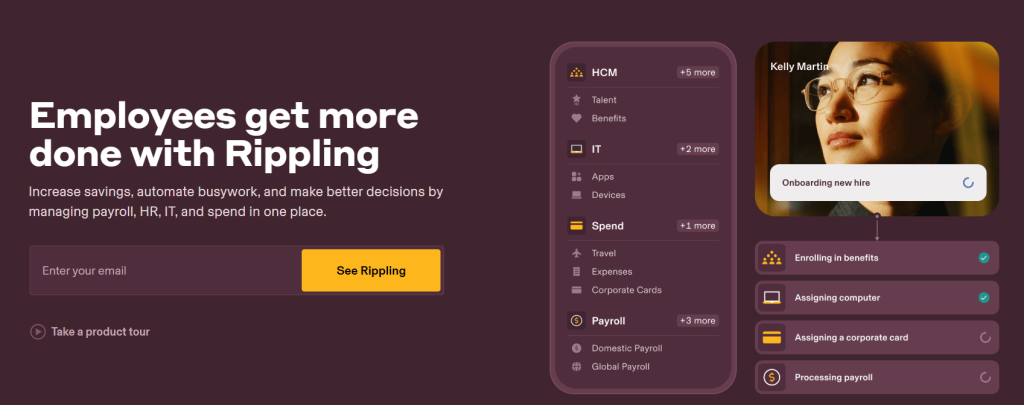
Rippling is a modern, modular platform that bundles HR, payroll, IT, and finance in one system. You can manage payroll, benefits, device provisioning, and even apps like Google Workspace from the same admin dashboard, and it supports global payroll in many countries.
Best for:
Fast-growing startups and global teams that want HR + IT in one place.
Key Features
-
U.S. and global payroll
-
HRIS (onboarding, org chart, documents, PTO)
-
Device & app management (laptops, SaaS access)
-
Highly modular add-ons
Pros
-
Very modern, automation-heavy platform
-
Excellent for distributed and global teams
Cons
-
Can get pricey as you add modules
-
May be more than a very small business needs
Pricing
$8–$35/employee
8. Patriot Software
Review:
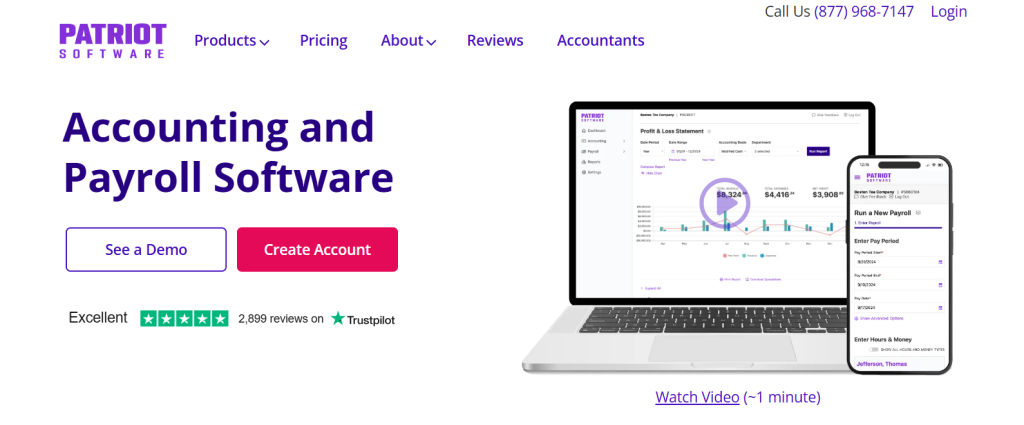
Patriot is built for budget-conscious small businesses that still want reliable payroll. It has a straightforward, no-frills interface and very transparent pricing. You can choose between a basic payroll (you file taxes) and full-service payroll (Patriot files for you).
Best for:
Small U.S. businesses that want very affordable payroll they can set up quickly.
Key Features
-
Basic & full-service payroll options
-
Direct deposit and printable checks
-
Optional time tracking and HR add-ons
-
Basic accounting available in the same ecosystem
Pros
-
Among the most affordable payroll options on the market
-
Simple, easy learning curve
Cons
-
Limited integrations (mostly QuickBooks)
-
May not suit complex multi-state or larger operations
Pricing
- Basic Payroll at $17/month
- Full Service at $37/month
9. SurePayroll
Review:
Owned by Paychex, SurePayroll focuses on very small businesses and household employers (nanny payroll, housekeepers, etc.). It offers simple, mostly self-service payroll with options for both small business and household plans, plus tax filing help.
Best for:
Micro-businesses and families needing nanny or household payroll.
Key Features
-
Online payroll & tax filing
-
Special household payroll offerings
-
Mobile access and employee self-service
Pros
-
Very approachable for first-time payroll users
-
Strong support for household employers
Cons
-
Less robust HR features than Paychex proper
-
Not ideal for rapidly scaling companies
Pricing
- $20–$30/mo + ~$4–$5/employee
10. Paylocity

Review:
Paylocity is a full HCM platform that includes payroll, benefits, time & attendance, talent management, and strong employee engagement tools (social feeds, surveys, etc.). It’s aimed squarely at mid-sized and larger employers who want modern HR plus compliance.
Best for:
Mid-size companies that want a robust HR + payroll suite with engagement tools.
Key Features
-
Full-service payroll & tax filing
-
HRIS, benefits admin, performance & learning
-
Time & labor management
-
Employee engagement tools (community, surveys)
Pros
-
Very feature-rich for HR and payroll
-
Designed to centralize people operations
Cons
-
Overkill for small teams
-
Pricing is quote-based and tends to be higher-end
Pricing
- Quote-based
How to Choose the Best Payroll Management Tool
Selecting the right payroll software is vital to ensure accuracy, compliance, and efficiency in managing employee compensation. Consider these factors:
- Business Size and Scalability: Choose software that fits your current size and can grow with your business. Small businesses may prefer affordable, easy-to-use tools, while large enterprises require robust, scalable solutions.
- Integration Capabilities: Ensure the payroll system integrates seamlessly with your existing accounting, time-tracking, and HR software to avoid manual data entry and errors.
- Compliance and Tax Automation: Select software that automates tax filings, calculates deductions correctly, and stays updated with regulatory changes to reduce compliance risks.
- User-Friendly Interface: A straightforward interface minimizes training time and errors. Cloud-based solutions allow easy access from anywhere.
- Customer Support: Reliable support is critical to quickly resolve issues, especially during payroll runs or tax season.
- Transparent Pricing: Understand the pricing model—look for any hidden fees and consider base costs plus per-employee charges.
- Key Features: Assess must-have features like benefits administration, onboarding, time tracking, reporting, and employee self-service portals.
Conclusion
Finding the best payroll management tool depends on your company’s size, budget, and HR needs. This payroll software list highlights top solutions, from Gusto’s user-friendly platform to Rippling’s innovative IT integration. Assess features, pricing, and scalability to choose a payroll system that simplifies payroll, ensures compliance, and supports your business growth.
FAQs
What is the best payroll software for small businesses?
Gusto and QuickBooks Payroll are highly recommended for their ease of use and affordability.
Can payroll software handle tax filings?
Yes, most top payroll software automate tax calculations and filings for compliance.
Are payroll and HR software integrated?
Many modern tools combine payroll with HR features, but some focus solely on payroll.
How much does payroll software cost?
Typically, pricing includes a base fee plus a per-employee monthly cost, varying by provider.
Is payroll software secure?
Top providers use encryption and follow industry standards to protect sensitive data.

