


As artificial intelligence advances, AI-generated images are becoming nearly indistinguishable from real photographs. Whether they appear in news articles, social media posts, product listings, or even identity documents, these synthetic visuals can easily mislead viewers. That’s where AI image detectors come in—tools designed to verify whether an image is genuine or artificially created.
These detectors analyze content, metadata, and visual anomalies to determine whether an image was produced by AI. Whether you’re a journalist, educator, developer, or just a curious user, there are now several free and reliable tools available directly through your web browser.
What Is an AI Image Detector?
An AI image detector is a tool that uses machine learning and pattern recognition to distinguish real images from those generated by AI tools like Midjourney, DALL·E, or Stable Diffusion. These tools may also be referred to as AI photo checkers, image authenticity scanners, or AI detection platforms.
Why Use AI Image Detection Tools?
- Prevent Fraud: Identify doctored ID photos and fake product listings.
- Fight Misinformation: Detect AI-generated visuals used to mislead.
- Moderate Content: Filter synthetic or harmful content on digital platforms.
- Protect Brands: Spot unauthorized or manipulated brand imagery.
- Promote Media Literacy: Educate the public about AI-generated media.
Top 10 AI Image Detection Tools
-
Decopy.ai
-
Illuminarty.ai
-
IMGDetector.ai
-
Sensity.ai
-
Sightengine.com
-
Bioptic.io
-
TrueMedia.org
-
Deepware.ai
-
WeVerify.eu
-
HuggingFace.co
Comparison Table
| Tool | Best For | Key Feature / Method | Platform | Pricing |
|---|---|---|---|---|
| Decopy.ai | Quick free checks | AI image detector + quota system | Web | Free plan + paid tiers |
| Illuminarty.ai | Simple AI classification | Free AI image classification | Web | Free detection + optional subscription |
| IMGDetector.ai | Casual users + fast scans | GAN fingerprints, watermark + metadata checks | Web | Free, no account + quotas |
| Sensity.ai | Enterprises + investigations | Multi-layer deepfake forensics + reports | Web/API, cloud/on-prem | Sales/enterprise |
| Sightengine.com | Developers + platforms | AI-generated image detection API | API | Free plan available |
| Bioptic.io | (Not an image detector) | Appears focused on biopharma AI platform | Web | Demo/contact |
| TrueMedia.org | Public verification + education | Aggregates results from multiple detectors | Web | Free-use |
| Deepware.ai | Deepfake video scans | Upload/link scan (primarily video) | Web | Scanner beta |
| WeVerify.eu | Journalists + investigators | Plugin + image forensic heatmaps | Plugin/Web/API | Plugin is free; trials for some tools |
| HuggingFace.co | Developers + researchers | Open-source models & “Spaces” detectors | Web/API | Many free community tools/models |
1. Decopy.ai

Review
Decopy.ai includes an AI Image Detector that you can try for free without logging in. The platform positions its image detector as a fast way to check whether a picture appears AI-generated, and it also offers paid tiers with higher usage limits.
Best For
-
Quick, no-signup, browser-based AI image checks
Key Features
-
AI image detection (usage limited by quota)
-
Free access + paid upgrades for higher limits
Pros
-
Works fully online (no install)
-
Clear free entry point (no login required)
Cons
-
Free tier is quota-based (limited checks)
Pricing
-
Free plan available
-
Paid tiers for increased usage limits
2. Illuminarty
Review
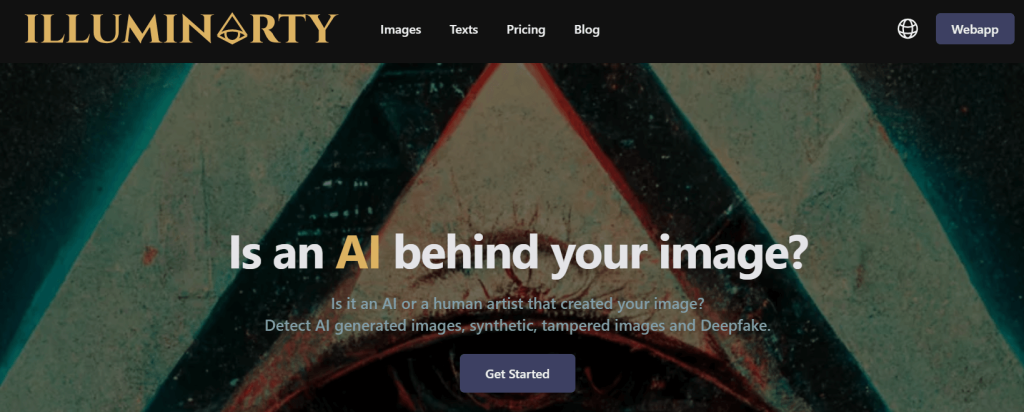
Illuminarty scans images for AI-generated watermarks and visual inconsistencies commonly associated with generators like Midjourney or DALL·E. It runs in the browser with a simple drag-and-drop interface and doesn’t require sign-up.
Best For
-
Journalists verifying suspicious images
-
Media researchers doing quick authenticity checks
-
Anyone who wants fast, no-login image scanning
Key Features
-
Watermark and artifact detection
-
Drag-and-drop browser interface
-
Confidence scoring for results
Pros
-
Extremely easy to use
-
No registration needed
Cons
-
No API access
-
No batch detection workflow
Pricing
-
Free
3. IMGDetector.ai

4. Sensity AI
Review
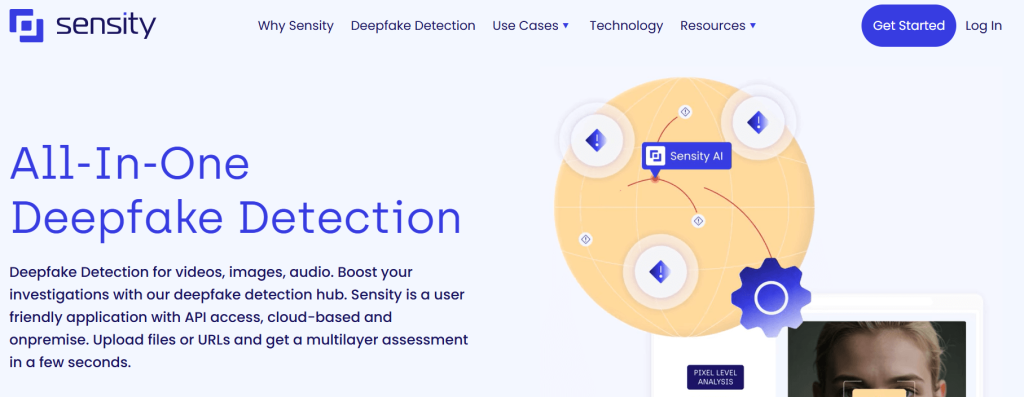
Sensity provides enterprise-grade detection of synthetic images and videos as part of a broader threat intelligence suite. Ideal for large institutions needing robust media verification.
Best For: Enterprises, law enforcement
Features
- Deepfake detection (image + video)
- Alerting and monitoring dashboard
- Secure and scalable
Pros - Highly advanced detection
- Customizable integration
Cons - Not available without enterprise contract
Pricing: Custom pricing
5. Sightengine.com

Review
Sensity offers enterprise-grade detection for synthetic images and videos as part of a broader threat intelligence platform. It’s geared toward organizations that need robust media verification, monitoring, and scalable deployment.
Best For
-
Enterprises needing large-scale media verification
-
Law enforcement and investigative teams
-
Organizations that require monitoring and alerting workflows
Key Features
-
Deepfake detection for images and videos
-
Alerting and monitoring dashboard
-
Secure, scalable enterprise deployment
Pros
-
Highly advanced detection capabilities
-
Customizable integrations for enterprise workflows
Cons
-
Not available without an enterprise contract
Pricing
-
Custom (enterprise) pricing
6. Bioptic.io

7. TrueMedia.org

Review
TrueMedia.org is a nonprofit platform focused on verifying media content, supporting AI detection for both images and videos. It emphasizes trust and journalistic integrity, aiming to make authenticity checks accessible for media and education use cases.
Best For
-
Journalists verifying questionable media
-
Educators teaching media literacy
-
Newsrooms and nonprofit fact-checking workflows
Key Features
-
AI-generated image and video detection
-
Trust indicators and verification-focused interface
-
Nonprofit-backed platform
Pros
-
Built with media professionals in mind
-
User-friendly interface
Cons
-
Feature set is still growing compared to mature enterprise suites
Pricing
-
Free
8. Deepware AI Scanner

Review
Deepware offers a quick, straightforward tool for spotting synthetic or deepfake images. It’s designed for fast browser-based checks, delivering instant results without requiring sign-in.
Best For
-
General users doing quick spot-checks
-
Fact-checkers verifying suspicious images
-
Anyone who needs a fast, no-login detector
Key Features
-
One-click image analysis
-
Deepfake pattern detection
-
Instant results
Pros
-
Free and fast to use
-
No login necessary
Cons
-
Limited depth/features compared to advanced platforms
Pricing
-
Free
9. WeVerify

10. Hugging Face Detectors
Review
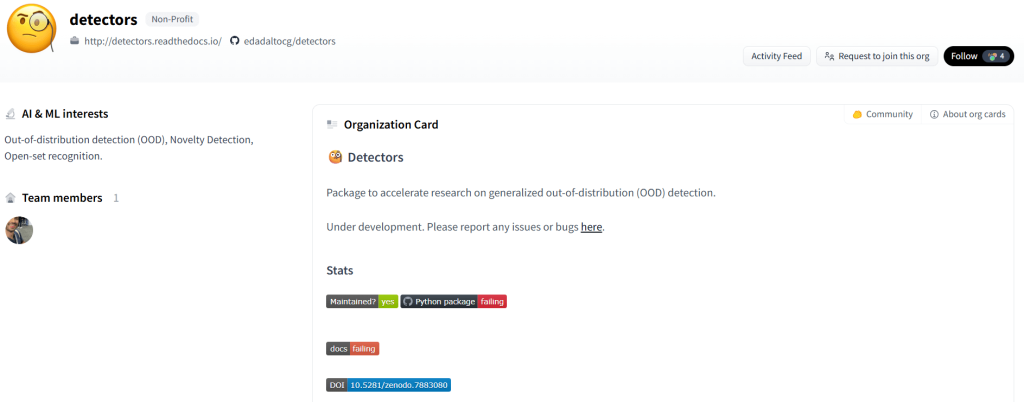
Hugging Face provides access to open-source AI detection models that developers and researchers can run in notebooks or integrate into applications for custom analysis. It’s best suited for building your own detection workflow rather than using a single “one-click” consumer tool.
Best For
-
Developers building custom detection pipelines
-
Students learning AI forensics and model evaluation
-
AI researchers experimenting with detection approaches
Key Features
-
Open-source GAN/detection models
-
Jupyter notebook compatibility
-
Model customization and fine-tuning options
Pros
-
Highly flexible for custom use cases
-
Transparent, community-driven ecosystem
Cons
-
Requires coding and ML workflow knowledge
Pricing
-
Free
Conclusion
AI-generated images are becoming more realistic—and more common—across the web. Whether you’re spotting fake profiles, verifying news images, or moderating user content, AI image detectors provide critical tools for digital transparency.
From simple tools like AI or Not to more advanced solutions like Reality Defender, these platforms empower you to verify what you see. Most importantly, they’re free, accessible, and easy to try.
FAQ
What’s the best free AI image detector online?
Top picks include AI or Not, Illuminarty, and Hive Moderation for reliable and user-friendly detection.
How do AI image detectors work?
They analyze image features such as compression artifacts, GAN fingerprints, pixel anomalies, and metadata for signs of manipulation or synthesis.
Can I use these tools for thumbnails or ads?
Yes. Most tools can analyze any image, including thumbnails, ad banners, or social media visuals.
Are there mobile-friendly options?
Yes. Most are browser-based and work on mobile devices, though standalone mobile apps are rare.
How accurate are free tools?
Free dtectors generally offer 80–90% accuracy. Enterprise solutions tend to be more precise thanks to hybrid models and deeper analysis.

