teamwork_com_logo

Teamwork.com

Rating: 4.2
User Satisfaction: 87%
Teamwork.com is a tool that helps teams manage projects, tasks, resources and client work so they can deliver on time, stay on budget and improve profitability.

Alternative To

Overview

Teamwork.com (also known simply as “Teamwork”) is a cloud-based platform for project, task and resource management. It’s built to serve teams that manage client work and service delivery rather than purely internal product development. 

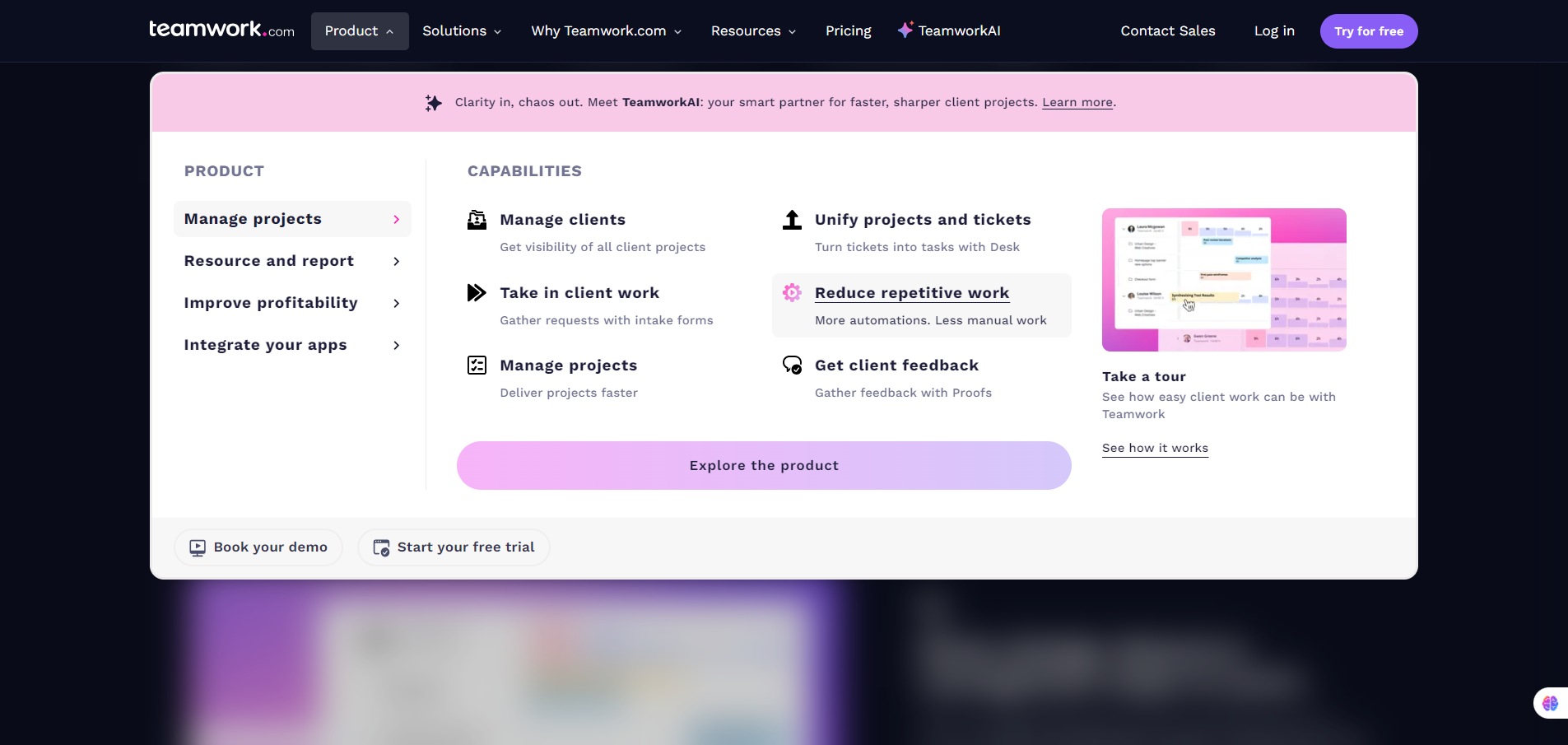
Many service and client-facing teams struggle with scattered tasks, unclear deadlines, time tracking, and billing. Teamwork aims to bring those pieces together: you get task lists, boards, Gantt/timeline views, time tracking, resource utilization, and profitability dashboards. The outcome: you can deliver work more predictably, see where your team’s time is going, and improve utilization (Teamwork claims “billable utilization boost”).

Details

Tool Launch / Founded Date

Approx. 2007-10-04

Best for

Agencies, service organisations (marketing, design, development shops), internal teams doing client-facing work, teams that need visibility into time/billing/utilisation.

Access Type

Freemium (Free forever tier) + Paid subscription tiers (per user / per month)

Licensing Model

Proprietary SaaS. Commercial usage included as part of the software subscription; you don’t need extra licensing for your output (typical for PM tools).

Feature

  • Task & subtask management with due-dates, assignees, dependencies, multiple views (list, board, Gantt) 
  • Time tracking built-in (track time on tasks & projects) for better visibility of where work is being spent. 
  • Templates & automation for recurring workflows (especially useful for agencies or client-services teams) 
  • Resource & workload management (in advanced tiers) so you can see who’s over/under-utilized and schedule accordingly. 
  • Reports and profitability tracking (for teams doing billable work) – helps tie time & cost to revenue. 
  • Integrations with commonly used tools (Slack, Google Drive, HubSpot, etc) which helps fit into existing workflows.

Pricing Tables

Free
$0
  • TeamworkAI
  • Project Management Essentials
  • Client Work Foundations
  • Key Integrations
  • Up to 5 Projects
  • Up to 5 Users
  • 100 Automations (actions per month)
Deliver
$ 10.99 /user/month billed yearly
  • TeamworkAI
  • Project Status & Health Reports
  • Teams
  • Intake Forms
  • Planned vs Actual Reports
  • Integrations
  • 20 Project Templates
  • 5,000 Automations (actions per month)
  • 100 GB Storage
Grow
$ 19.99 /user/month billed yearly
  • TeamworkAI
  • Budgeting, Time & Financial
  • HubSpot integration
  • Workload Resource Planner
  • Powerful Reports
  • 50 Project Templates
  • 20,000 Automations (actions per month)
  • 250 GB Storage
  • 600 Projects

Analytics

Traffic Analysis

Domain Rating
80
Organic Traffic
173294
Majority Users
United States

Visits Over Time

No visit data found.

Traffic Sources

No traffic data found.

Last Update Date: 2025-11-14

FAQ

Can I use Teamwork.com for commercial/client work billing?
Yes — the tool supports time tracking, client projects and invoicing features. However, full profitability tracking/budgeting may require a paid tier.
How many projects/tasks/users can I set up?
In the Free plan you can start small. Paid tiers lift limits significantly (projects, tasks, storage). For exact caps check the current plan terms.
Can I customize workflows and templates?
Yes — you can set up templates, automate recurring tasks, and customise task lists/boards/fields. For more advanced custom fields and workflows you may need a higher-tier plan.
Does Teamwork.com integrate with other tools (Slack, Google Drive, etc)?
Yes — integrations with common productivity tools are supported. If your tool-stack is niche you should check the exact integration availability.
What about data security / privacy? Can I keep my data private?
Teamwork.com is a professional SaaS platform with standard cloud security. If you have specific compliance requirements (e.g., local data-residency, SOC2, HIPAA) you should discuss with their team.
What support is available for paying customers?
Paid plans include support; the Free plan has more limited support. If you need dedicated onboarding or service-level guarantees you’ll likely need a higher plan or enterprise deal.
What differentiates the top plan vs Starter plan?
Higher tiers bring increased storage, unlimited projects, advanced resource scheduling, profitability/budget reports, and often account/priority support. The Starter (Free) gives you core task & project features but fewer advanced controls.

Related AI Tools

JimmyGPT is an AI chatbot tool that helps individuals chat, brainstorm, and get coding or writing assistance through
Dreamland Stories is a tool that helps kids create personalized AI-generated stories with images and narration so they
WriteMyEssay.ai is a tool that generates academic essays, outlines, and citations for students so they can draft papers
StoryHero is an AI storytelling tool that creates personalized illustrated stories for children so parents, teachers, and kids
MindChat is a mental wellness and concussion monitoring platform that combines AI assessments with EEG data for clinicians,
FanFicGen is a tool that generates AI-written fan fiction stories for fandom creators so they can brainstorm plots,