
trello logo

Trello

Rating: 4.3
User Satisfaction: 85%
Trello is a tool that helps individuals and teams organise tasks, projects and workflows so they can visualise work, stay aligned, and move things forward.

Alternative To

Overview

Trello is a web-based work management tool owned by Atlassian. It uses a board → list → card structure (inspired by Kanban) to let you visualize tasks, assign people, attach files/comments, and track progress.

If you or your team have work that moves through stages — from “To-Do” to “Doing” to “Done” — Trello gives you a simple, visual interface to keep things organized. It works for product development, marketing campaigns, personal task lists — several types of teams benefit. Because it’s easy to start, it’s a good choice when you don’t need heavyweight enterprise project-management tools.

You create a workspace (optional), then boards. On each board you have lists (for example “Backlog”, “In Progress”, “Review”, “Done”). Inside lists you have cards representing tasks. Cards can be moved, assigned, due-dated, commented on, file-attached, labelled and integrated with other tools (via “Power-Ups”).

Details

Tool Launch / Founded Date

2011-09-13 approx.

Best for

Individuals, small teams, remote teams, marketing/dev/design teams looking for light-weight work tracking without heavy process overhead.

Access Type

Freemium model: free tier + paid subscription per user for advanced features

Licensing Model

Proprietary (closed source) software.

Feature

  • Visual boards/lists/cards layout makes tasks intuitive to handle; you see at a glance what’s being worked on.
  • Unlimited boards (on paid tiers) and flexible use: each board can be adapted to a workflow of your choice. 
  • Built-in automation (“Butler”) to move cards, set due dates, trigger actions, reducing manual work. 
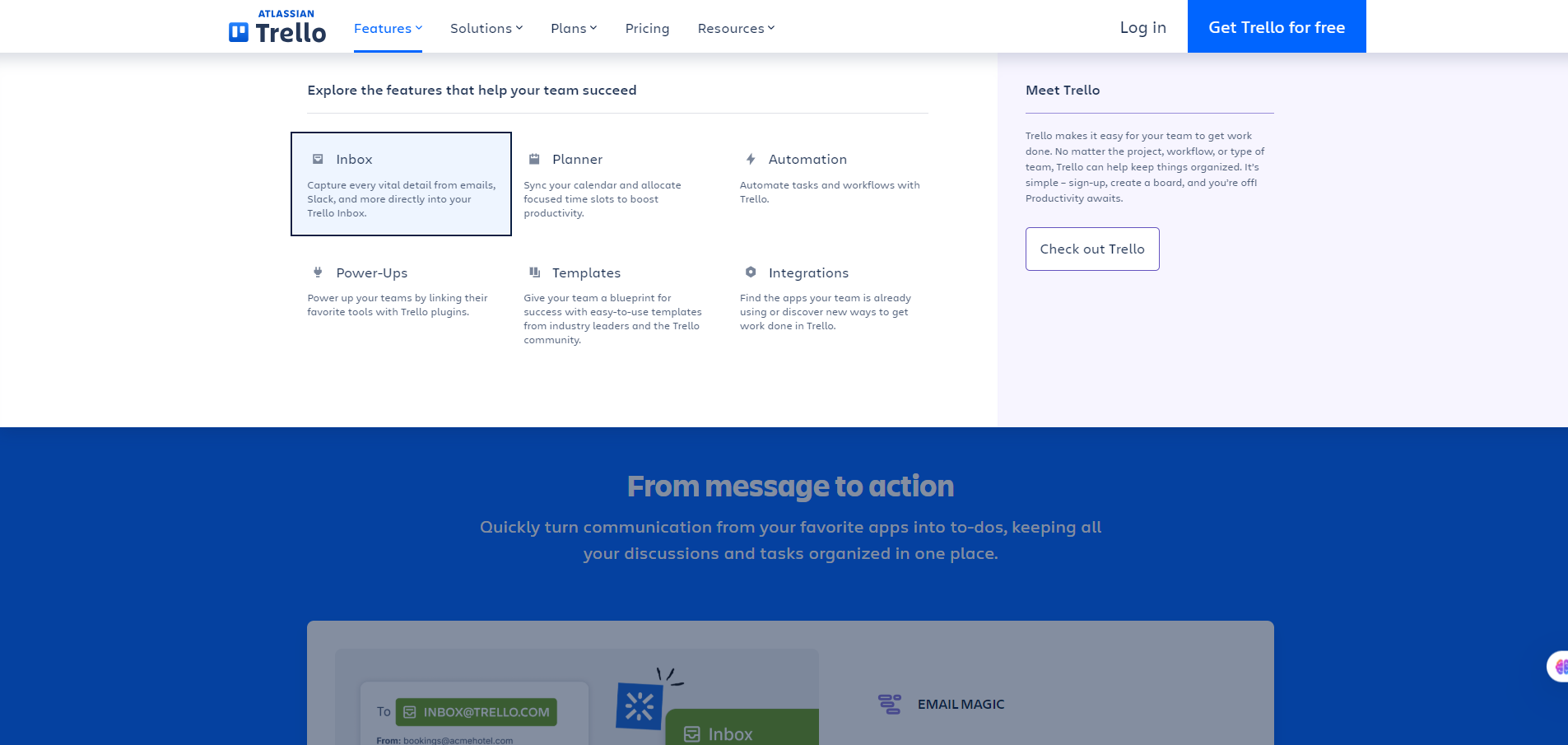
  • Power-Ups/integrations with tools you already use (Slack, Google Drive, etc.) so you can connect workflows. 
  • Several views in higher tiers: Calendar, Table, Timeline, Dashboard for better visibility across tasks.

Pricing Tables

Free
$0
  • Unlimited cards
  • Up to 10 boards per Workspace
  • Quickly capture to-dos from email, Slack, and Teams
  • Inbox
  • Unlimited Power-Ups per board
  • Unlimited storage (10MB/file)
  • 250 Workspace command runs per month
  • Custom backgrounds & stickers
  • Unlimited activity log
  • Assignee and due dates
  • iOS and Android mobile apps
  • 2-factor authentication
PREMIUM
$10
  • Atlassian Intelligence (AI)
  • Views: Calendar, Timeline, Table, Dashboard, and Map
  • Workspace views: Table and Calendar
  • Unlimited Workspace command runs
  • Admin and security features
  • Workspace-level templates
  • Collections
  • Observers
  • Simple data export
ENTERPRISE
$17.50
  • Unlimited Workspaces
  • Organization-wide permissions
  • Organization-visible boards
  • Public board management
  • Multi-board guests
  • Attachment permissions
  • Power-Up administration
  • Free SSO and user provisioning with Atlassian Guard

Analytics

Traffic Analysis

Domain Rating
91
Organic Traffic
3025865
Majority Users
United States

Visits Over Time

No visit data found.

Traffic Sources

No traffic data found.

Last Update Date: 2025-11-13

FAQ

Can I use Trello output commercially or share it with clients?
Yes — Trello is simply a tool to organise work. Your boards/cards are yours. There isn’t a licensing restriction on using the output for commercial work. However, if you use Power-Ups or integrations, check their licensing.
How many tasks, boards or users can I have?
On the Free plan you get unlimited cards and members, but board limits and automation runs are constrained. Paid plans raise those limits significantly.
Can I customise or edit how the tool generates workflows?
Yes — you and your team control boards, lists, cards. You can add custom fields, create templates, use automation rules. For deeper customisation (views, permissions) you’ll likely need the Premium plan.
Does Trello integrate with other tools/workflows?
Absolutely. It supports many integrations (Power-Ups) with apps like Slack, Google Drive, etc., and has an API.
What about security, privacy and user data?
Trello offers standard SaaS security and for Enterprise you get advanced controls (SSO, SCIM). Note: there have been publicised incidents of users inadvertently making boards public and exposing sensitive data. Make sure you check board visibility settings.
What do I get if I upgrade to the top plan vs. starter?
Upgrading gives you features like Timeline/Map/Table views, unlimited automation, workspace analytics, admin controls, better permissions and security. If you’re just managing a few tasks or a single team, the Standard plan may suffice.

Related AI Tools

StoryGenerate is a tool that generates AI-written stories and plot ideas for writers and creators so they can
Newt is a tool that helps teams research, write, and organize content using AI so they can produce
Prescene is a tool that helps filmmakers and content creators plan scenes, scripts, and shot lists using AI
Jarvis AI is a tool that generates song lyrics for musicians and creators so they can quickly write
StoryBee is a tool that generates personalized stories and learning content for kids and educators so they can
ScribaMax is a tool that generates written content using AI for marketers and creators so they can produce

