

In today’s fast-paced digital landscape, text to speech free AI tools have revolutionized how we consume and interact with content. From students and educators to developers and content creators, everyone can benefit from converting written text into natural-sounding speech. These AI-powered text to speech tools not only boost accessibility but also enhance productivity and engagement. In this guide, we break down the 10 best free text to speech tools available in 2025 to help you find the perfect solution for your needs.
What Are Text to Speech Tools?
Text to Speech (TTS) technology uses artificial intelligence to convert written words into spoken audio. These tools simulate human-like speech, enabling users to listen to text content such as documents, articles, or web pages. With advancements in AI and machine learning, modern TTS tools sound remarkably natural and are used in education, marketing, accessibility services, and more.
Benefits of AI Text to Speech Tools
- Improved Accessibility: Ideal for visually impaired users or those with learning disabilities.
- Enhanced Productivity: Listen to content while multitasking or on the move.
- Educational Aid: Supports language learners and improves pronunciation.
- Content Repurposing: Transform written articles into audio for podcasts or videos.
- Time-Saving: Speeds up information absorption for fast learners.
Top 10 Free AI Tools for Text to Speech
-
TTSReader
-
Natural Readers
-
TTSMP3
-
Speechelo
-
Voicemaker
-
Notevibes
-
FreeTTS
-
Balabolka
-
SPEECH CENTRAL
-
Read Aloud
Comparison Table
| Tool | Best For | Free Plan | Voice Variety | Languages Supported | Pricing (Starting) |
|---|---|---|---|---|---|
| TTSReader | Simplicity & quick playback | Yes | Basic / natural | Multiple | Free (web & extension) |
| Natural Readers | Students & everyday reading | Yes | Realistic voices | Multiple | Free, optional premium upgrades |
| TTSMP3 | Fast MP3 downloads from text | Yes | Multiple online voices | Multiple | Free with usage limits, paid tiers |
| Speechelo | YouTube & marketing voiceovers | Yes (limited) | Natural / “human” | Multiple | Free trial / limited, paid versions |
| Voicemaker | Creators & YouTubers | Yes | Large voice library | Many languages | Free tier, premium plans available |
| Notevibes | Professional voiceovers | Yes | 200+ AI voices | Multiple | Free basic, commercial paid plans |
| FreeTTS | Quick, no-signup usage | Yes | Basic cloud voices | 20+ (varies) | Free |
| Balabolka | Offline Windows users | Yes | System voices | System dependent | Free (desktop software) |
| SPEECH CENTRAL | Cross-device reading & study | Yes | Moderate variety | Multiple | Free app, low-cost premium upgrades |
| Read Aloud | Browser reading & multitasking | Yes | Customizable | Multiple | Free (browser extension) |
1. TTSReader
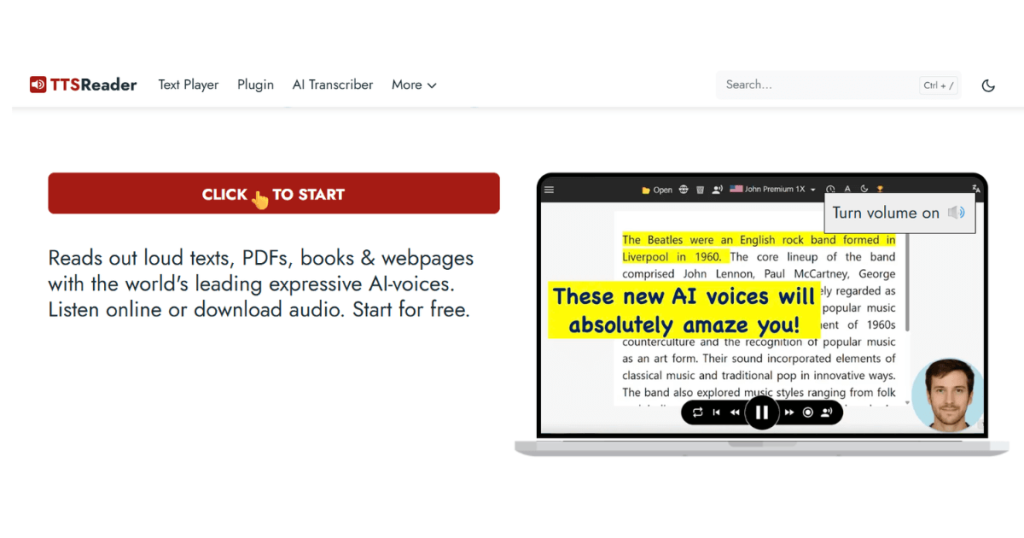
TTSReader is a browser-based, no-frills TTS tool designed for users who want instant playback without sign-up or downloads. It’s perfect for those who prefer simplicity over technical features.
- Best for: Fast, distraction-free reading
- Features:
- No registration required
- Supports text files and pasted input
- Multiple voice and language options
- Pros:
- Extremely easy to use
- Works on all major browsers
- Cons:
- Limited voice customization
- Pricing: 100% Free
2. Natural Readers

Natural Readers offers a highly polished platform suitable for students, educators, and professionals. Its realistic voices and OCR capability make it versatile and valuable for daily use.
- Best for: Students and educators
- Features:
- OCR scanner for printed material
- Natural and premium AI voices
- Chrome extension and desktop versions
- Pros:
- Great voice quality
- User-friendly interface
- Cons:
- Premium features locked behind paywall
- Pricing: Free version available, premium starts at $9.99/month
3. TTSMP3

TTSMP3 is a lightweight online tool that converts text into speech and lets you download MP3 files instantly. It’s excellent for quick voice snippets, small projects, or simple content.
Best for: Fast TTS-to-MP3 conversion
Features:
-
Paste text and export audio as MP3
-
Multiple voice options (often based on well-known cloud engines)
-
Basic controls for speed and pitch on some voices
Pros:
-
Very quick, no-frills workflow
-
No installation required
-
Great for short clips or casual use
Cons:
-
Character limits on free usage
-
Less suitable for long-form or high-volume projects
Pricing:
Free with daily/character limits; paid or donation-based options for extended use.
4. Speechelo

Speechelo is popular among YouTubers and marketers for creating human-sounding voiceovers for videos, ads, and explainer content.
Best for: Video creators and marketing voiceovers
Features:
-
Natural-sounding AI voices in multiple languages
-
Voice styles (e.g., normal, joyful, serious)
-
Controls for breathing, emphasis, and pauses
-
Designed to pair well with video editors and content tools
Pros:
-
Tuned specifically for voiceover-style output
-
Good for creating narration quickly without recording your own voice
-
One-time purchase / license models in some offers (depends on plan/version)
Cons:
-
Less convenient for pure “read this web page” scenarios
-
Interface is more voiceover-focused than general reading
Pricing:
Often marketed with limited free/demo options, with full access via paid licenses or packages.
5. Voicemaker.in
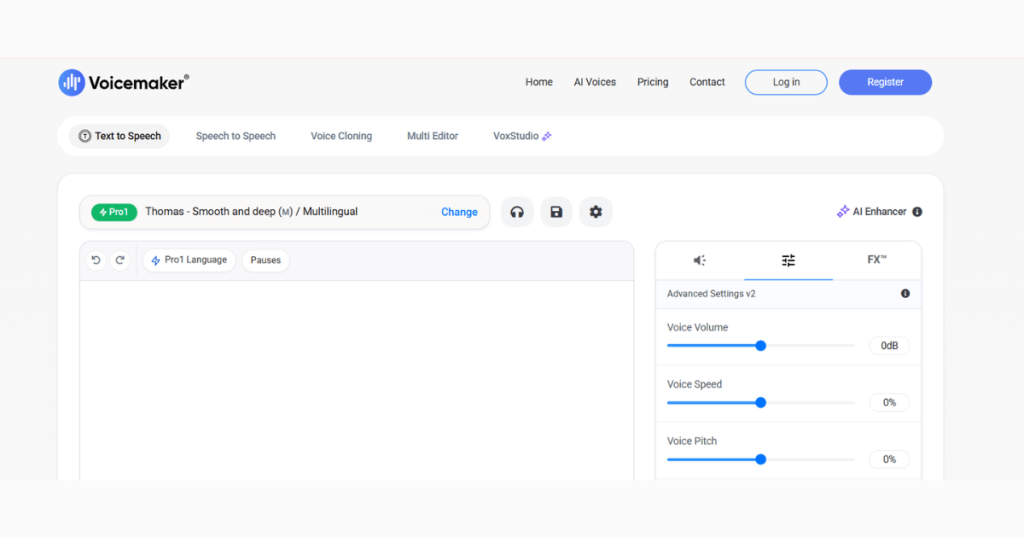
Voicemaker.in is a powerful tool for YouTubers and marketers needing fast, quality voiceovers. It provides an expansive voice library and flexible download formats.
- Best for: Video creators and podcast hosts
- Features:
- Over 750 voices
- Voice emotion and emphasis options
- Supports MP3 and WAV output
- Pros:
- Advanced customization tools
- 140+ language support
- Cons:
- Daily usage limits on free plan
- Pricing: Free plan, premium from $5/month
6. Notevibes
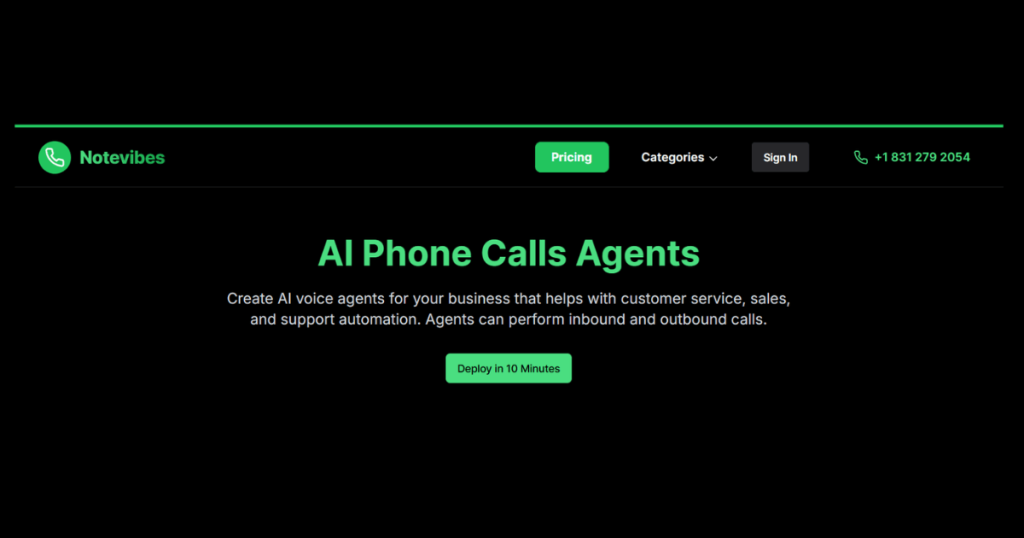
Notevibes is great for creating voiceovers for YouTube videos, presentations, and e-learning modules. It comes with commercial-use licensing.
- Best for: Professional-grade voiceovers
- Features:
- 200+ AI voices
- Commercial rights included
- Voice tuning with SSML
- Pros:
- Studio-quality audio
- Easy export and editing
- Cons:
- Limited features on free tier
- Pricing: Free basic plan, premium from $9/month
7. FreeTTS

FreeTTS is an accessible browser tool that converts short text snippets into speech instantly. Ideal for casual or infrequent users.
- Best for: Fast, one-time use
- Features:
- Supports over 25 languages
- One-click audio download
- Pros:
- No registration required
- Fast processing
- Cons:
- Short character limit
- Pricing: Free
8. Balabolka
Balabolka is a downloadable software for Windows users looking for a solid offline TTS experience. It uses your system’s installed voices but allows deep customization.
- Best for: Offline use and custom workflows
- Features:
- Text editing and batch processing
- Supports multiple file types
- Pros:
- Highly customizable
- Completely offline
- Cons:
- Outdated interface
- Pricing: Free
9. Speech Central
Speech Central is perfect for users who want a TTS tool across desktop and mobile. It allows you to listen to web articles, emails, and documents.
- Best for: Cross-platform syncing
- Features:
- Multi-device support (Windows, iOS, Android)
- Bookmarking and notes
- Pros:
- Smooth integration with web and apps
- Good for productivity
- Cons:
- Some limitations on free version
- Pricing: Free plan, premium from $4.99/month
10. ReadAloud

ReadAloud is a handy browser extension that can read web content, PDFs, and Google Docs. It’s an excellent tool for multitaskers.
- Best for: Web browsing and document reading
- Features:
- Works with Chrome and Edge
- Multiple voice options
- Pros:
- Simple interface
- Supports wide content types
- Cons:
- Browser-dependent
- Pricing: Free
How to Choose the Best Text to Speech Tool
Consider the following when picking a TTS solution:
- Use Case: Students may prefer Natural Readers; developers may prefer Google Cloud.
- Voice Quality: Look for neural or WaveNet-powered tools.
- Platform: Need offline access? Try Balabolka. Prefer browser use? Go with TTSReader.
- Language Support: Voicemaker.in and Azure support the most languages.
- Budget: Many tools offer free versions; upgrade only if you need commercial rights or advanced features.
Conclusion
Text to speech tools have advanced rapidly, offering lifelike voices and flexible usage. Whether you’re a student, content creator, or developer, there’s a free AI text to speech tool tailored to your needs. With this top 10 list, you’re well-equipped to find the best tool for listening, learning, or content creation in 2025.
FAQs
What is the best free AI text to speech tool in 2025?
TTSReader and ReadAloud offer simplicity and ease-of-use with zero cost.
Which AI voice generator sounds the most realistic?
Google Cloud TTS and Microsoft Azure provide hyper-realistic neural voices.
Can I use TTS tools for YouTube narration?
Yes, Notevibes and Voicemaker.in offer commercial-use licensing for YouTube.
Do any TTS tools work offline?
Yes, Balabolka is a top offline option for Windows.
What are the best TTS tools for students?
Natural Readers and Speech Central are user-friendly and designed with students in mind.

