Microsoft Excel is one of the most widely used tools for data management and analysis across industries. But even advanced Excel users can get slowed down by complex formulas, repetitive tasks, and messy datasets.
That’s where AI Excel tools come in. These tools help you generate formulas from plain English, clean and categorize data, build automations, and produce insights faster—often with a free plan, free credits, or a free trial (which is how “free” is interpreted in this 2025 list).
What is an AI Excel Tool?
An AI Excel tool is an add-in, plugin, spreadsheet assistant, or adjacent workflow tool that uses AI (usually natural language processing and automation) to improve how you work with Excel data—like generating formulas, cleaning data, summarizing insights, and automating repetitive steps.
Benefits of AI Excel Tools
-
Automate repetitive work (cleaning, formatting, filling, tagging)
-
Generate formulas instantly from natural language prompts
-
Get faster insights by summarizing and interpreting data
-
Reduce errors by checking logic and improving consistency
-
Make Excel easier for beginners by removing syntax-heavy steps
Top 13 Best Free AI Tools for Excel
-
Ajelix
-
SheetAI.app
-
RowZero
-
Numerous.ai
-
Excelly.ai
-
PromptLoop
-
Arcwise.ai
-
FormulaBot
-
ThinkSheetsSystems
-
Kohezion
-
BotSheets
-
ExcelBot.io
-
BoloForms
Comparison Table: AI Tools for Excel (Free Plans / Trials Included)
| Tool | Best For | Free Plan / Trial | Works With | Key AI Strength | Pricing (starts) |
|---|---|---|---|---|---|
| Ajelix | Formula generation + explainers | ✅ Free usage | Excel | Text → formula + explanations | Paid from ~$5.95/mo |
| SheetAI.app | AI functions inside spreadsheets | ✅ Free tier (limited calls) | Google Sheets (Excel workflow via export/import) | AI functions + content + formula help | Plans shown up to $20/mo |
| RowZero | Fast analysis on huge datasets | ✅ Free to try | Excel-like spreadsheet | Big-data spreadsheet + familiar functions | Pricing shown on site |
| Numerous.ai | “GPT in cells” workflows | ✅ Free tokens/credits | Excel + Google Sheets | Prompt-in-cell transformations | Subscriptions shown from ~$10 |
| Excelly.ai | Text → Excel formulas | ✅ 5 free formulas/month | Excel + Sheets | Natural language formula builder | Paid shown (example $7/mo) |
| PromptLoop | Bulk classify/extract at scale | ✅ Free to try | Excel + Google Sheets | Column-level AI automations | Usage-based + paid tiers |
| Arcwise.ai | AI copilot for spreadsheet analysis | ✅ Free install (freemium) | Google Sheets | Ask questions + analysis help | Pricing varies by plan |
| FormulaBot | AI data analyst + add-ins | ✅ Free plan | Excel + Sheets | Data analysis, charts, PDF→Excel tools | Paid shown from $18/mo |
| ThinkSheetsSystems | Structured decision modeling | (Often demo/quote) | Web platform (Excel-adjacent) | “Professional Intelligence” workflows | Quote-based (not clearly public) |
| Kohezion | Spreadsheet-to-database workflows | ✅ 14-day free trial | Web (Excel migration) | Migrate Excel → low-code database | Starts $300/mo |
| BotSheets | Build chatbots from spreadsheet data | ✅ Free trial | Google Sheets (Excel via import/export) | Spreadsheet-as-knowledge-base bots | Plans shown from $19/mo |
| ExcelBot.io | Formula + VBA generation | ❌ Pay-as-you-go credits | Excel | Text → formula/VBA + explanations | Packs shown from $5 |
| BoloForms | Approval workflows + automation | ✅ Free plan available | Google Forms/Sheets (Excel adjacent) | Workflow automations on form data | Paid tiers available |
1. Ajelix

Review: Ajelix is an AI toolkit built around Excel productivity—especially generating and explaining formulas. It’s a strong pick if your main pain is formula writing and debugging.
Best For:
-
People who want fast text-to-formula
-
Users who need formula explanations
-
Reporting tasks that repeat weekly/monthly
Key Features:
-
AI Excel tools for generating and explaining formulas
-
Multiple AI spreadsheet utilities in one dashboard
Pros:
-
Great for non-experts (plain English → Excel logic)
-
Helpful explanations reduce trial-and-error
-
Free usage available (limited)
Cons:
-
Limits on free usage
-
Some features require paid plan
Pricing:
-
Free limited usage (site mentions free requests)
-
Paid plan shown from ~$5.95/month
2. SheetAI.app
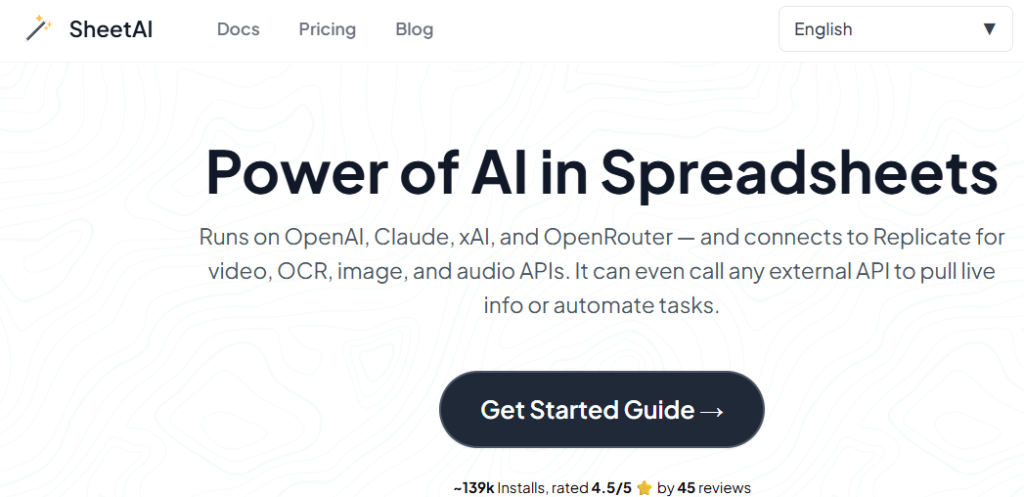
Review: SheetAI brings AI functions into spreadsheets (primarily Google Sheets), letting you generate content, analyze data, and create formulas using an AI function approach. It’s useful if your Excel work overlaps with Sheets (common in teams).
Best For:
-
Teams using Google Sheets alongside Excel
-
Users who want AI functions inside cells
-
Content generation directly in spreadsheet workflows
Key Features:
-
Spreadsheet AI function(s) for content + tasks
-
Formula generation + automation support
-
Free plan with limited monthly calls (as documented)
Pros:
-
Easy to start (“free to get started”)
-
Works well for bulk spreadsheet content tasks
-
Useful for multilingual use cases
Cons:
-
Primarily a Google Sheets add-on (Excel use is indirect via export/import)
-
Some plans require subscription + you may need an API key depending on plan/setup
Pricing:
-
Free tier (limited function calls)
-
Paid plans shown (examples include monthly/yearly options)
3. RowZero
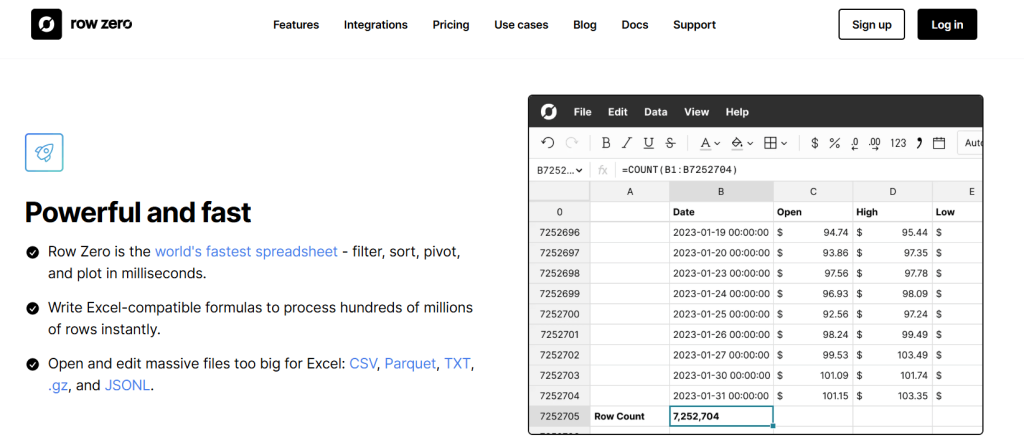 Review: RowZero is an AI-powered tool that automatically detects patterns, trends, and insights within your data. It helps you quickly analyze your spreadsheet and find hidden patterns without needing advanced analytical skills, making it an excellent choice for data cleaning and quick analysis. Best For: Data cleaning and quick analysis Features:
- Automatically detects patterns and trends in your data
- Provides actionable insights based on data analysis
- Simple, one-click process to analyze data
Pros:
- Ideal for quick and easy data analysis
- Simplifies data cleaning
- Automatically identifies valuable insights
Cons:
- Limited customization for advanced users
- Paid plans required for full access
Pricing: Free, Paid plans from $19/month
4. Numerous.ai

Review:
Numerous.ai brings GPT functionality into Excel and Google Sheets. By writing prompts inside a spreadsheet cell, users can perform data transformations, summaries, translations, and content generation using AI — without switching apps.
Best For: AI-powered text interaction directly in spreadsheets
Features:
-
Write and evaluate GPT prompts inside Excel/Sheets
-
Summarize, rewrite, translate, or analyze content
-
Works with GPT-3.5 or GPT-4 API
Pros:
-
Works like a ChatGPT assistant inside your spreadsheet
-
Supports a wide variety of text and data operations
-
Easy integration with simple syntax
Cons:
-
Requires OpenAI API key
-
Token usage can add up for larger workloads
Pricing: Free with API; usage-based cost applies
5. Excelly.ai
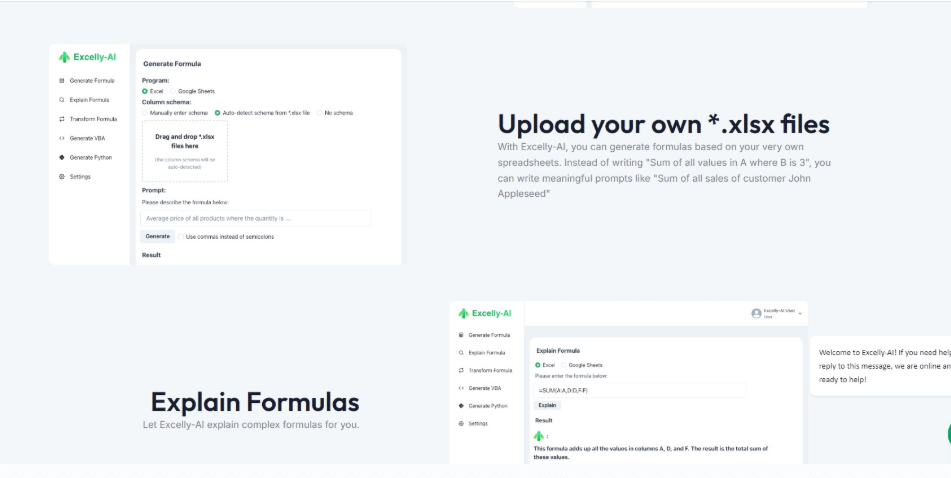
Review: Excelly-AI focuses on one core need: turning plain English into Excel formulas (and related help). It’s ideal for beginners and busy operators who just want the correct formula fast.
Best For:
-
Beginners who struggle with functions
-
Anyone who wants quick formula generation
-
Fast “what formula do I need?” workflows
Key Features:
-
5 free formulas per month (as promoted)
-
Formula generation + explanation options (as listed on site)
Pros:
-
Very simple learning curve
-
Great time-saver for everyday Excel problems
Cons:
-
Narrower scope than full “AI analyst” tools
-
Paid needed for unlimited/heavy use
Pricing:
-
Free: 5 formulas/month
-
Paid plan shown (example: $7/month on site)
6. PromptLoop
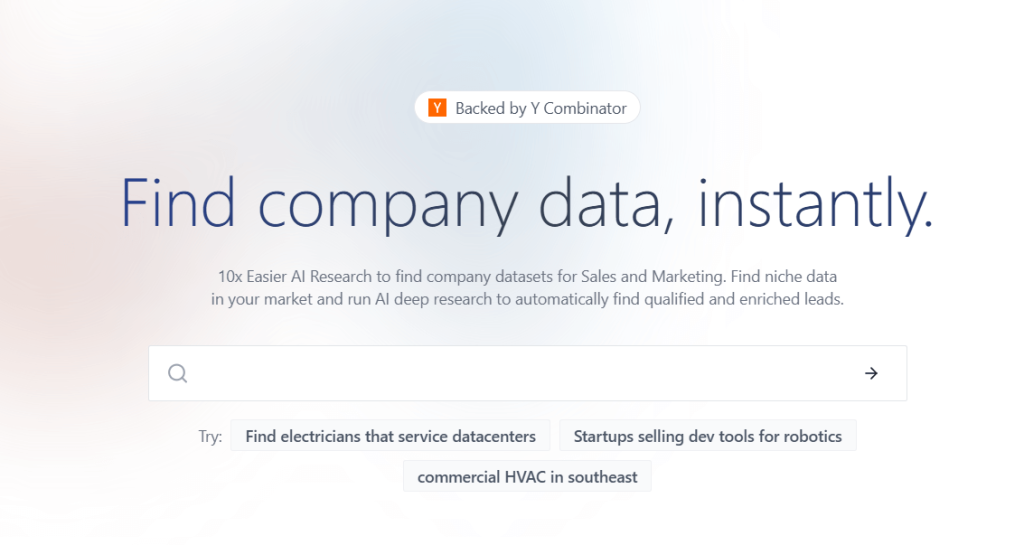
Review: PromptLoop is built for repeatable spreadsheet automations like classification and extraction. It’s especially useful when you want an AI “pipeline” in a column and run it at scale. It also documents Excel support via add-in/integration.
Best For:
-
Bulk tagging/classification
-
Extracting structured data from messy text
-
Operations and marketing teams doing recurring spreadsheet tasks
Key Features:
-
Spreadsheet AI workflows + templates
-
Excel integration is documented
-
“Free to try” and upgrade model
Pros:
-
Great for scalable, repeatable tasks
-
Flexible prompt logic for many use cases
Cons:
-
Requires iteration to get prompts perfect
-
Costs can scale with volume
Pricing:
-
Free to try
-
Paid/usage-based model (per their pricing wording)
7. Arcwise.ai

Review: Arcwise is an AI copilot designed around spreadsheet analysis (notably in Google Sheets). It’s helpful for summarizing, analyzing, and working faster inside spreadsheet contexts—especially if your Excel workflow overlaps with Sheets.
Best For:
-
Spreadsheet analysis in Google Sheets (Excel-adjacent workflows)
-
Teams doing reporting + analysis collaboratively
-
People who want “ask questions about my sheet” style help
Key Features:
-
AI copilot-style spreadsheet assistant (store listing)
-
Onboarding + workflow guidance for using the tool
Pros:
-
Easy to install and try
-
Useful for analysis-heavy spreadsheet work
Cons:
-
Primarily Sheets-oriented (Excel use is indirect)
-
Pricing/plan details can vary by source; best confirmed on their site/listing
Pricing:
-
Free install (freemium positioning via store listing)