


Discord has become one of the most popular communication tools for gaming communities, content creators, and even businesses. It offers voice, video, and text communication, making it an excellent choice for real-time collaboration and social interactions. However, some users may find its pricing or specific features limiting for their needs. Fortunately, many free alternatives to Discord offer similar functionalities. In this article, we’ll explore the best Discord alternatives, from open-source platforms to specialized communication tools. Whether you’re looking for a platform for team collaboration, secure communication, or casual chatting, these alternatives can provide a range of features to meet your needs.
Why Consider a Discord Alternative?
While Discord is a fantastic platform, there are several reasons why users might seek alternatives: Cost: Discord’s premium services, such as Discord Nitro, can be expensive, especially for those who do not require all its advanced features. Many alternatives provide free plans that offer most of the core features. Customization: Some alternatives allow for more customization options to suit specific needs, whether you’re managing a small community or a large team. Privacy & Security: Privacy-focused users may prefer alternatives that offer decentralized communication, stronger encryption, or more control over data. Features: Some alternatives focus on team collaboration, project management, or text-based discussions, offering more specialized tools than Discord. Ease of Use: If you find Discord overwhelming or need something simpler, there are many alternatives that offer easier-to-use interfaces or more streamlined functionality. Let’s dive into the top 13 free Discord alternatives and explore their unique features and offerings.
Top 13 Best Discord Alternatives
-
Mumble
-
Slack
-
Telegram
-
Mattermost
-
TeamSpeak
-
Discourse
-
Jami
-
Zulip
-
Rocket.Chat
-
Tox
-
Guilded
-
Zoom
-
Teamflow
Comparison Table of Discord Alternatives
| Product | Best For | Price Range | Key Features |
|---|---|---|---|
| Mumble | Low-latency, open-source voice chat for gaming & teams | Free, open source | High-quality VoIP, positional audio, encryption, self-hosted server |
| Slack | Team collaboration & business chat | Free tier; paid plans start around $7.25/user/month | Channels, DMs, apps & integrations, audio/video huddles, robust search |
| Telegram | Fast, cloud-based messaging & large groups/channels | Free | Groups & channels, bots, file sharing, voice & video chats |
| Mattermost | Dev- and security-focused self-hosted team chat | Free self-hosted; paid enterprise plans available | Open source, channels, workflow automation, voice, screen share |
| TeamSpeak | Competitive gaming voice with low latency | Free client & small self-hosted server; paid hosting | High-quality VoIP, strong permissions, self-hosting options |
| Discourse | Forums & long-form community discussion | Free self-hosted; hosted plans from ~$100/month | Threaded topics, moderation, plugins, SSO, rich media |
| Jami | Fully decentralized, P2P secure messaging & calls | Free, open source | Peer-to-peer messaging, voice/video, file sharing, no central server |
| Zulip | Topic-based threaded team chat | Free self-hosted; cloud paid plans available | Streams & topics, async-friendly threads, powerful search |
| Rocket.Chat | Secure, customizable open-source team communication | Free self-hosted; paid cloud plans | Channels, voice/video, apps, heavy security focus |
| Tox | Ultra-private P2P messaging, voice & video | Free, open source | End-to-end encrypted messaging, voice/video, screen & file sharing |
| Guilded | Gaming communities & esports teams | Free (premium cosmetic extras in some cases) | Team chat, voice/video, events, calendars, forums, game-focused tools |
| Zoom | Video-first meetings with built-in team chat | Free plan; paid plans start around $15/month host | Video meetings, screen share, chat, whiteboards; free 40-minute limit |
| Teamflow | Virtual office for remote teams | Free trial; paid per-user plans | Spatial virtual office, avatars, always-on rooms, collaboration tools |
13 Best Discord Alternatives Review
1. Mumble
Best For: Low-latency, open-source voice chat for gaming and communities
Review:
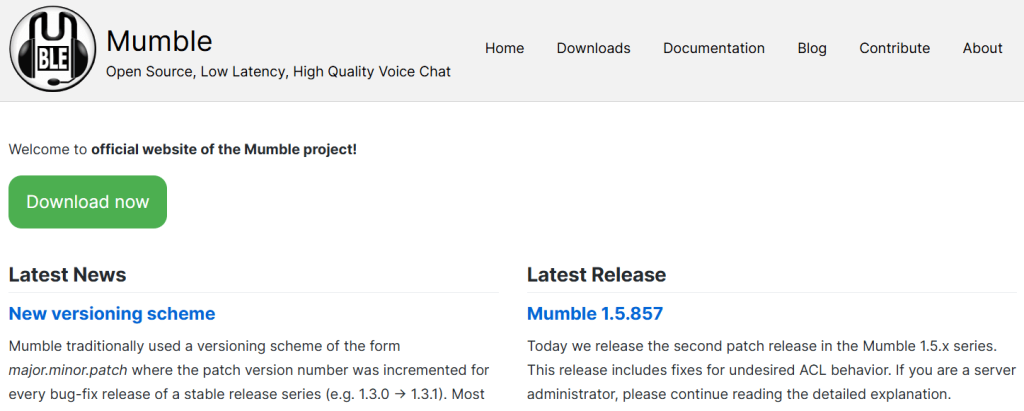
Mumble is a classic for gamers who care about fast, crystal-clear voice and owning their own infrastructure. It’s a free, open-source VoIP app built specifically for low-latency communication and supports positional audio in many games. You can self-host the server (“Murmur”) and tightly control permissions and privacy.
Features:
-
Very low-latency, high-quality audio (using the Opus codec)
-
Self-hosted server with fine-grained permissions
-
Positional audio for supported games
-
Encrypted voice & text by default
Pros:
-
Completely free and open source
-
Excellent performance for competitive play
-
Strong privacy and control via self-hosting
Cons:
-
Mainly voice-focused (text & media are basic)
-
UI feels dated compared to Discord
-
Requires a bit of setup if you host your own server
Pricing: Free (open source; self-host your own server).
2. Slack
Best For: Team collaboration and communication
Review:
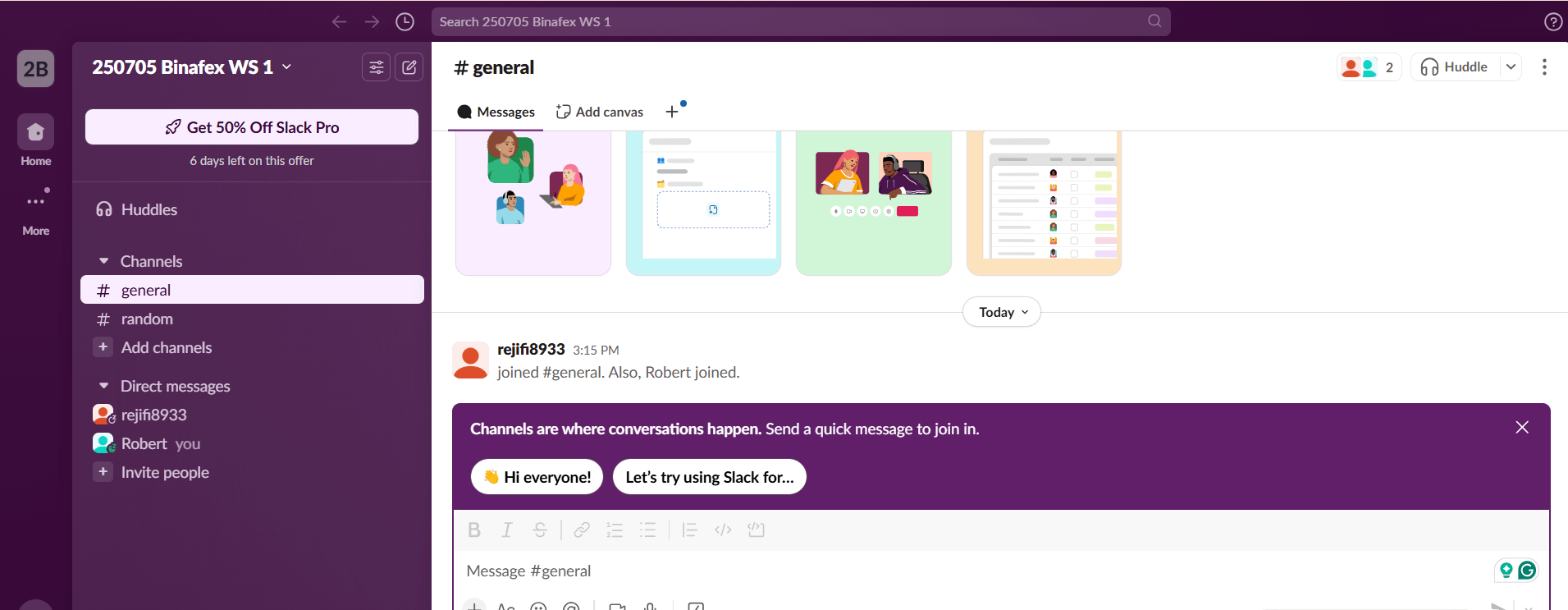
Slack is one of the most popular communication tools for businesses and teams. It allows users to organize conversations into channels, send direct messages, and share files. Unlike Discord, which is geared towards gaming and community chatting, Slack is built for professional collaboration with integrations like Google Drive, Asana, and Trello. Slack is a great Discord competitor for businesses, offering both paid and free plans depending on your needs.
Features:
-
Organized channels for communication
-
File sharing and direct messaging
-
Integrations with popular tools (e.g., Google Drive, Trello)
-
Voice and video calls
Pros:
-
Excellent for professional communication
-
Powerful third-party integrations
-
Advanced search and message archiving
Cons:
-
Free plan has limited message history
-
Can be overwhelming for smaller teams
Pricing: Free (limited features), Paid plans start at $6.67/month per user
3. Telegram
Best For: Secure, fast messaging with a large user base
Review:
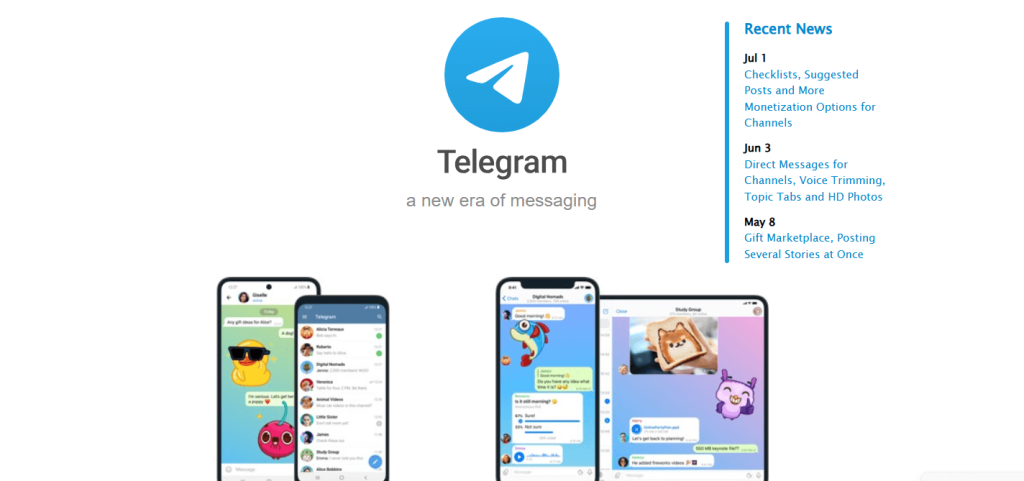
Telegram is a widely used messaging app that offers fast delivery of messages, secure communication with end-to-end encryption, and support for both private and public groups. While it may not have all the server management features of Discord, Telegram allows users to create channels with unlimited subscribers and communicate privately with friends or groups. With its popularity and ease of use, Telegram is a solid Discord competitor.
Features:
-
End-to-end encrypted secret chats
-
Channels for broadcasting messages
-
Group chats with up to 200,000 members
-
Bots for automation and customization
Pros:
-
Fast, reliable messaging
-
No ads, completely free
-
Supports large groups and broadcasting
Cons:
-
Limited server management compared to Discord
-
Lacks extensive voice and video call features (though these are being added)
Pricing: Free
4. Mattermost
Best For: Self-hosted team communication with open-source hosting
Review:
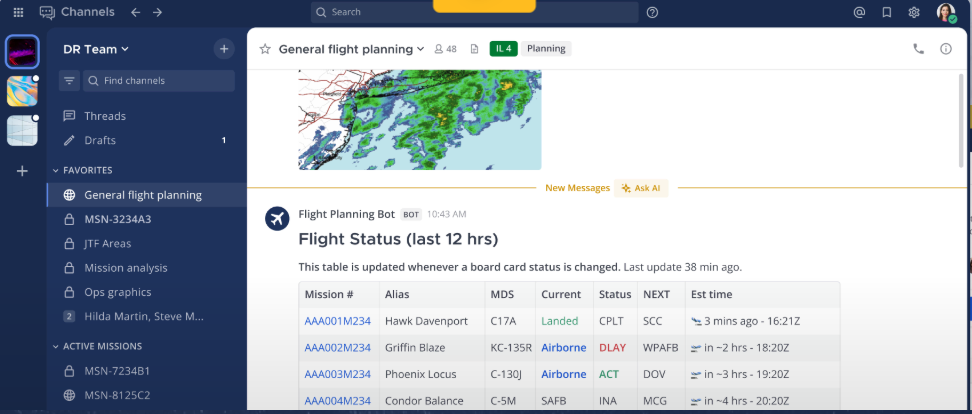
Mattermost is an open-source team communication tool that offers flexibility with self-hosting and full control over data. It’s a great Discord open-source alternative for businesses needing advanced security and customization. Mattermost provides features like multi-channel messaging, video conferencing, and integrations with popular tools like Jira and GitHub. It’s designed for teams that require a secure, flexible platform for collaboration.
Features:
-
Self-hosting and cloud-hosting options
-
Multi-channel support and real-time messaging
-
Video calls and file sharing
-
Customizable themes and integrations
Pros:
-
Open-source and customizable
-
Full control over data with self-hosting
-
Ideal for large teams with complex needs
Cons:
-
Requires technical expertise to set up and maintain
-
Limited integrations compared to Slack
Pricing: Free (self-hosted), Paid plans for cloud hosting available
5. TeamSpeak
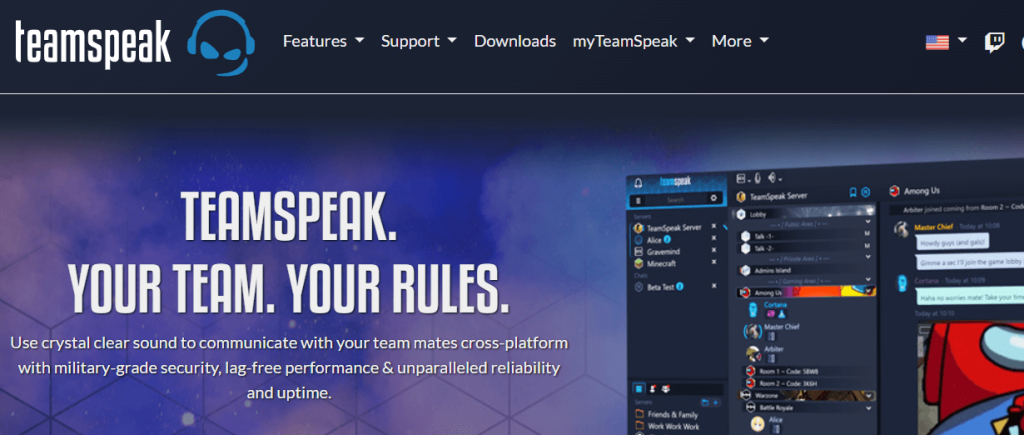
Best For: Competitive gaming voice with strong control
Review:
TeamSpeak is another long-time favorite for gamers and esports teams. It focuses on high-quality, low-latency voice chat and offers strong permission controls for admins. The client is free, and you can run your own non-commercial server for up to 32 slots at no license cost, which is great for clans and guilds.
Features:
-
High-quality, low-latency VoIP
-
Server and channel permission system
-
Cross-platform clients (PC, mobile)
-
Self-hosted server or rented hosting
Pros:
-
Very stable and reliable for voice
-
Free client and free small server setups
-
Trusted in competitive gaming
Cons:
-
Voice-centric; text/chat is basic
-
Old-school UI and configuration
Pricing: Client is free; self-hosted TS3 server is free up to 1 virtual server / 32 slots for non-commercial use.
6. Discourse
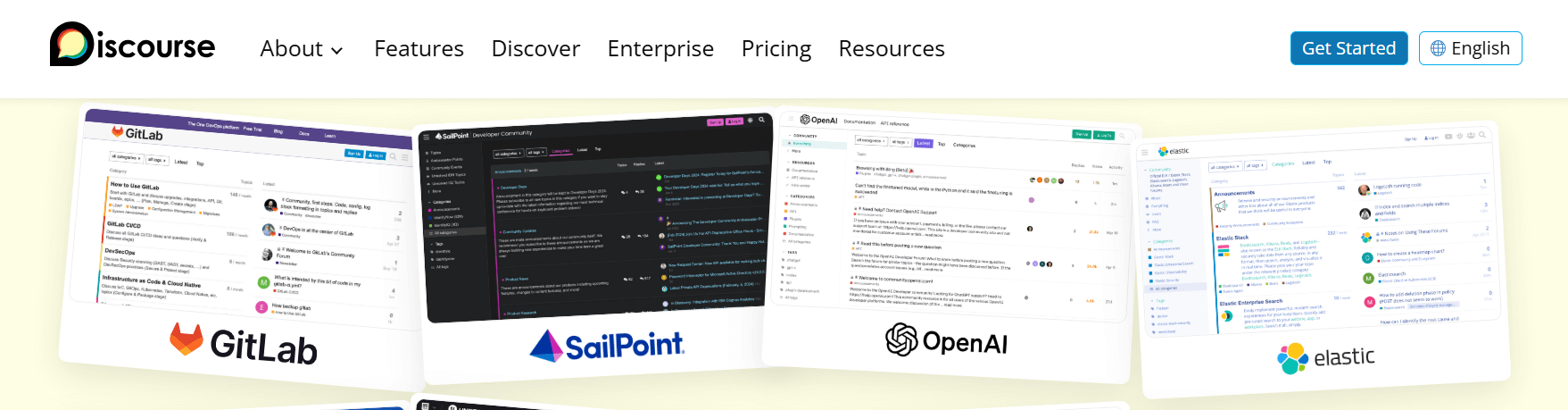
Best For: Community-driven discussions and forums
Review:
Discourse is an open-source platform designed to build community-driven discussion boards. Unlike Discord, which is more focused on real-time communication, Discourse allows for long-form discussions with threaded messages, making it ideal for communities that need structured conversations. Discourse can be customized with plugins and integrates with other platforms like Slack and GitHub.
Features:
-
Threaded discussions and posts
-
Rich media integration (images, videos, polls)
-
Moderation tools for managing large communities
-
Search and email notifications for posts
Pros:
-
Great for knowledge sharing and community forums
-
Fully open-source with customization options
-
Scalable for large communities
Cons:
-
Lacks real-time communication features
-
Requires hosting and maintenance
Pricing: Free (self-hosted), Paid plans for hosted services start at $100/month
7. Jami
Best For: Fully decentralized, serverless secure communication
Review:
Jami is a distributed, peer-to-peer communication platform: no central servers, no accounts tied to phone numbers or emails. It supports text, voice, video, screen sharing, and file transfer. It’s a strong choice if you want maximum privacy and independence from big cloud providers.
Features:
-
Peer-to-peer messaging & calls (no central server)
-
End-to-end encryption
-
Works over internet or local network
-
Multi-platform (Linux, Windows, macOS, Android, iOS)
Pros:
-
No central point of failure or control
-
Very privacy-friendly (no personal info required)
-
Free and open source
Cons:
-
More technical than mainstream apps
-
Fewer “community” features like roles/channels
Pricing: Free.
8. Zulip
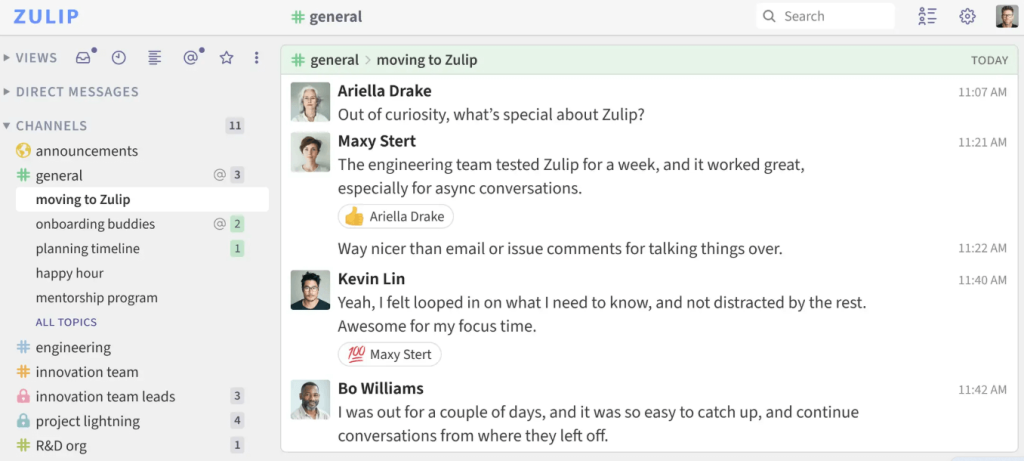
Best For: Topic-based threaded communication for teams
Review:
Zulip is a team communication tool that organizes conversations by topics, allowing for easy management of long-running discussions. Unlike Discord’s real-time communication, Zulip’s thread-based messaging keeps conversations structured and accessible. It’s perfect for teams who need to manage multiple projects or topics simultaneously.
Features:
-
Topic-based threaded messaging
-
Real-time messaging and file sharing
-
Integration with GitHub, Jira, and more
-
Powerful search functionality
Pros:
-
Organized conversation threads for easier navigation
-
Open-source and self-hostable
-
Great search functionality
Cons:
-
Interface may be overwhelming for some users
-
Limited voice/video call features compared to Discord
Pricing: Free (self-hosted), Paid plans for enterprise support
9. Rocket.Chat
Best For: Flexible team messaging with open-source hosting
Review:
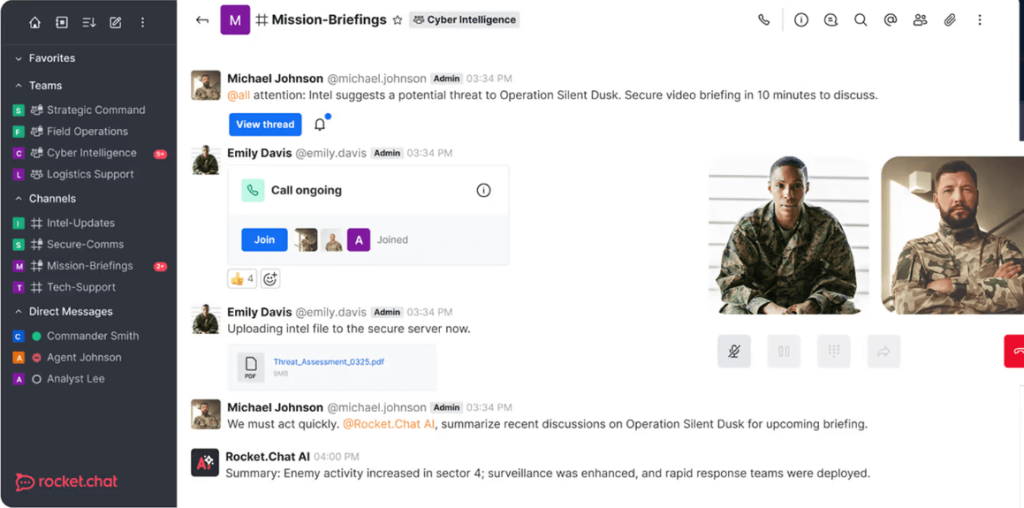
Rocket.Chat is an open-source platform designed for team communication. It offers real-time messaging, file sharing, and video calls, with self-hosting options to maintain control over your data. Its rich customization options make it an excellent Discord open-source alternative for teams requiring specific features.
Features:
-
Group chats and direct messaging
-
Video conferencing and voice calls
-
File sharing and screen sharing
-
Self-hosting and cloud hosting options
Pros:
-
Fully customizable and open-source
-
Secure with self-hosting options
-
Supports real-time messaging and calls
Cons:
-
Requires technical expertise for self-hosting
-
Limited third-party integrations compared to Slack
Pricing: Free (self-hosted), Paid plans for cloud hosting available
10. Tox
Best For: Peer-to-peer encrypted communication
Review:
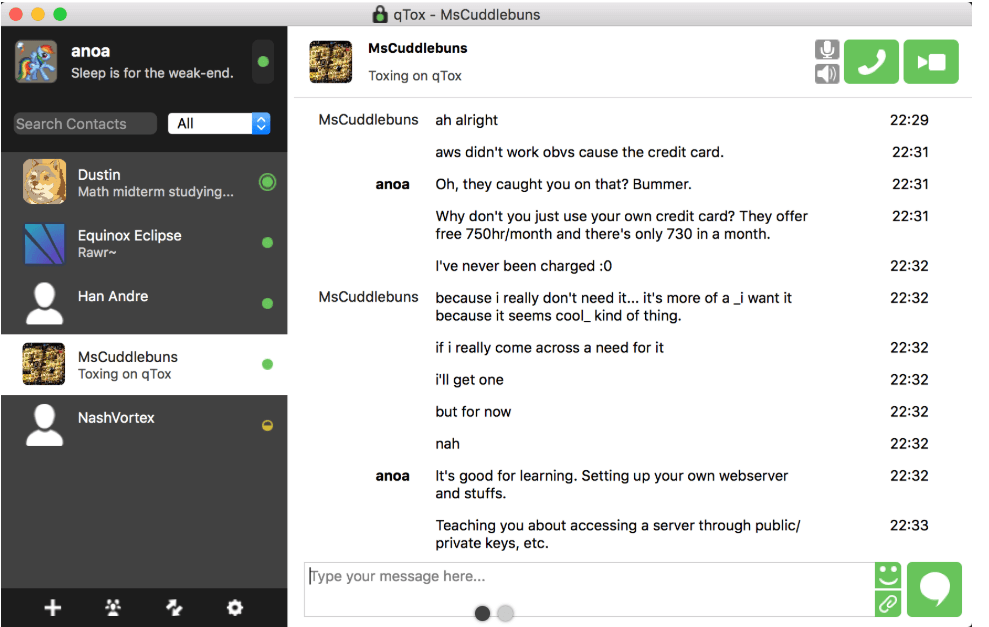
Tox is a free, open-source messaging platform that offers end-to-end encryption for text, voice, and video communication. It’s decentralized and does not require a central server, making it ideal for users who prioritize privacy and security. Tox is a great Discord competitor for users looking for a simple, secure communication tool.
Features:
-
End-to-end encryption for secure communication
-
Text, voice, and video calls
-
Peer-to-peer decentralized network
Pros:
-
Fully encrypted and decentralized
-
Free to use with no ads
-
Lightweight and easy to use
Cons:
-
Limited to text, voice, and video communication
-
Lacks features like channels or server management
Pricing: Free
11. Guilded
Best For: Gaming communities and team collaboration
Review:
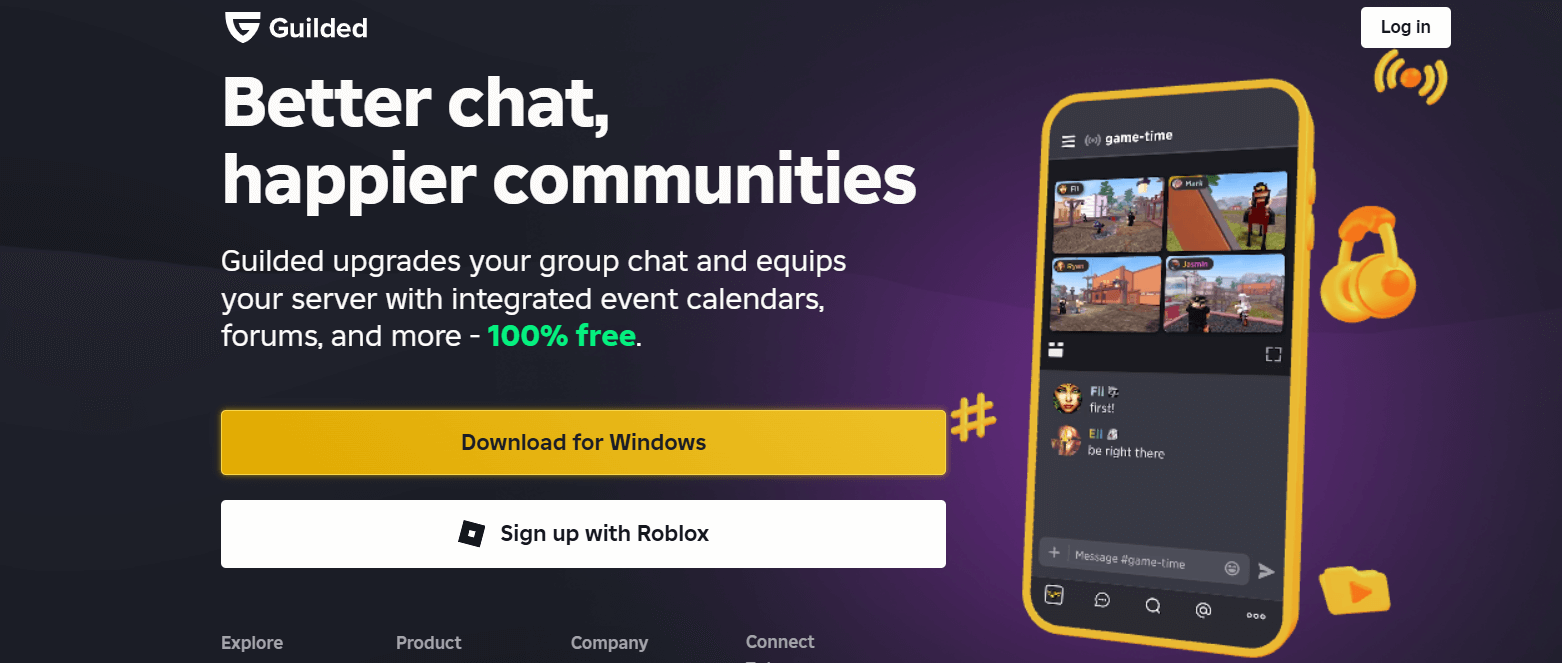
Guilded is a Discord competitor that caters specifically to gaming communities. It offers features like team management, voice/video chat, event scheduling, and gaming integrations. Guilded’s powerful tools make it easy for teams to coordinate and stay organized. It’s an excellent choice for gamers who need more structure than Discord provides.
Features:
-
Team management tools
-
Voice and video chat support
-
Event scheduling and game integration
-
Customizable server layouts
Pros:
-
Highly tailored for gamers
-
Extensive game integrations
-
Voice and video calls, event scheduling
Cons:
-
Limited popularity compared to Discord
-
Interface could be overwhelming for new users
Pricing: Free, Paid plans for additional features
12. Zoom Chat
Best For: Team collaboration with a focus on video conferencing
Review:
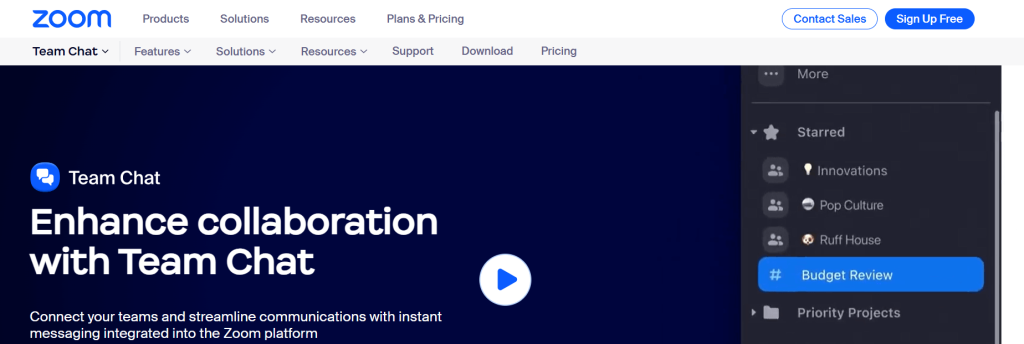
Zoom Chat is an extension of the widely-used Zoom video conferencing tool. It offers chat, file sharing, and video calling all in one. Ideal for remote teams, Zoom Chat allows you to seamlessly transition from text communication to video calls, all while integrating with Google Drive and other productivity tools.
Features:
-
Group chats and direct messaging
-
File sharing and video conferencing
-
Integration with productivity tools
Pros:
-
Seamless transition from text to video
-
Integrates with productivity tools like Google Drive
-
Secure and enterprise-grade
Cons:
-
More focused on video conferencing than chatting
-
Lacks extensive community-focused features
Pricing: Free (limited features), Paid plans available for premium features
13. Teamflow
Best For: Remote teams that want a “virtual office” feel
Review:
Teamflow is a spatial virtual office where teammates appear as avatars on a shared floorplan. You “walk” around to join conversations, drop into rooms, and collaborate on embedded apps/boards. It aims to recreate the feel of a physical office—perfect for remote teams who miss spontaneous hallway chats.
Features:
-
Virtual office map with avatars and spatial audio
-
Always-on rooms for teams, focus spaces, etc.
-
Built-in video, chat, and collaboration tools
-
Integrations and screen sharing
Pros:
-
Very “human” and immersive remote experience
-
Great for spontaneous conversations and co-working
-
Good complement or replacement for Discord hangout servers
Cons:
-
Overkill if you just need simple chat
-
Best value for teams who use it daily
Pricing: Free trial available; then paid per-user plans (pricing varies by tier and contract).
How to Choose the Best Discord Alternative
When choosing the best Discord alternative, consider the following factors:
- Features: Look for platforms that offer features suited to your needs, such as real-time communication, voice/video calls, or team collaboration. Slack and Microsoft Teams excel in team communication, while Element and Tox focus on privacy.
- Customization: Platforms like Matrix, Zulip, and Rocket.Chat offer more customization and are open-source.
- Privacy: For privacy, consider decentralized platforms like Element or Tox that provide end-to-end encryption.
- Ease of Use: For easier setups, platforms like Telegram and Slack are more user-friendly.
- Cost: Many of the alternatives are free Discord alternatives, but some offer premium features with paid plans.
Conclusion
There are many great Discord alternatives that can meet a wide range of needs, from secure communication to team collaboration. Whether you’re a small business, a developer, or a privacy-conscious user, there’s a platform that can suit your requirements. From open-source platforms like Element and Matrix to enterprise tools like Microsoft Teams and Slack, these alternatives offer powerful communication solutions without the limitations of Discord.
What is the best free Discord alternative?
Element and Telegram are excellent free alternatives offering both flexibility and privacy.
Is Slack better than Discord?
Slack is better for professional collaboration, while Discord is more casual and gaming-oriented.
Can I use Tox for secure communication?
Yes, Tox is a peer-to-peer encrypted platform perfect for private and secure communication.
Which platform offers the best privacy?
Element and Tox offer the best privacy features with end-to-end encryption and decentralized systems.
Can I use Microsoft Teams for small teams?
Yes, Microsoft Teams is excellent for both small and large teams needing collaboration and integration with Office 365.

