

In today’s fast-paced web development landscape, HTML code generator AI tools have emerged as game-changers. Whether you’re a designer looking to convert mockups into clean code or a non-tech user trying to build a website without touching raw HTML, these AI tools can save hours of manual work.
From image to HTML AI generators to advanced HTML and CSS code generator systems, these tools are built to simplify and accelerate development. They use natural language prompts, visual inputs, or drag-and-drop UIs to produce production-ready HTML code—often within seconds.
What Are HTML Code Generator AI Tools?
HTML code generator AI tools are platforms or applications that use artificial intelligence to create HTML code automatically. Some tools generate code from plain English descriptions, others convert design files or images into HTML, while some offer full-fledged AI website builders.
These tools fall under several categories:
- Text-to-HTML AI: Describe a layout in words, get HTML code.
- Image-to-HTML AI: Upload a screenshot or design mockup and receive clean HTML.
- Drag-and-drop HTML AI generators: Visual editors that use AI to enhance layout or responsiveness.
Benefits of Using AI HTML Code Generators
- Speeds up development: Instantly generate layouts and boilerplate code.
- User-friendly: No need for deep technical knowledge.
- Responsive design: Many tools auto-generate mobile-friendly layouts.
- AI assistance: Improve or fix code with suggestions and refactors.
- Cost-effective: Access free HTML code generators online without hiring a developer.
Top 10 HTML Code Generator AI Tools
-
Durable
-
teleportHQ
-
Uizard
-
Anima
-
Builder
-
Appy Pie
-
ZYRO
-
Webflow
-
Locofy.ai
-
DivMagic
HTML Code Generator AI Tools Comparison Table
| Tool | Best For | Main Workflow | HTML/CSS Export | Free Plan / Trial |
|---|---|---|---|---|
| Durable | Instant small-business sites | Prompt → website | Limited / platform-first | Start free |
| teleportHQ | Designers + devs who want code | Visual builder + AI → code | ✅ Yes (HTML/CSS + frameworks) | ✅ Free plan |
| Uizard | Prototyping + dev handoff | Sketch/screen → UI → handoff | CSS/React handoff (component-level) | ✅ Free tier available |
| Anima | Figma to real code | Figma → HTML/CSS/React/Vue | ✅ Yes | Freemium + paid plans |
| Builder (Visual Copilot) | Figma → clean HTML | Figma plugin → HTML/CSS | ✅ Yes | Plan-based |
| Appy Pie | Beginners (no-code AI sites) | Prompt → website builder | Platform-first (export not central) | Free plan available |
| ZYRO → Hostinger | Simple AI websites | AI builder in Hostinger | Platform-first | Paid plans vary |
| Webflow | Pro visual design + export | Visual build → export ZIP | ✅ Yes (paid Workspace) | Free + paid |
| Locofy.ai | Figma/Penpot to code | Design-to-code automation | ✅ Yes (includes HTML/CSS) | Pricing tiers |
| DivMagic | Copy UI from live websites | Click element → HTML/CSS | ✅ Yes | Trial/paid varies |
HTML Code Generator AI Tools Reviews
1. Durable

Review:
Durable is an AI website builder that generates a complete website—sections, copy, layout, and basic styling—from a single prompt. You describe your business, and it instantly builds a landing page you can tweak in a visual editor. It’s ideal if you want a professional-looking site now and don’t care about hand-crafting every line of HTML.
Best For: Entrepreneurs and solopreneurs who want a site fast without coding.
Features:
-
One-prompt AI website creation
-
Auto-generated copy, sections, and images
-
Simple visual editor with basic customization
-
Under-the-hood HTML/CSS you can export or extend
Pros:
-
Incredibly fast to go from idea to live site
-
Great for MVPs, small businesses, and side projects
-
No coding required to launch
Cons:
-
Design flexibility is more limited than full custom dev
-
Accessing and deeply editing raw HTML/CSS is less direct than dev tools
Pricing: Free trial available; paid plans unlock more customization and export options.
2. teleportHQ
Review:
teleportHQ is a visual front-end builder with AI-powered code generation. You can import designs, tweak them visually, and export clean HTML/CSS/JS code. It supports image-to-code and text-to-code flows, making it a strong bridge between design tools and production code.
Best For: Designers and frontend developers who want visual editing plus real code.
Features:
-
Real-time visual editor
-
Image/design-to-code conversion
-
Generates HTML, CSS, and component-based code
-
Integrations with design tools and frameworks
Pros:
-
Produces relatively clean, editable code
-
Great for turning UI concepts into working front-end quickly
-
Friendly for both designers and developers
Cons:
-
Some learning curve for non-technical users
-
Advanced features may need a paid tier
Pricing: Free tier for basic projects; paid plans unlock more export options and capacity.
3. Uizard
Review:
Uizard lets you turn sketches, screenshots, or mockups into interactive UI layouts using AI. You can then refine those designs and export HTML/CSS or use them as prototypes. It’s especially useful for founders or product teams who want to jump from rough ideas to working UI fast.
Best For: Non-coders, UX teams, and startups building MVPs.
Features:
-
Sketch-to-UI and screenshot-to-UI conversion
-
Responsive layouts and components
-
Template library for dashboards, apps, and landing pages
-
HTML/CSS export options
Pros:
-
Very beginner-friendly
-
Great for rapid prototyping
-
AI helps bootstrap layouts from rough ideas
Cons:
-
HTML export and advanced features are usually on paid plans
-
Not a full “site builder” for complex backends
Pricing: Free plan for basic usage; Pro plans unlock export and team features.
4. Anima
Review: Anima is a strong Figma-to-code tool that explicitly supports exporting HTML/CSS, plus frameworks like React/Vue and more. It’s popular with teams that want design fidelity while still getting editable code.
Best For: Designers and teams converting Figma designs into real code
Key Features:
-
Figma plugin + web workflows
-
Export HTML/CSS and framework code
-
Supports responsive workflows (depends on setup)
Pros:
-
Clear design-to-code focus
-
Multiple export targets (HTML/CSS + frameworks)
Cons:
-
Best results depend on clean Figma structure
-
Exports often still need developer refinement
Pricing: Freemium + paid plans
5. Builder (Builder.io)
Review:
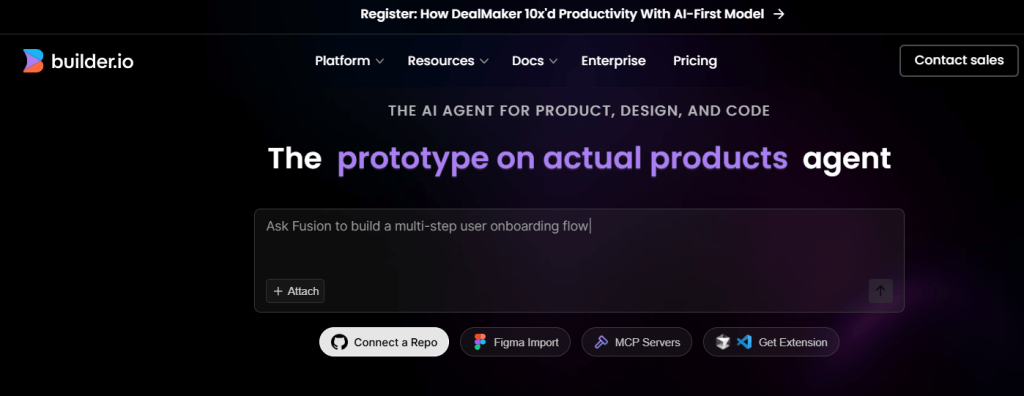
Builder (often known as Builder.io) is a visual content and page builder with strong developer integration. You design section-based pages in a drag-and-drop UI, and under the hood it can output structured HTML/CSS or framework components (React, etc.). AI features can help generate sections, copy, and layouts.
Best For: Marketing teams and dev teams collaborating on modern front-ends.
Features:
-
Visual WYSIWYG editor for pages and sections
-
AI suggestions for content and layouts
-
Can output clean HTML/CSS or framework code
-
Headless CMS and A/B testing options
Pros:
-
Strong bridge between marketing and engineering
-
Reusable components and design systems
-
Production-oriented output
Cons:
-
Overkill for a single simple landing page
-
More valuable when integrated into a dev workflow
Pricing: Free or trial tier available; paid plans unlock advanced features, collaboration, and higher limits.
6. Appy Pie Website Builder
Review:
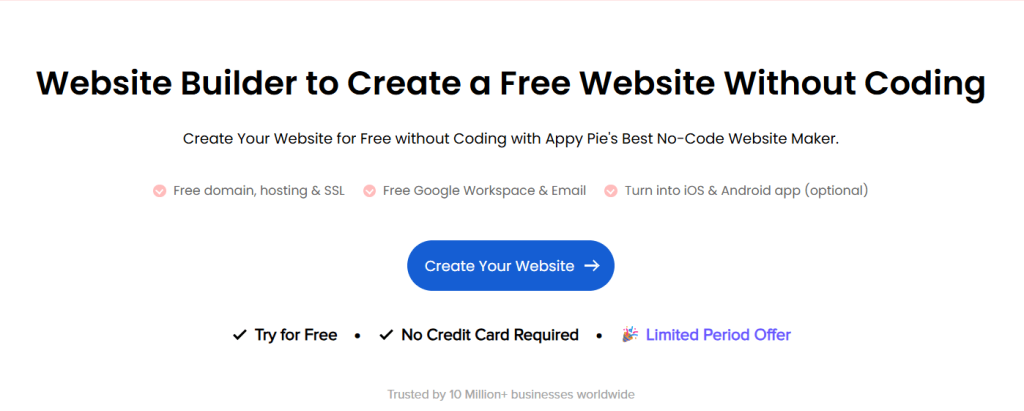
Appy Pie’s website builder uses AI to help non-technical users quickly spin up mobile-friendly sites. It’s no-code and focuses on easy setup. While you mostly work in a visual editor, you can still get HTML/CSS out of it if you need more control later.
Best For: Beginners and small businesses who want “click-to-build” websites.
Features:
-
Drag-and-drop editor
-
AI-assisted layout and content suggestions
-
Mobile-first responsive design
-
Under-the-hood HTML/CSS structure
Pros:
-
Very easy onboarding
-
Good for simple business sites and landing pages
-
No coding experience required
Cons:
-
Limited flexibility compared to dev-centric tools
-
Raw HTML is less central to the workflow
Pricing: Has a free or low-cost entry tier; higher-tier plans add more features, domains, and support.
7. ZYRO

Review:
ZYRO is a lightweight AI website builder geared toward small sites and landing pages. It offers AI-assisted layout building and content generation. While it’s mostly aimed at “just publish your site,” developers can still access or migrate the underlying HTML/CSS if they want to customize further.
Best For: Simple business sites, portfolios, and landing pages.
Features:
-
AI layout and section generation
-
AI copy suggestions for headlines and body text
-
Basic SEO and performance optimization
-
Responsive templates
Pros:
-
Very quick to get a clean, modern site live
-
Good for non-technical founders and freelancers
-
Minimal, performance-friendly designs
Cons:
-
Less suited for complex web apps or custom UX
-
Access to raw code can be more limited vs. dev tools
Pricing: Typically offers inexpensive plans with a trial or promo; exact tiers vary by region.
8. Webflow
Review:
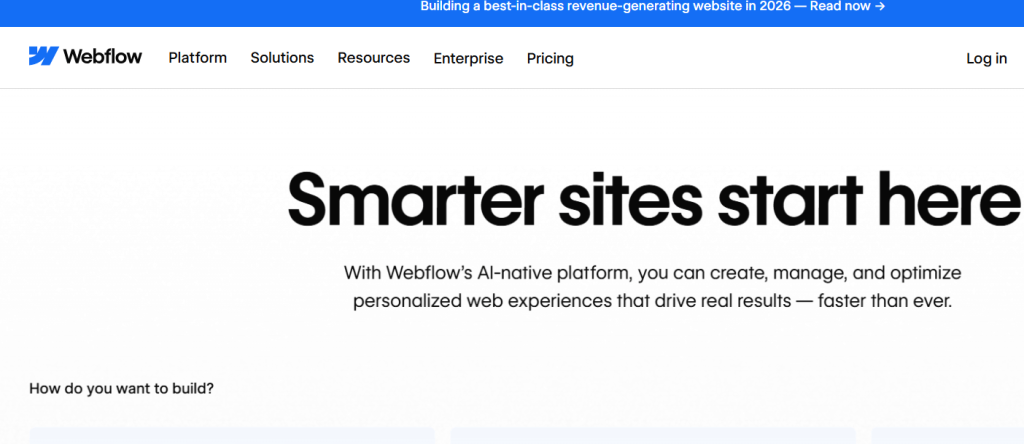
Webflow is a professional-grade visual front-end builder that outputs clean HTML, CSS, and JavaScript. While its AI features are often brought in via assistants and add-ons, Webflow itself is still one of the best ways to design visually and then export production-ready markup without hand-coding everything.
Best For: Designers, agencies, and advanced users who want both control and visuals.
Features:
-
Pixel-precise visual designer
-
Automatic responsive layouts
-
Semantic HTML/CSS export
-
CMS and interactions/animations
Pros:
-
Exports high-quality front-end code
-
Ideal for complex marketing sites and landing pages
-
Strong ecosystem and community
Cons:
-
Steeper learning curve than “basic” builders
-
AI features often rely on third-party helpers or workflows
Pricing: Free plan for basic projects; paid plans for hosting, CMS, and advanced features.
9. Locofy.ai
Review:
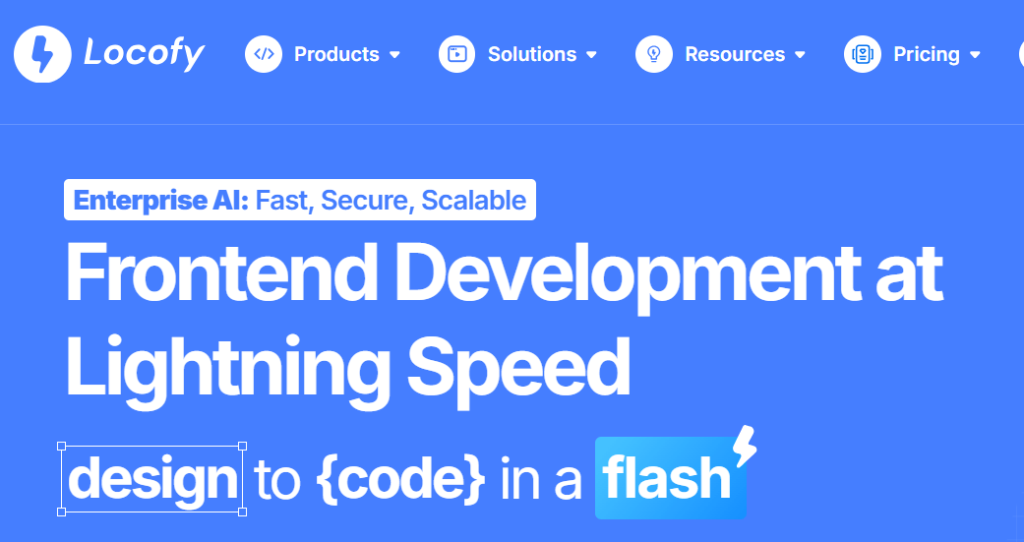
Locofy.ai turns Figma and design files into HTML/CSS, React, or Next.js code with AI assistance. Designers build in Figma, then use Locofy.ai to annotate components and generate production-ready front-end code. It’s ideal for teams where designers and developers need a smooth hand-off.
Best For: Product teams turning designs into real front-end code quickly.
Features:
-
Figma/Adobe XD to code conversion
-
AI-assisted responsive behavior and component mapping
-
Exports HTML/CSS and modern framework code
-
Supports design tokens and component hierarchies
Pros:
-
Huge time saver in design → dev handoff
-
Maintains design fidelity while generating usable code
-
Great for React/Next.js front-ends
Cons:
-
Requires solid design setup and naming in Figma for best results
-
Generated code often still benefits from manual cleanup
Pricing: Free tier for small projects; paid tiers unlock higher limits and team features.
10. DivMagic
Review:
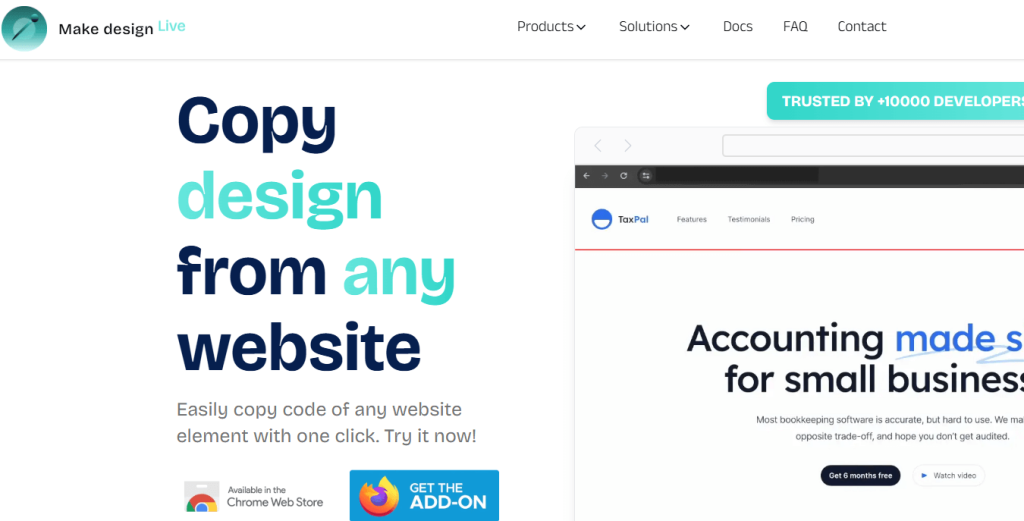
DivMagic is a browser extension aimed at frontend developers. It lets you click on an element in a live website and instantly copy the corresponding HTML and CSS (often with utility classes like Tailwind). It’s like an AI-boosted inspector that turns existing layouts into reusable code.
Best For: Frontend devs reverse-engineering layouts or building design systems.
Features:
-
One-click capture of HTML/CSS for any element
-
Support for utility-class frameworks like Tailwind
-
Handy snippet management
Pros:
-
Super fast to grab patterns from live sites
-
Great for learning and prototyping
-
Integrates smoothly with dev workflows
Cons:
-
Browser-based; not a full builder on its own
-
Limited or no JavaScript logic export
Pricing: Free version with limits; affordable Pro tier for higher usage and extra features.
How to Choose the Best HTML Code Generator AI
When selecting the right AI HTML code generator, consider:
- Technical Skill: Choose a no-code builder (like Durable or Appy Pie) if you’re a beginner.
- Output Quality: Developers should prefer tools like TeleportHQ, Codeium, or Webflow for cleaner HTML.
- Use Case: Sketch-to-HTML? Text-to-code? Live site reverse engineering?
- Budget: Many tools offer solid free tiers; Pro plans offer export or advanced AI features.
- Customization: Look for export options and editable code if flexibility matters.
Conclusion
AI-powered HTML code generators are revolutionizing how we build the web. Whether you’re designing a landing page, prototyping a startup MVP, or reverse-engineering a layout, these tools deliver efficiency, quality, and flexibility.
The best part? You don’t need to write every line of code by hand anymore. With tools like TeleportHQ, Durable, and Uizard, the future of AI HTML generation is already here—and accessible to everyone.
FAQs
What is the best free AI HTML code generator?
TeleportHQ and Codeium offer excellent HTML code generation features for free.
Can AI write HTML code?
Yes, tools like Codeium and Tabnine generate accurate HTML code using AI-based autocomplete and natural language prompts.
Is there an AI that converts image to HTML?
Yes, TeleportHQ and Uizard can convert images, sketches, or designs into HTML using AI.
Are there free HTML code generators online?
Absolutely—Durable, Codeium, and DivMagic all provide free HTML code generator online options.
Can I export HTML and CSS from these tools?
Yes, most tools like Builder.io, TeleportHQ, and Webflow offer HTML/CSS export features—sometimes in paid plans.

