

In today’s fast-paced digital world, audio and video content is being generated at an unprecedented rate. Whether you’re a podcaster, journalist, content creator, or business professional, converting speech to text has become essential for accessibility, editing, and content repurposing. Fortunately, the best AI tools for transcription are more accurate, affordable, and user-friendly than ever before.
In this guide, we’ll explore the top 10 best audio transcription tools available in 2025. We’ll review each tool in detail, covering features, pros, cons, pricing, and ideal use cases. Whether you’re looking for the best free AI transcription tools or premium solutions used by journalists, we’ve got you covered.
What are Transcription Tools?
Transcription tools convert spoken language from audio or video into written text. Powered by artificial intelligence, modern transcription software can analyze voice data with high accuracy, recognize different speakers, and even translate text.
Benefits of AI Transcription Tools
- Time-saving: Quickly convert hours of audio into readable text.
- Cost-effective: Reduces the need for manual transcription services.
- Searchable content: Makes audio content indexable and searchable.
- Accessibility: Supports hearing-impaired users with real-time captions.
- Improved productivity: Useful for meetings, interviews, lectures, and podcasts.
Top 10 Best AI Transcription Tools
-
Otter.ai
-
Verbit
-
Trint
-
Sonix
-
Temi
-
Rev
-
Scribie
-
HappyScribe
-
Speak Ai
-
Fireflies.ai
Comparison Table
| Tool | Best For | Free Plan | Speaker ID | Languages | Price (Starting) |
|---|---|---|---|---|---|
| Otter.ai | Meetings & teams | Yes | Yes | Mainly English | From ~$8.33/month |
| Verbit | Enterprise & accessibility | Trial | Yes | Many (ASR + human) | Self-service from $24–29/mo; custom enterprise |
| Trint | Media & journalism | No | Yes | 30+ | From ~$48/month (legacy info from your draft) |
| Sonix | Multilingual & global teams | Yes | Yes | 40+ | From ~$10/hour |
| Temi | Budget users | No | No | English | ~$0.25/min |
| Rev | Human-level accuracy | No | Yes | English (human + AI) | $0.25/min (AI), $1.50/min (human) |
| Scribie | Freelancers & small teams | Yes | Yes | English | From ~$0.80/min (human) |
| HappyScribe | Multilingual & subtitles | Yes (trial) | Yes | 120+ | AI from ~€0.20/min; plans from $9/mo |
| Speak Ai | Research & analytics | Yes | Yes | 70+ | From ~$29/month |
| Fireflies.ai | Meeting notes & summaries | Yes | Yes | 100+ | Free; paid from ~$10/month |
1. Otter.ai

Otter.ai is a highly rated AI transcription tool widely used in business environments and academia. Its real-time transcription feature is a game-changer for meetings, lectures, and interviews.
- Best for: Teams, meetings, education
- Features:
- Real-time transcription
- Speaker identification
- Team collaboration features
- Zoom, Google Meet integration
- Pros:
- High accuracy
- Free plan available
- Easy sharing and collaboration
- Cons:
- Limited languages (English only)
- Occasional formatting issues
- Pricing: Free basic plan, paid plans from $10/month
2. Verbit
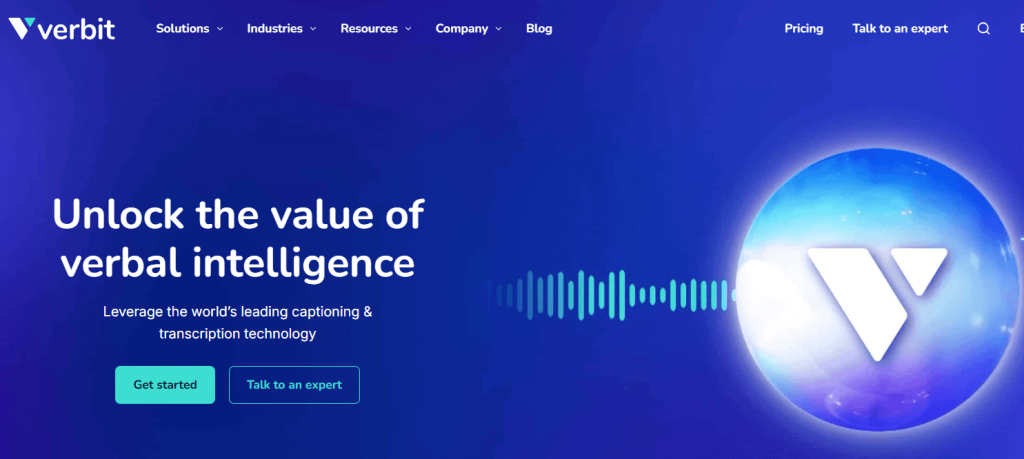
Verbit is an enterprise-grade transcription and captioning platform widely used in education, legal, media, and corporate environments. It combines proprietary AI with a large network of professional transcribers to deliver high-accuracy results and meet accessibility standards.
Best For: Enterprises, universities, legal & media organizations
Key Features:
-
AI + human or human-only transcription and captioning
-
Live captions and transcription for events and classes
-
Translation and subtitle services
-
Integrations with major video platforms and LMS tools
Pros:
-
Very high accuracy with hybrid/human workflows
-
Built to support accessibility compliance (e.g., captions)
-
Scales well for large organizations and high volumes
Cons:
-
Pricing is higher than typical self-serve tools
-
Overkill for casual users or small teams
Pricing: Self-service plan around $24–29/month with ~20 hours included; large deployments can run into five-figure annual contracts depending on usage.
3. Trint

Trint is a powerful transcription platform favored by media professionals and journalists. It supports over 30 languages and offers robust editing tools.
- Best for: Media professionals, journalists
- Features:
- Multi-language support
- Storyboarding tools
- Custom vocabulary
- Pros:
- Accurate speaker separation
- Great for large teams
- Cons:
- No free plan
- Pricey for casual users
- Pricing: Plans start at $48/month
4. Sonix

Sonix is a fast and accurate transcription tool that supports over 40 languages, making it ideal for global teams and researchers.
5. Temi
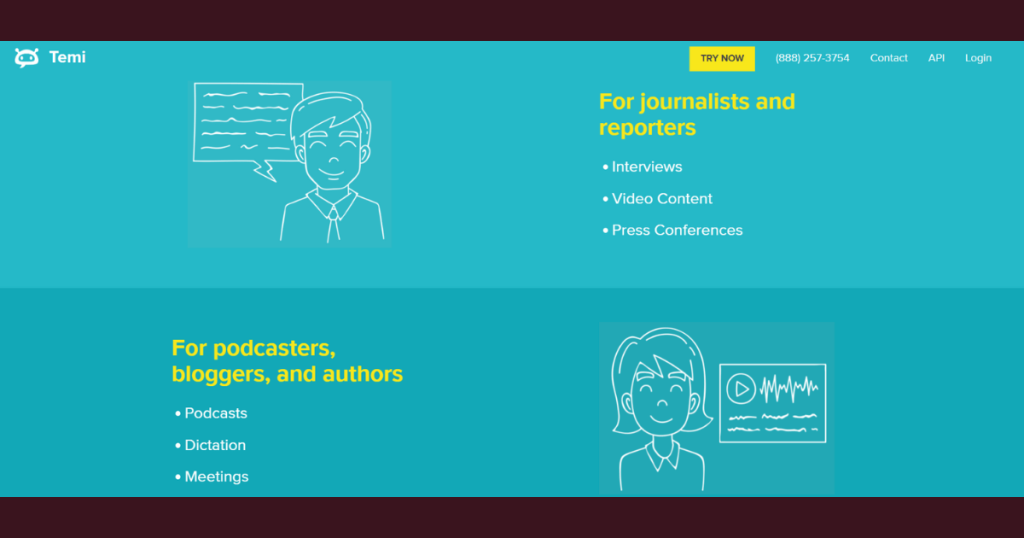
Temi offers a simple and affordable AI transcription service. While it lacks advanced features, it’s a great choice for quick transcripts on a budget.
Best For: Budget-Conscious Users
Features:
-
Fast delivery
-
Basic speaker tracking
-
Timestamping
Pros:
-
Cheap and fast
-
Simple UI
Cons:
-
No speaker identification
-
Lower accuracy than premium tools
Pricing:
$0.25/min
6. Rev

Rev is best known for its hybrid model: automated transcription or human-generated for high accuracy. Ideal for legal and media work.
Best For: Legal, Media, and Accuracy-Focused Users
Features:
-
Human + AI transcription
-
99% accurate human service
-
Integration with Zoom
Pros:
-
Extremely accurate
-
Scalable service
Cons:
-
Expensive for large volumes
Pricing:
-
$1.50/min (Human)
-
$0.25/min (AI)
7. Scribie

Scribie provides manual and automatic transcription services. It’s well-suited for freelancers and small businesses looking for affordable accuracy.
Best For: Freelancers and Small Teams
Features:
-
Manual and automated options
-
Transcript editor
-
Speaker turn detection
Pros:
-
Affordable manual option
-
Good accuracy
Cons:
-
Slower turnaround (manual service)
Pricing:
Starts at $0.80/min
8. Happy Scribe

Happy Scribe supports over 120 languages and is designed for international users and academic research.
- Best for: Multilingual users, researchers
- Features:
- Subtitle generator
- API access
- Customizable formatting
- Pros:
- Broad language coverage
- Export in multiple formats
- Cons:
- No free plan
- Pricing: From €12/hour
9. Speak Ai

Speak Ai integrates transcription with sentiment analysis and data visualization, making it ideal for researchers and marketers.
Best For: Research and Data Analysis
Features:
-
NLP-based sentiment analysis
-
Audio and video transcription
-
Word clouds and analytical insights
Pros:
-
Strong analytical capabilities
-
Ideal for research and presentations
Cons:
-
Interface may feel slightly technical
Pricing:
Starts at $29/month
10. Fireflies.ai

Fireflies.ai is an AI meeting assistant and notetaker that automatically joins your meetings, records them, transcribes the audio, and generates AI summaries, action items, and analytics.
Best For: Teams that live in Zoom/Meet/Teams and want automatic notes
Key Features:
-
Automatic meeting recording and transcription
-
Speaker recognition and talk-time analytics
-
AI summaries, action items, and topic breakdowns
-
Integrations with Zoom, Google Meet, Teams, and CRMs
Pros:
-
“Set it and forget it” meeting transcription
-
Great overviews of who spoke, for how long, and what was decided
-
Strong free tier for individuals starting out
Cons:
-
Designed around meetings more than uploads-only workflows
-
“Unlimited” usage is subject to fair-use limits and storage caps on some plans
Pricing:
-
Free plan with unlimited transcription* and limited summaries; 800 minutes storage/seat
-
Paid plans from about $10/user/month (Pro), $19 and $39 for higher tiers on annual billing.
How to Choose the Best Podcast AI Tools
When choosing the best podcast transcription tool, consider:
- Accuracy: Choose tools like Rev or Descript for cleaner transcripts.
- Editing Tools: Descript offers editing directly from transcripts.
- Language Support: Sonix and Happy Scribe support multiple languages.
- Budget: Temi and Scribie offer affordable plans.
- Workflow Integration: Look for Zoom, Google Meet, or Word integration.
- Analytics: Speak Ai provides sentiment and keyword analysis.
Conclusion
The rise of AI has revolutionized transcription, making it faster, more accurate, and more accessible than ever. Whether you’re looking for the best free AI transcription tools or advanced solutions for professional use, this list offers a suitable option for every need. From Otter.ai to Microsoft Word Transcribe, these tools can help streamline your workflow, enhance accessibility, and unlock the full potential of your audio content.
FAQs
What is the best free AI transcription tool?
Otter.ai offers one of the best free plans with real-time transcription and collaboration tools.
Can I transcribe YouTube videos for free?
Yes, tools like Descript and Happy Scribe allow YouTube video uploads for transcription.
What is the most accurate transcription software?
Rev’s human transcription service is known for its 99% accuracy rate.
Are there transcription tools for multiple languages?
Yes, Sonix and Happy Scribe support over 40 and 120 languages respectively.
Does Microsoft Word have transcription features?
Yes, Microsoft 365 users can use the “Transcribe” feature within Word online.

