

In today’s digital world, everyone loves a great photo—but not every photo is perfect out of the box. Whether you’re dealing with low-resolution images, blurry portraits, or old, faded memories, AI-powered photo enhancement tools have become the game-changer you need to turn your photos into stunning works of art. With AI technology, you can quickly improve image quality, enhance resolution, and restore detail in photos with little effort. Even if you don’t have professional editing skills, these free tools can make your photos look high-quality and polished. Whether you’re a professional photographer, a social media influencer, or just someone who enjoys capturing memories, these tools will help you create images worth sharing! In this article, we’ll review the 17 best free AI photo enhancement tools you need to try in 2025. From restoring blurry photos to increasing image resolution, these tools are perfect for any photo editing need.
What Are AI Photo Enhancement Tools?
AI photo enhancement tools are designed to improve the quality of images using artificial intelligence algorithms. These tools analyze the image and automatically correct issues like poor resolution, noise, and blurred details, often providing results that would normally take a skilled photo editor hours to complete. With features like upscaling, noise reduction, color correction, and portrait enhancement, these tools make it possible for anyone to create stunning images quickly.
Benefits of Using AI Photo Enhancement Tools
- Save Time: Automatically enhance photos with just a click, without needing manual edits.
- Professional Results: Get high-quality, detailed images without graphic design skills.
- Restores Old Photos: Perfect for restoring faded or damaged photos with minimal effort.
- Free or Affordable: Many tools offer free plans, making them accessible for everyone.
- User-Friendly: Most AI tools are designed to be simple, requiring little to no experience in photo editing.
Top 17 AI Tools to Enhance Photos
- Remini – AI Photo Enhancer
- Fotor
- Adobe
- Topaz Labs
- Luminar Neo
- Let’s Enhance
- PhotoAiD
- waifu2x
- Deep-Image.ai
- Vanceai
- HitPaw
- PhotoRoom
- BeFunky
- PHOTO EDITOR
- Image Colorizer
- Upscayl
- YouCam Apps
Comparison Table: Top AI Photo Enhancement Tools
| Tool | Best For | Free Plan | Image Upscaling | Noise Reduction | Portrait Enhancement | Mobile App | Notes / Pricing* |
|---|---|---|---|---|---|---|---|
| Remini – AI Photo Enhancer | Restoring low-res & old photos | ✅ | ✅ (up to 2x+) | ✅ | ✅ | ✅ | Free with limited uses, weekly/monthly subs |
| Fotor | Fast online AI edits | ✅ | ✅ (AI upscaler) | ✅ | ✅ | ✅ | Free, Pro from ~US$3.99/mo+ |
| Adobe (Photoshop, etc.) | Advanced, pro-level photo editing | ❌ (trial) | ✅ | ✅ | ✅ | ✅ | Free trial; Creative Cloud subscription |
| Topaz Labs | Photographers needing noise & detail tools | ❌ (trials) | ✅ (Gigapixel) | ✅ (DeNoise) | ⚪ | ⚪ | Per-app licenses (Photo AI, DeNoise, etc.) |
| Luminar Neo | Creative portraits & landscapes | ❌ (trial) | ✅ | ✅ | ✅ | ✅ (mobile) | One-time license / subscription |
| Let’s Enhance | High-quality resolution & print prep | ✅ | ✅ (2x–16x) | ✅ | ⚪ | ⚪ | Free credits, paid from ~US$9/mo |
| PhotoAiD | ID/passport photos & basic enhancement | ✅ | ✅ | ⚪ | ⚪ | ✅ | Free previews, paid for compliant downloads |
| waifu2x | Anime art & illustration enhancement | ✅ | ✅ | ✅ | ❌ | ⚪ | Completely free |
| Deep-Image.ai | eCommerce & product photo upscaling | ✅ | ✅ (up to 16x) | ✅ | ⚪ | ⚪ | Free tier, credits from ~US$9 |
| Vanceai (VanceAI) | General all-in-one enhancement | ✅ | ✅ (up to 40x) | ✅ | ✅ | ⚪ | Free credits, paid plans available |
| HitPaw | Easy AI upscaling & photo repair | ✅ | ✅ (up to 8x+) | ✅ | ✅ | ✅ | Free online tools + desktop licenses |
| PhotoRoom | Product photos & background removal | ✅ | ⚪ | ⚪ | ⚪ | ✅ | Free basic, paid for HD and batch |
| BeFunky | Lifestyle edits, collages & social content | ✅ | ✅ | ✅ | ✅ | ✅ | Free, premium from ~US$9.99/mo |
| PHOTO EDITOR | Simple in-browser basic photo fixes | ✅ | ⚪ | ⚪ | ⚪ | ⚪ | Usually free / freemium (generic category) |
| Image Colorizer | Colorizing old black-and-white photos | ✅ | ✅ | ⚪ | ⚪ | ✅ | Free with watermark; paid tiers |
| Upscayl | Open-source desktop AI upscaling | ✅ | ✅ | ⚪ | ⚪ | ⚪ | 100% free & open source |
| YouCam Apps | Selfies, portraits & beauty retouching | ✅ | ⚪ | ✅ | ✅ | ✅ | Free with in-app purchases |
Top 17 AI Tools to Enhance Photos Reviews
1. Remini
Review: Remini is one of the top AI tools for enhancing old, blurry, or low-resolution photos. This app is perfect for restoring facial details in blurry images and can upscale your photos by up to 4x.
Best For: Restoring low-resolution photos and enhancing details
Features:
- Upscales image resolution by up to 4x
- Noise reduction and detail restoration
- Specializes in enhancing facial details
Pros:
- Very easy to use
- Fantastic results for old and low-quality photos
- Free with optional in-app purchases
Cons:
- Limited free usage
- Can be slow with large images
Pricing: Free with in-app purchases for additional features
2. Fotor AI Photo Enhancer
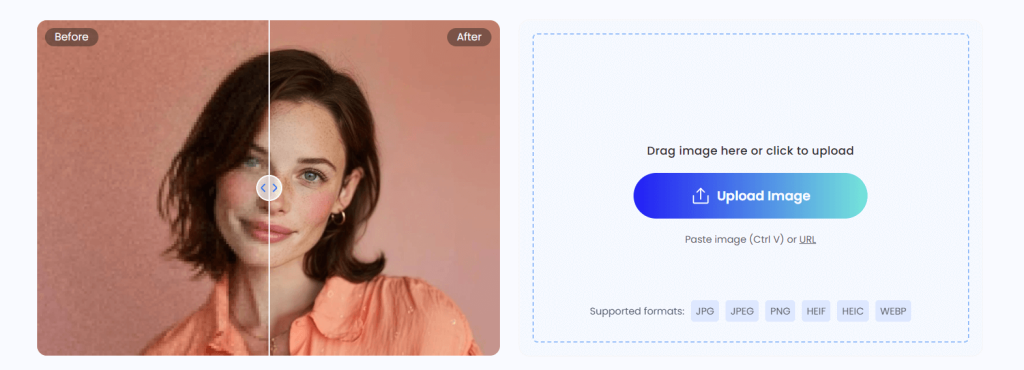
Review: Fotor offers a comprehensive suite of AI-powered tools for photo editing, from automatic enhancement to portrait retouching. It’s an excellent option for those who want quick fixes and professional-grade results.
Best For: Quick AI-powered photo edits
Features:
- AI auto-enhance for various types of images
- Background blurring
- Facial retouching and sharpening
Pros:
- Multiple AI-powered tools for editing
- Easy interface
- Free and premium versions available
Cons:
- Watermarked images for free users
- Some advanced features are locked behind a paywall
Pricing: Free with premium options at $8.99/month
3. Adobe Photoshop (Neural Filters)
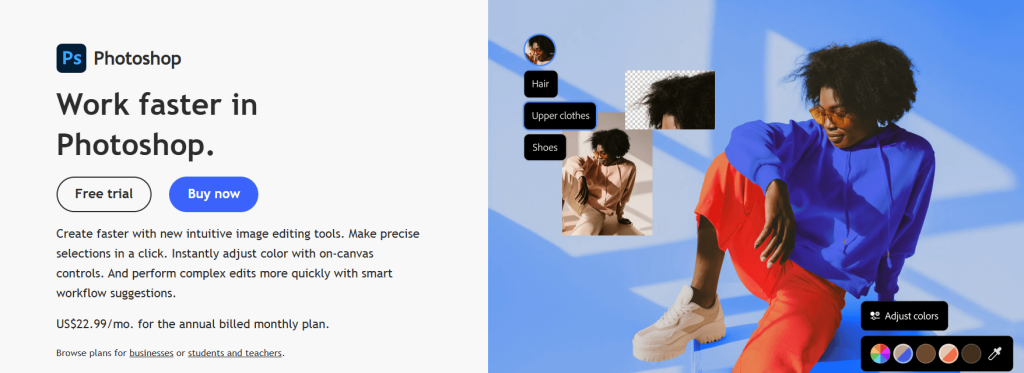
Review: Adobe’s Photoshop is the gold standard in photo editing. With its new Neural Filters, it brings AI enhancements to the world of professional photo editing. Ideal for users who want advanced control over their images.
Best For: Professional photo enhancement with advanced control
Features:
- AI-powered Neural Filters for quick adjustments
- Skin smoothing and detail restoration
- Advanced color grading and photo manipulation
Pros:
- Unmatched editing capabilities
- Full control over photo adjustments
- Trusted by professionals worldwide
Cons:
- Expensive subscription
- Steep learning curve for beginners
Pricing: Free trial available; subscription starting at $20.99/month
4. Topaz DeNoise AI
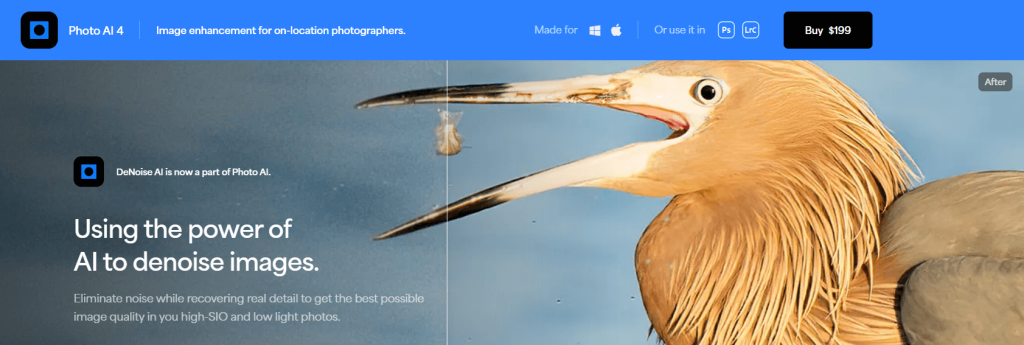
Review: Topaz DeNoise AI specializes in removing noise from photos while retaining sharpness and detail, making it a must-have tool for photographers dealing with low-light images.
Best For: Noise reduction in low-light photos
Features:
- AI noise reduction
- Enhances image sharpness and detail
- Supports upscaling up to 6x
Pros:
- Excellent noise reduction
- Works well with low-light photos
Cons:
- Expensive
- Can be slow for large images
Pricing: Free trial available; full version at $79.99
5. Luminar AI (Skylum)
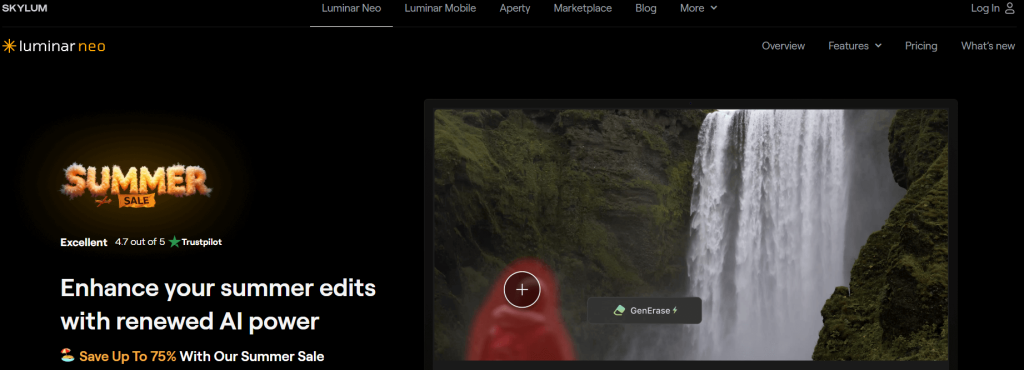
Review: Luminar AI brings AI-driven photo editing to photographers who need creative tools for both portraits and landscapes. It simplifies complex editing tasks like sky replacement and face enhancement.
Best For: Creative portrait and landscape enhancement
Features:
- AI-driven portrait and landscape enhancement
- Sky replacement
- Image sharpening and noise reduction
Pros:
- High-quality results
- Fast editing with intuitive controls
Cons:
- Limited mobile support
- Some features may feel too automated
Pricing: One-time purchase at $79
6. Let’s Enhance
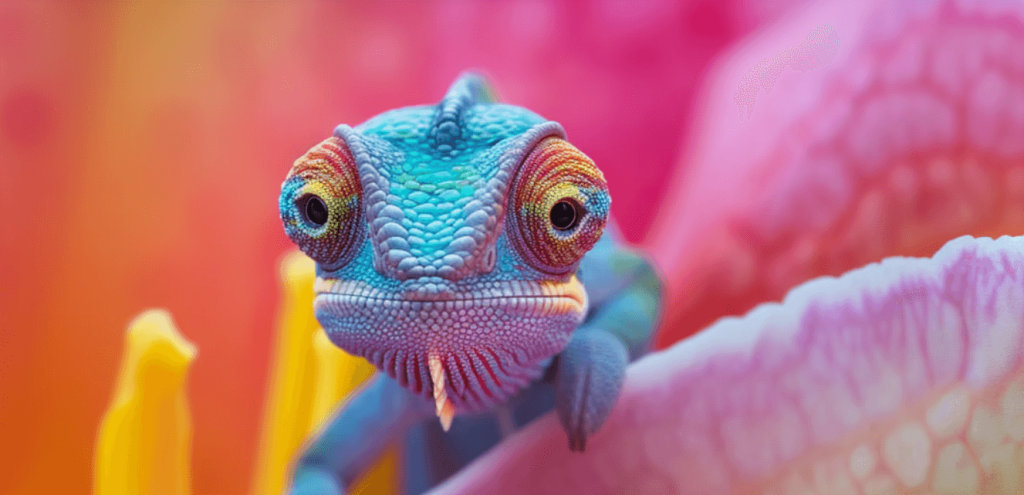
Review: Let’s Enhance is an AI-powered upscaling tool that improves resolution without losing quality. It’s particularly useful for enlarging images for printing or professional use while maintaining clarity.
Best For: Image resolution and sharpness
Features:
-
AI upscaling up to 16x
-
Color, tone, and detail correction
-
Batch processing support
Pros:
-
High-quality upscaling results
-
Simple drag-and-drop interface
-
Free plan available
Cons:
-
Free plan has limited credits
-
No mobile app
Pricing: Free with limits; paid plans from $9/month
7. AI Image Enlarger
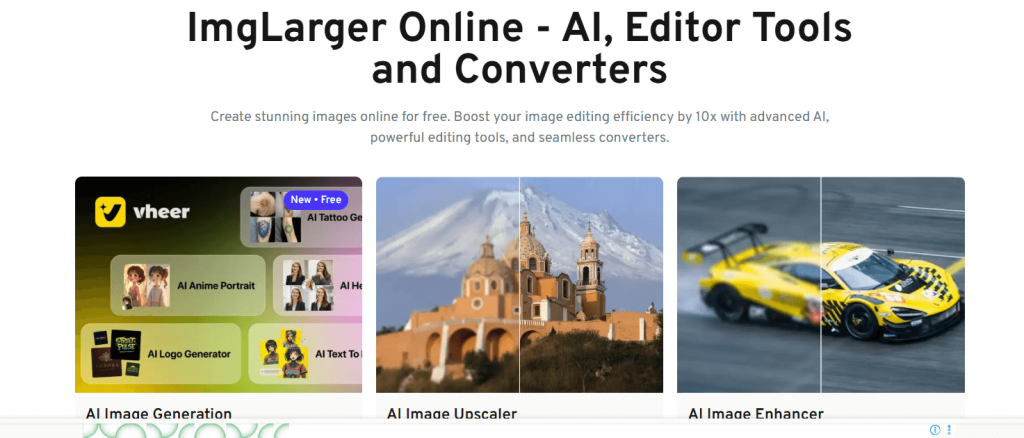
Review: AI Image Enlarger helps increase image resolution without sacrificing quality. It’s ideal for social media images or printing photos at higher resolutions.
Best For: Enlarging low-res photos without quality loss
Features:
-
Upscale photos 2x to 8x
-
Denoise and sharpen filters
-
Web and mobile app support
Pros:
-
Lightweight and easy to use
-
Works well for portraits and illustrations
-
Free version available
Cons:
-
Slower processing for large files
-
Watermarks in free version
Pricing: Free, paid plans available
8. Waifu2x
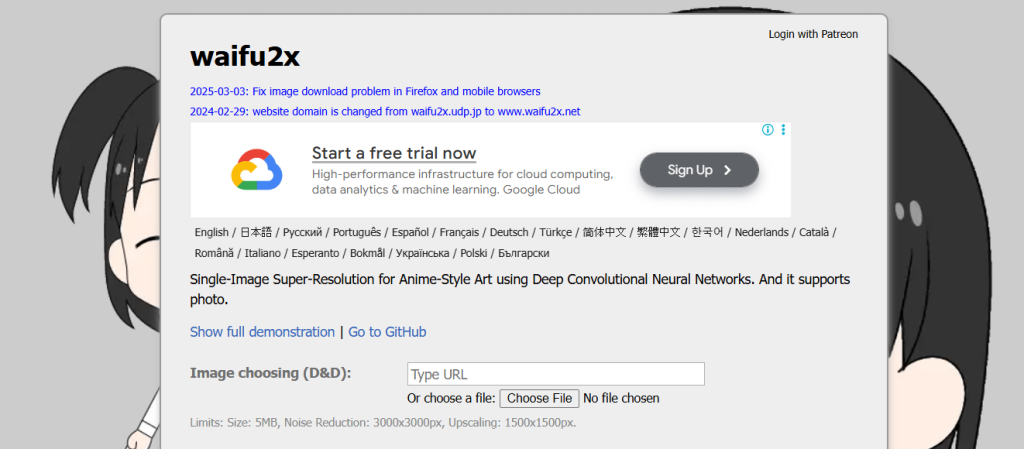
Review: Waifu2x is a specialized AI tool for upscaling anime-style and illustration images. It reduces noise while enlarging the image, making it a favorite among digital artists and anime fans.
Best For: Anime-style image enhancement
Features:
-
AI noise reduction
-
Image upscaling
-
Online and desktop versions
Pros:
-
Free to use
-
Great for cartoons and line art
-
Simple interface
Cons:
-
Not suitable for real-life photography
-
Limited customization options
Pricing: Free
9. DeepAI Image Enhancer
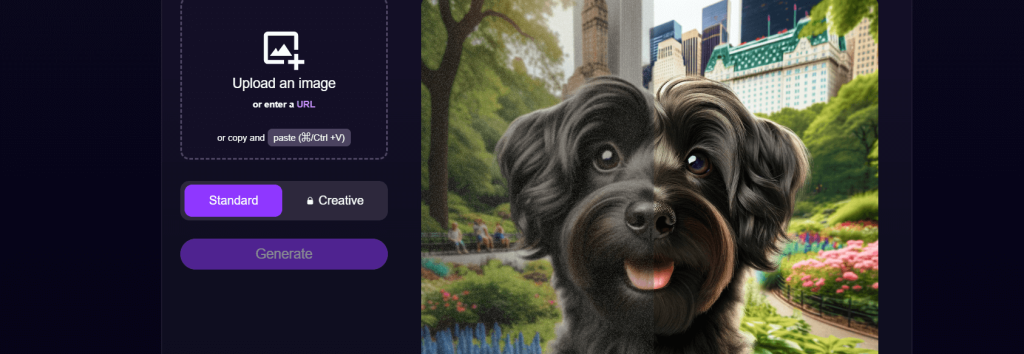
Review: DeepAI offers a no-frills, easy-to-use AI photo enhancer. It improves resolution and sharpness with a single click and is ideal for quick enhancements without any signup.
Best For: Fast AI-driven image enhancements
Features:
-
One-click enhancement
-
API access for developers
-
Resolution and clarity improvements
Pros:
-
Free and fast
-
No installation or login required
-
Developer-friendly API
Cons:
-
No customization options
-
Basic enhancement only
Pricing: Free
10. VanceAI Image Enhancer
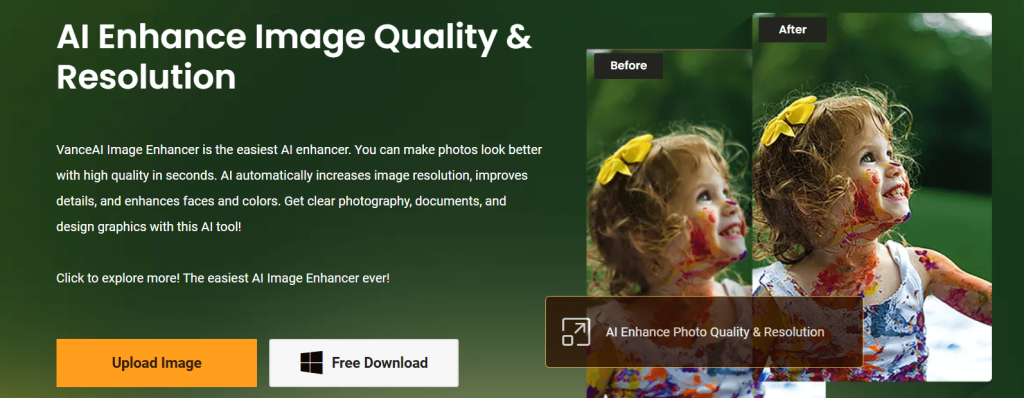
Review: VanceAI offers a powerful all-in-one suite for photo enhancement. It covers everything from image upscaling to face retouching, making it ideal for professionals and casual users alike.
Best For: Comprehensive photo enhancement
Features:
-
AI image upscaling, sharpening, and denoising
-
AI face enhancer
-
Batch processing
Pros:
-
Versatile toolset
-
Good quality results across features
-
Supports mobile and desktop
Cons:
-
Free plan is limited by usage credits
-
Slower speeds on free tier
Pricing: Free with premium plans from $4.95/month
11. HitPaw Photo AI
Review: HitPaw Photo AI focuses on enhancing portraits and selfies. It uses advanced facial recognition to restore and beautify faces, perfect for influencers and photo editors.
Best For: Portrait enhancement
Features:
-
Facial clarity restoration
-
Background noise reduction
-
Auto-enhancement for selfies
Pros:
-
User-friendly interface
-
Great for social media and profile pictures
-
Free version available
Cons:
-
Less effective for landscape or abstract photos
-
Some tools require paid upgrade
Pricing: Free with optional premium
12. PhotoRoom
Review: PhotoRoom is built for product photos, social media content, and branding, with a powerful AI background remover and templates optimized for shops and marketplaces.
Best For: Product photos and clean social media images
Key Features:
-
Instant AI background removal
-
Product-focused templates (storefronts, marketplaces, promos)
-
Batch processing for catalogs (on higher plans)
Pros:
-
Perfect for eCommerce, resellers, and brand visuals
-
Very easy to use via web or mobile app
Cons:
-
Not a general-purpose enhancer for noise/old photos
-
HD exports and batch require paid plans
13. BeFunky AI Toolkit
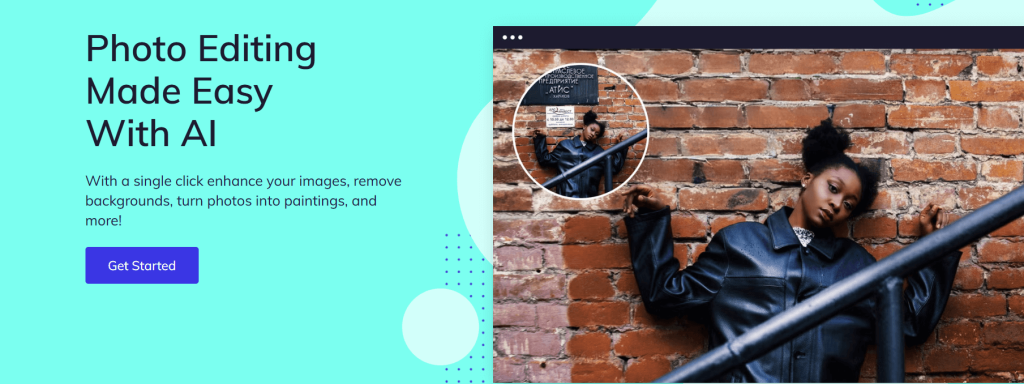
Review: BeFunky combines traditional editing tools with AI features like auto-enhance and background removal. Its user-friendly interface makes it ideal for lifestyle and creative projects.
Best For: Collages and creative lifestyle content
Features:
-
One-click AI enhance
-
Portrait touch-up and cartoonizer
-
Collage builder and design templates
Pros:
-
Perfect for bloggers and casual users
-
Mobile and web apps
-
Free version with strong features
Cons:
-
Ads in free version
-
Not suitable for large image processing
Pricing: Free, premium from $9.99/month
14. Enhance.Pho.to
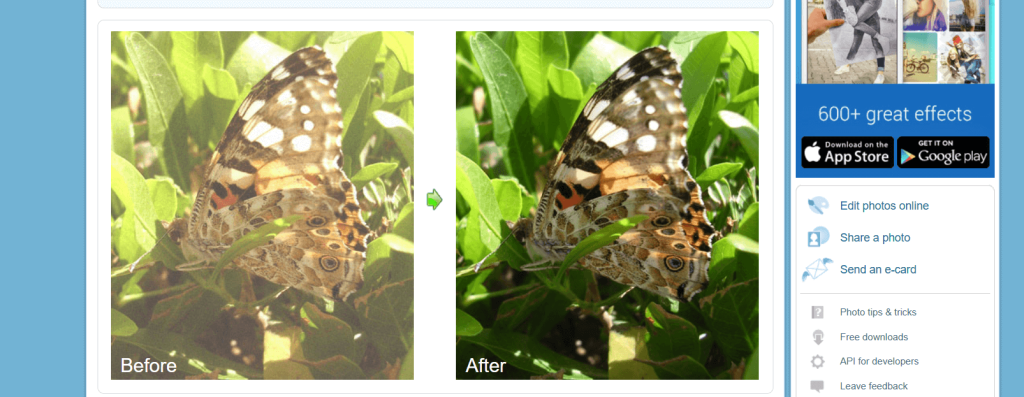
Review: Enhance.Pho.to is a quick and free web-based AI tool for simple photo fixes. It’s great for quick image improvement without technical knowledge.
Best For: Simple automatic photo fixes
Features:
-
Auto lighting and contrast correction
-
Skin smoothing and red-eye removal
-
Temperature and sharpness tuning
Pros:
-
100% free to use
-
No registration needed
-
Great for beginners
Cons:
-
Outdated UI
-
Limited resolution support
Pricing: Free
15. ImageColorizer
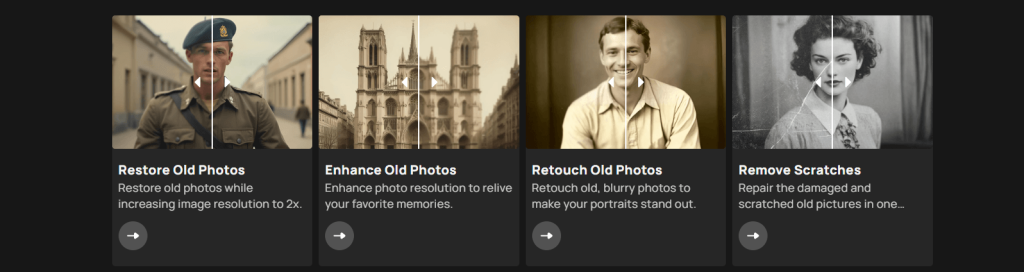
Review: ImageColorizer uses AI to restore and colorize black-and-white or old damaged photos. It’s a powerful tool for preserving memories and bringing old images to life.
Best For: Colorizing old black-and-white photos
Features:
-
B&W photo colorization
-
Photo repair and enhancement
-
Batch processing support
Pros:
-
Impressive colorization results
-
Easy to use for non-experts
-
Mobile app available
Cons:
-
Free version includes watermark
-
Slight delays for processing
Pricing: Free with watermark, premium available
16. Upscayl
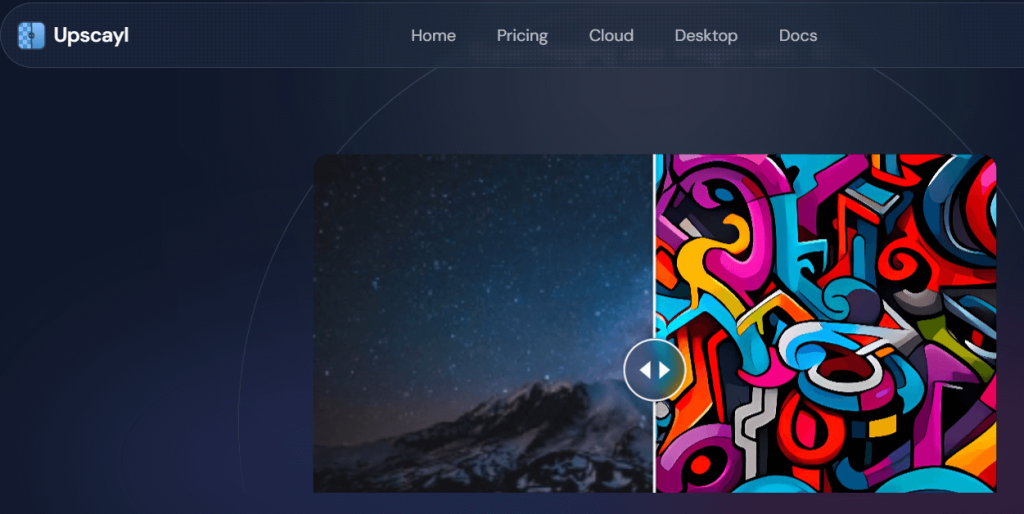
Review: Upscayl is a free, open-source AI image upscaler you can run on your computer (and now in the cloud). It’s great if you want powerful upscaling with full control and no subscriptions.
Best For: Tech-savvy users who want a free desktop upscaler
Key Features:
-
AI upscaling for low-res images
-
Runs locally on Windows, macOS, and Linux
-
Multiple upscaling models and options
Pros:
-
100% free and open source
-
No upload limits or recurring fees
Cons:
-
Desktop install required
-
Interface is simple but slightly more technical than web-only tools
17. YouCam Perfect
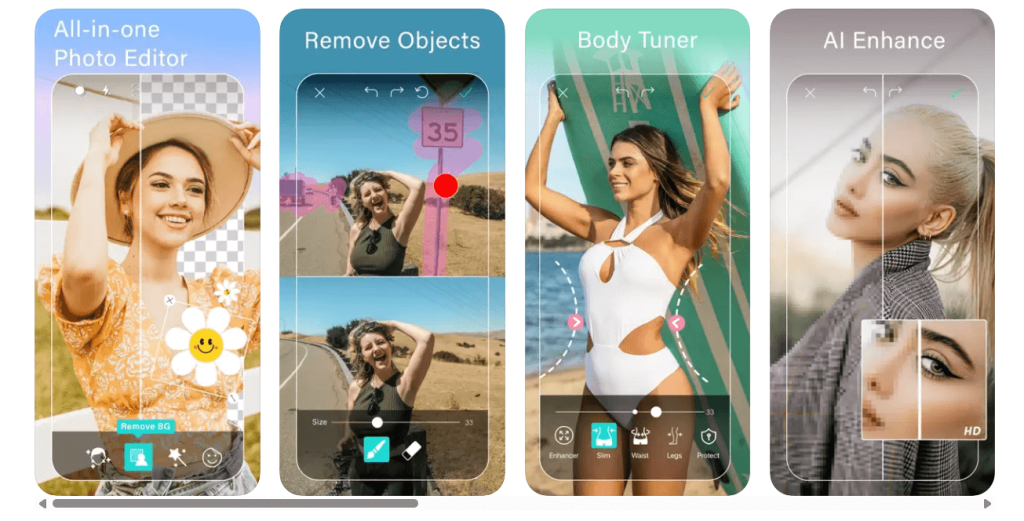
Review: YouCam Perfect is a mobile-friendly app designed for selfies and social media enhancement. It comes packed with beautification tools, filters, and retouching features.
Best For: Selfie and portrait enhancement
Features:
-
AI skin smoothing, eye brightening
-
Object remover
-
Collage and filter features
Pros:
-
Great mobile experience
-
Ideal for content creators and influencers
-
Free with in-app upgrades
Cons:
-
Best suited for personal photos only
-
Watermarks in free version
Pricing: Free, with in-app purchases
How to Choose the Best AI Photo Enhance Tool
When selecting an AI photo enhancer, consider:
-
Ease of Use: Go for tools that match your editing skills—simple for beginners, more advanced for professionals.
-
Key Features: Do you need upscaling, facial retouching, or colorizing? Focus on tools that meet those needs.
-
Pricing Model: Many tools offer free versions, but check what’s included before committing to premium plans.
-
Quality and Speed: The best tools strike a balance between fast processing and high-quality results.
Conclusion
AI photo enhancement tools are revolutionizing how we create and share images. Whether you’re revitalizing old photos, improving clarity, or simply enhancing a selfie, these 17 tools offer the perfect solution for anyone—from amateurs to professionals.
With a growing number of free and affordable options, it’s never been easier to produce high-quality visuals that stand out. Try a few from this list and see how AI can take your photo editing game to the next level!
What is an AI photo enhancer?
AI photo enhancers use artificial intelligence to automatically improve image quality, enhancing resolution, sharpness, and removing noise.
How do AI photo enhancers work?
These tools analyze images and apply algorithms to improve details, reduce noise, sharpen colors, and enhance overall image quality.
Can AI improve the quality of low-resolution photos?
Yes, AI tools like Let’s Enhance and Remini can upscale low-resolution images and enhance their clarity without pixelation.
Are there free AI photo enhancers?
Yes, many tools, such as DeepAI and Enhance.Pho.to, offer free versions with basic photo enhancement features.
How can I upscale a photo using AI?
AI upscaling tools like AI Image Enlarger and Let’s Enhance can enlarge photos while preserving quality by enhancing their resolution.

